Back to Projects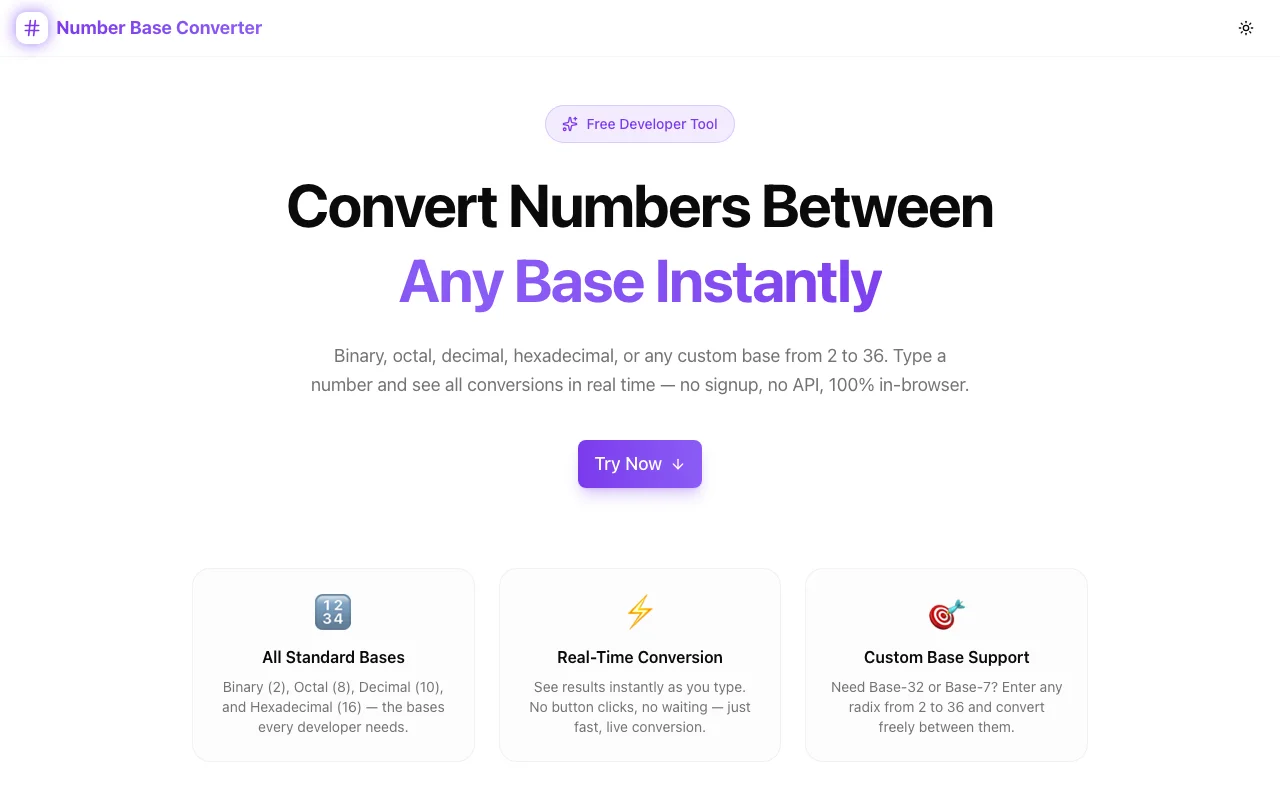
Developer ToolsFeatured
Number Base Converter
A free browser tool to convert any number between binary (base 2), octal (base 8), decimal (base 10), hexadecimal (base 16), and any custom base from 2 to 36. Instant, 100% client-side.
BinaryNumber SystemsDeveloper ToolsBase ConversionNext.jsTypeScript
Start Similar ProjectAbout the Project
Number Base Converter — Convert Between Binary, Octal, Decimal, Hex & More
Number Base Converter is a free, browser-based developer tool that converts any integer between binary, octal, decimal, hexadecimal, and any custom base from 2 to 36. Type a number in any field and every other base updates instantly — no submit button, no page reload, no server.
The Problem
Developers who work with low-level code, networking, cryptography, or embedded systems constantly need to convert numbers between bases. The usual approach — pulling up a calculator, opening a Python REPL, or running a terminal command — breaks focus and takes longer than it should.
For a routine task that happens dozens of times a day, there's no reason to leave the browser.
How It Works
1. Type in Any Base
Enter a number in any of the four standard fields — binary, octal, decimal, or hexadecimal. The moment you type, all other fields update simultaneously.
2. All Outputs Update Instantly
Every conversion is computed client-side in real time using JavaScript's BigInt for arbitrary precision. No server round-trip. No delay.
3. Add Custom Bases
Need base 3? Base 12? Base 32? Click "Add", enter any base between 2 and 36, and a new field appears alongside the standard ones. Custom fields can be added or removed at any time.
4. Copy Any Result
Each field has a copy button. Click it to copy just that value to your clipboard — ready to paste into your code, terminal, or documentation.
Key Features
- Four standard bases — binary (2), octal (8), decimal (10), hexadecimal (16) all shown at once
- Any custom base (2–36) — add extra conversion fields on demand
- BigInt precision — handles integers beyond 32-bit safely
- Real-time conversion — every field updates as you type
- One-click copy — grab any result instantly
- Clear all — reset the entire form with one button
- 100% client-side — your numbers never leave your browser
- No signup required — start converting immediately
Technical Implementation
Core Technologies
- Next.js with App Router
- TypeScript in strict mode
- TailwindCSS for styling
- shadcn/ui for accessible components
- Framer Motion for animations
Architecture
- BigInt-based conversion engine: handles integers up to 2⁵³ − 1 without precision loss
- Validation layer: rejects invalid characters per source base before attempting conversion
- Field state model: each field tracks its own label, base, and value; a single source field drives all conversions
- Custom base fields are dynamically appended to the field list and converted from the current active value
Conversion Logic
function convertFromBase(value: string, fromBase: number): bigint | null {
  const chars = "0123456789abcdefghijklmnopqrstuvwxyz".slice(0, fromBase);
  return [...value.toLowerCase()].reduce((acc, ch) => {
    const digit = parseInt(ch, 36);
    return acc * BigInt(fromBase) + BigInt(digit);
  }, 0n);
}

function convertToBase(num: bigint, toBase: number): string {
  const chars = "0123456789abcdefghijklmnopqrstuvwxyz";
  let result = "";
  let n = num;
  while (n > 0n) {
    result = chars[Number(n % BigInt(toBase))] + result;
    n = n / BigInt(toBase);
  }
  return result || "0";
}
No external libraries. No DOM tricks. Pure arithmetic on BigInt values.
Use Cases
Embedded Systems and Low-Level Programming
You're writing C or assembly and need to convert a decimal memory address to hex, or check a bitmask in binary. Type the decimal value once — all other representations appear immediately.
Networking and IP Addressing
IP addresses, subnet masks, and CIDR notation involve constant conversion between decimal and binary. The Number Base Converter gives you a dedicated workspace instead of reaching for a calculator.
Cryptography and Hash Analysis
Hash values, nonces, and key material are commonly displayed in hex but need decimal or binary for certain operations. Convert in either direction without leaving the browser.
Computer Science Education
Teaching or learning number systems? This tool gives students a live environment to explore how the same integer looks across different bases — instantly, with no setup required.
Custom Base Protocols
Some protocols and encodings use non-standard bases — base 32 (RFC 4648), base 36 (alphanumeric), or custom alphabet schemes. The "Add Custom Base" feature covers them all.
Why Number Base Converter?
vs. System Calculator (Programmer Mode)
- All bases at once — Windows Calculator shows one target at a time; this shows all of them simultaneously
- Browser-based — no OS limitation, works on any device
- Custom bases — system calculators are fixed to 2/8/10/16
- Copy-ready output — one click copies any result
vs. Python / Node REPL
- No terminal — works without a command line
- Instant — no command to type or run
- Visual — all bases visible together, not one output per command
- Custom bases —
int(x, base)andformat(n, 'b')still require a terminal
vs. Other Online Converters
- Custom bases — most online tools are fixed to 2/8/10/16
- BigInt precision — handles large integers without floating-point errors
- Real-time — no submit button, updates as you type
- Privacy — 100% client-side, no data transmitted
Results
Number Base Converter removes friction from a task that developers perform constantly:
- Instant understanding — see the same value in every base at a glance
- No context switching — stay in the browser, stay in flow
- Zero mistakes — computer-computed conversions are always exact
- No friction — no account, no install, no configuration
Try it now: number-base-converter.tools.jagodana.com
The Challenge
The client needed a robust developer tools solution that could scale with their growing user base while maintaining a seamless user experience across all devices.
The Solution
We built a modern application using Binary and Number Systems, focusing on performance, accessibility, and a delightful user experience.
Project Details
Category
Developer Tools
Technologies
Binary,Number Systems,Developer Tools,Base Conversion,Next.js,TypeScript
Date
April 2026
Related Projects
More work in Developer Tools

