Back to Projects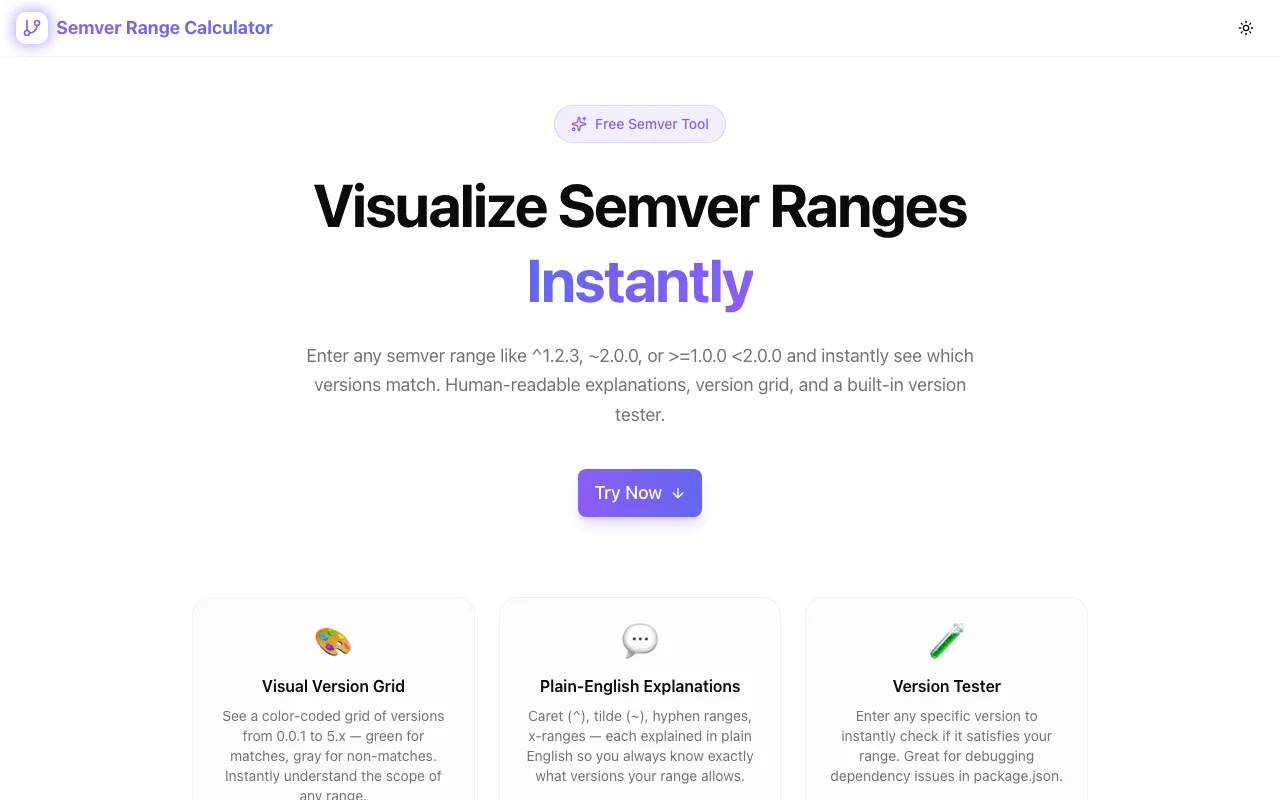
Developer ToolsFeatured
Semver Range Calculator
A developer tool that parses semantic versioning ranges like ^1.2.3 or ~2.0.0 and instantly shows which versions match — interactive visualization, range comparison, and educational breakdowns, all in the browser.
SemvernpmVersion ManagementDeveloper ToolsNext.jsTypeScript
Start Similar ProjectAbout the Project
Semver Range Calculator — Understand npm Version Ranges Instantly
Semver Range Calculator is a free, browser-based developer tool that parses semantic versioning range expressions and shows you exactly which versions they match. Paste ^1.2.3, ~2.0.0, >=1.0.0 <3.0.0, or any complex range — get instant, visual feedback.
The Problem
Every package.json is full of version ranges: ^18.2.0, ~5.3.1, >=2.0.0 || ^3.0.0-beta. Most developers have a rough idea what ^ and ~ mean, but edge cases trip everyone up.
Questions like these come up constantly:
- Does
^0.2.3include0.3.0? (No — major-zero ranges behave differently.) - What's the difference between
~1.2.3and^1.2.3? - Does
>=1.0.0 <2.0.0include pre-releases like2.0.0-alpha.1? - What versions does
1.x || >=2.5.0actually resolve to?
Developers end up on Stack Overflow, re-reading the semver spec, or running npm view to reverse-engineer what their lockfile decided. That's slow and error-prone.
How It Works
1. Interactive Range Input
Type or paste any valid semver range expression. The tool supports the full semver range syntax used by npm and Node.js:
- Caret ranges —
^1.2.3(allows patch and minor updates) - Tilde ranges —
~1.2.3(allows patch updates only) - Comparison operators —
>=1.0.0,<2.0.0,!=1.5.0 - Hyphen ranges —
1.0.0 - 2.0.0 - X-ranges —
1.x,1.2.* - OR combinations —
^1.0.0 || ^2.0.0 - Complex intersections —
>=1.2.0 <1.5.0 || >=2.0.0
2. Real-Time Version Matching
As you type, the tool instantly generates a set of candidate versions and highlights which ones satisfy your range. You see at a glance:
- Which versions are included (green)
- Which versions are excluded (red)
- The boundaries — minimum and maximum satisfying versions
- How pre-release versions are handled
3. Range Explanation
Each parsed range gets a plain-English breakdown: "Matches any version from 1.2.3 up to (but not including) 2.0.0." No need to memorize the semver spec — the tool explains it for you.
Use Cases
Package Maintainers
When publishing a library, you need to specify peerDependencies and engines ranges correctly. The calculator lets you test your range before publishing to make sure it includes (and excludes) exactly the right versions.
CI/CD Pipeline Configuration
Build matrices, Renovate/Dependabot configs, and Dockerfile base image tags all use version constraints. Validate them visually before committing.
Debugging Dependency Conflicts
When npm install reports a version conflict, paste both ranges into the calculator to see where they overlap (or don't). Faster than reading npm's error messages.
Learning Semver
New developers and teams adopting strict versioning can use the tool as an educational reference. Type different ranges and watch how the matching set changes in real time.
Technical Details
- Built with Next.js and TypeScript
- Runs entirely in the browser — no backend, no API calls, no data sent anywhere
- Semver parsing follows the node-semver specification
- Responsive design — works on desktop and mobile
- Deployed via GitHub Actions to Vercel
Who It's For
- Frontend and backend developers managing npm dependencies
- DevOps engineers writing version constraints for CI/CD
- Library authors specifying peer dependency ranges
- Anyone who's ever been confused by
^0.x.ybehavior
Try It
Open semver-range-calculator.tools.jagodana.com, paste a range, and see what matches. No signup, no install, no tracking.
The Challenge
The client needed a robust developer tools solution that could scale with their growing user base while maintaining a seamless user experience across all devices.
The Solution
We built a modern application using Semver and npm, focusing on performance, accessibility, and a delightful user experience.
Project Details
Category
Developer Tools
Technologies
Semver,npm,Version Management,Developer Tools,Next.js,TypeScript
Date
March 2026
Related Projects
More work in Developer Tools

