Back to Projects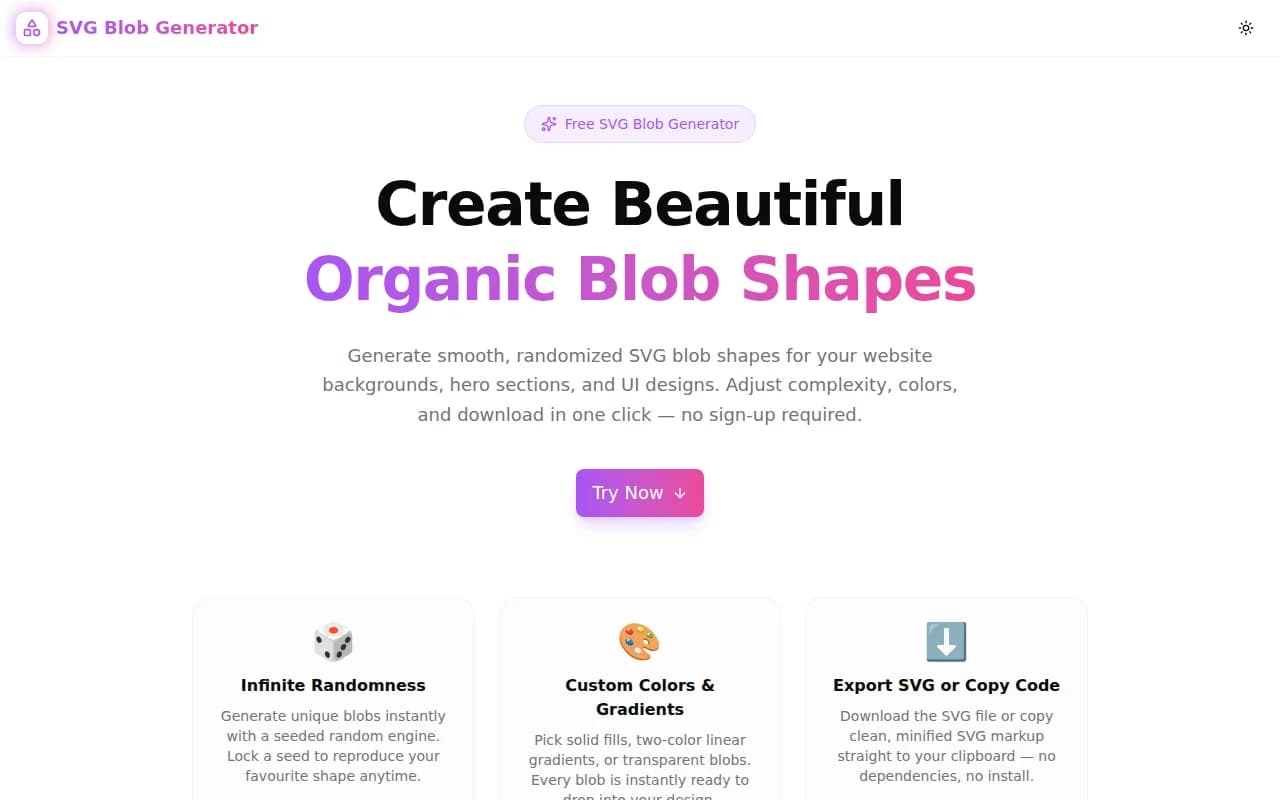
Design ToolsFeatured
SVG Blob Generator
A free browser-based tool to generate smooth, organic SVG blob shapes for website backgrounds, hero sections, and UI illustrations. Adjust complexity, irregularity, colors, and download in one click.
SVGDesign ToolsFrontendCSSNext.jsTypeScript
Start Similar ProjectAbout the Project
SVG Blob Generator — Create Organic Shape SVG Blobs Free
SVG Blob Generator is a free, browser-based tool that creates smooth, organic blob shapes using SVG cubic Bézier curves. Adjust complexity, irregularity, colors, and seed — then download the SVG file or copy the markup directly. No signup, no install, no server round-trips.
The Problem
Blob shapes have become a defining element of modern web design — organic, amoeba-like forms that soften hero sections, wrap behind illustrations, and give landing pages a hand-crafted feel. But creating them from scratch is tedious:
- Figma's vector pen tool requires manual anchor placement and handle tugging
- Online generators produce the same handful of shapes everyone else uses
- Hand-coding SVG
pathdata with cubic Bézier control points is not a practical workflow - Most tools don't expose the seed or parameters, so you can't reproduce or iterate on a shape
The result is that most teams pull from a small set of recycled blobs or spend disproportionate time on what should be a thirty-second task.
How It Works
1. Seeded Random Blob Generation
The generator uses a linear congruential PRNG (seeded) to place anchor points around a circle, then applies Catmull-Rom to Bézier conversion to connect them with smooth cubic curves. The result is a fully smooth, closed path with no sharp corners — regardless of how many points or how much irregularity is applied.
The seed input means every blob is reproducible. Change one slider, generate ten shapes, find one you like, lock the seed, and iterate on color without losing the shape.
2. Complexity Slider
Sets the number of anchor points (3–10). Fewer points produce simple, triangular or teardrop-like blobs. More points create complex, multi-lobed organic shapes with more surface variation.
3. Irregularity Slider
Controls how far each anchor point deviates from a perfect circle — both in angle and in radius. At 0%, the result is a near-ellipse. At 100%, anchor points are spread unevenly and radii vary widely, producing the wild, spiked-but-smooth shapes common in expressive design work.
4. Fill Modes
Three fill options:
- Solid — flat single color, useful for simple decorative blobs or masked backgrounds
- Gradient — two-color linear diagonal gradient, the most commonly used mode for hero section blobs
- Transparent — stroke-only outline, useful for animated blobs or layered compositions
5. Export
- Copy SVG — copies clean, minified SVG markup with correct
viewBox,width, andheightattributes - Download SVG — saves the file as
blob-{seed}.svg, named with the seed for reproducibility - Export Size — four presets: 200, 400, 800, 1200px — controls the
width/heightattributes on the<svg>element (viewBox stays at 100×100 so scaling is lossless)
Key Features
- Seeded RNG — lock any seed to reproduce a shape exactly
- Catmull-Rom smooth curves — no sharp corners, fully organic output
- Complexity control — 3 to 10 anchor points
- Irregularity control — 0% (near-circle) to 100% (organic/wild)
- Three fill modes — solid, gradient, transparent/stroke
- Custom color pickers — hex input + native color picker
- Export size presets — 200×200 to 1200×1200 SVG output
- Copy SVG code — clipboard-ready markup
- Download SVG — named by seed for easy reference
- 100% client-side — nothing leaves your browser
- Dark mode support — full light/dark theme
Technical Implementation
Algorithm
The core blob path generation uses a seeded LCG (linear congruential generator) for reproducibility:
function lcgRand(seed: number): () => number {
  let s = seed >>> 0;
  return () => {
    s = (Math.imul(s, 1664525) + 1013904223) >>> 0;
    return s / 4294967296;
  };
}
For each blob, N anchor points are placed at evenly-spaced angles around a circle center, with random jitter applied to both angle (scaled by irregularity) and radius (within a min/max range):
const angle = i * angleStep + angleJitter;
const r = minR + rand() * (maxR - minR);
pts.push([cx + Math.cos(angle) * r, cy + Math.sin(angle) * r]);
Control points for smooth Bézier curves are derived using the Catmull-Rom formula — for each point, the tangent direction is estimated from its neighbours, and the control point is placed at 1/6 of that tangent vector:
cp1[i] = [
  curr[0] + (next[0] - prev[0]) / 6,
  curr[1] + (next[1] - prev[1]) / 6,
];
This guarantees C1 continuity (smooth tangents) at every anchor point with no numerical artifacts.
Stack
- Next.js with App Router (server components for SEO, client component for interactivity)
- TypeScript strict mode
- Tailwind CSS v4 with OKLCH color tokens
- framer-motion for entrance animations
- shadcn/ui components
- Web Clipboard API for SVG copy
- Blob URL + anchor click for SVG download
- Zero external dependencies for the blob logic
Use Cases
Hero Section Backgrounds
The most common use: a large, softly-colored blob behind a headline, slightly clipped by the viewport edge. Generate a gradient blob at 1200×1200px, position it absolutely behind your hero content, and add a CSS blur for depth.
Illustration Framing
Place a blob shape behind a product screenshot, avatar, or illustration to create a colorful, organic background frame. Much faster than creating an irregular mask in Figma.
Decorative Accent Elements
Small blobs at 200–400px work as decorative elements: floating behind feature cards, scattered in a background pattern, or used as colored callout backgrounds in blog articles.
SVG Animation
The transparent/stroke mode outputs a single <path> element, which can be animated with CSS stroke-dashoffset for a drawing effect, or used with GSAP's MorphSVGPlugin to smoothly morph between two blobs.
Design Tokens and Theming
By locking the seed and changing only the gradient colors, the same blob shape can produce a full set of themed variants — one per brand color — useful for multi-tenant SaaS applications.
Why SVG Blob Generator?
vs. Figma or Sketch
- No design tool required — useful mid-development without context switching
- Reproducible via seed — export the same shape later with different colors
- Direct SVG output — no export/optimize cycle
vs. Other Online Blob Generators
- Seed control — most generators produce a random shape with no way to reproduce it
- Irregularity and complexity as separate axes — most tools conflate these into a single "randomness" slider
- Three fill modes — most tools only offer solid or gradient
- Clean SVG output — correct
viewBox, no inline styles, no proprietary attributes
vs. Hand-Coded SVG
- No Bézier math required — the algorithm handles all control point placement
- Iterate visually — adjust sliders, see the result, no code editing loop
Results
SVG Blob Generator removes the friction between "I want a blob shape" and "I have a blob shape":
- Under 10 seconds from open to SVG in clipboard
- Infinite variety — billions of unique shapes across seed × complexity × irregularity
- Production-ready output — valid SVG, correct attributes, clean markup
- Reproducible — locked seeds make iteration safe
Try it now: svg-blob-generator.tools.jagodana.com
The Challenge
The client needed a robust design tools solution that could scale with their growing user base while maintaining a seamless user experience across all devices.
The Solution
We built a modern application using SVG and Design Tools, focusing on performance, accessibility, and a delightful user experience.
Project Details
Category
Design Tools
Technologies
SVG,Design Tools,Frontend,CSS,Next.js,TypeScript
Date
June 2026
Related Projects
More work in Design Tools