API Rate Limit Calculator: Plan Your API Request Budget Before You Ship
A free tool to calculate API rate limits, throttle delays, burst capacity, and retry strategies. Stop guessing — plan your request budget with real numbers.
API Rate Limit Calculator: Plan Your API Request Budget Before You Ship
If you've ever shipped an integration only to watch it crumble under 429 errors at 2 AM, you know the pain. Rate limits are the most predictable failure mode in API integrations — and yet most teams don't plan for them until something breaks.
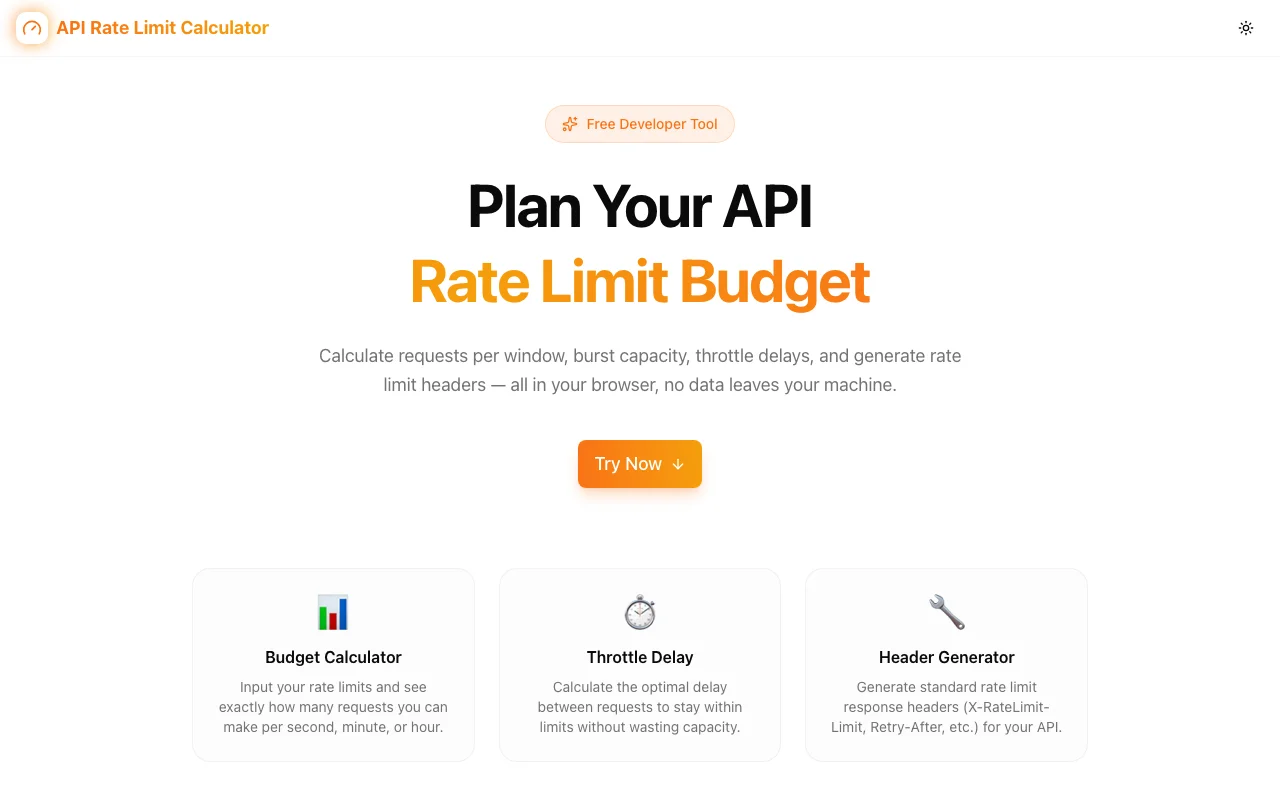
We built the API Rate Limit Calculator to fix that. It's a free, browser-based tool that helps you calculate request budgets, model burst capacity, compute throttle delays, and plan retry strategies — before you write a single line of integration code.
Why Rate Limit Planning Matters
Every major API has limits. GitHub caps authenticated requests at 5,000 per hour. Stripe allows 100 requests per second. OpenAI enforces tokens-per-minute limits that vary by model. Shopify uses a leaky bucket that drains at a fixed rate.
These numbers are easy to find in documentation. What's harder to figure out:
- "Can my batch job finish in time?" — If you need to sync 50,000 records from GitHub, will 5,000 req/hr be enough? How long will it take?
- "What delay should I add between requests?" — Too little and you'll get throttled. Too much and your job takes forever.
- "How much burst headroom do I have?" — Can I fire 200 requests in 10 seconds, then cool down? Or will that trigger throttling immediately?
- "What's my retry strategy after a 429?" — Exponential backoff? Fixed delay? How long before retrying?
These are math problems with known inputs — but developers rarely sit down to solve them upfront. The result: integration failures, wasted API quota, and late-night debugging sessions.
What the Calculator Does
1. Rate Limit Budget Calculator
The core feature. Enter three inputs:
- Requests allowed (e.g., 5,000)
- Time window (e.g., 1 hour)
- Your expected request volume (e.g., 12,000 requests for a batch job)
The calculator instantly returns:
- Normalized rates (requests per second, minute, and hour)
- Time to budget exhaustion at your current pace
- Safe request interval to stay under the limit
- Utilization percentage of your available budget
No unit conversion headaches. No mental math. Just numbers you can use.
2. Throttle Delay Calculator
When you need to pace your requests, this tells you exactly how. Input your limit and desired throughput, and it computes the minimum delay between requests to maximize speed without triggering errors.
This is especially useful for:
- Data migration scripts that need to run as fast as possible
- Webhook processors handling variable load
- ETL pipelines pulling from rate-limited sources
3. Burst Capacity Modeling
Many APIs use token bucket algorithms that allow short bursts above the sustained rate. The burst calculator helps you understand:
- Maximum requests in an initial burst
- Cooldown period before you can burst again
- Effective average throughput when mixing burst and sustained traffic
If you're building a real-time feature that needs occasional fast bursts (like refreshing a dashboard), this tells you exactly what's possible.
4. Popular API Presets
Not sure about your API's exact limits? Choose from presets for the most commonly integrated services:
- GitHub — 5,000 req/hr authenticated, 60 unauthenticated
- Stripe — 100 req/sec in live mode
- OpenAI — Per-model token and request limits
- Twitter/X — Tiered by endpoint and plan
- Shopify — Leaky bucket with restore rates
One click pre-fills all the parameters. Adjust based on your specific plan tier.
5. Visual Timeline
A timeline visualization that shows your request pattern plotted against the rate limit ceiling. You can see at a glance:
- When you'll hit the limit
- Where your burst peaks are
- How much headroom you have
- The safe operating zone
Seeing the numbers as a graph makes it much easier to communicate constraints to non-technical stakeholders.
6. Rate Limit Header Generator
Building an API and need to implement rate limiting yourself? The header generator produces standard-compliant response headers:
X-RateLimit-Limit: 1000
X-RateLimit-Remaining: 847
X-RateLimit-Reset: 1712217600
Retry-After: 30
Copy them directly into your API middleware configuration.
Real-World Scenarios
Scenario: GitHub Data Sync
You need to sync 50,000 repository metadata records from GitHub. With a 5,000 req/hr limit:
- Time to complete: ~10 hours at full speed
- Safe interval: 720ms between requests
- With batching (100 per request): ~500 requests total → done in 6 minutes
The calculator does this math instantly, so you can decide whether to batch, paginate, or request a higher rate limit.
Scenario: Stripe Webhook Processing
Your app receives ~80 Stripe webhooks per second during peak checkout hours. Stripe's API limit is 100 req/sec.
- Utilization: 80% — tight but workable
- Headroom: 20 requests/second for retries and manual API calls
- Risk: A 25% traffic spike would trigger throttling
With these numbers, you know whether to add a queue or request a limit increase.
Scenario: Building Your Own Rate Limiter
You're designing rate limits for your API. You want to allow 1,000 requests per hour with a burst of 50. The calculator helps you:
- Set the token refill rate
- Define the bucket size
- Generate the response headers
- Test that your limits actually make sense for typical usage patterns
Privacy and Trust
The tool runs entirely in your browser:
- No server calls — All calculations are client-side JavaScript
- No data storage — Your API configurations aren't saved anywhere
- No accounts — Start using it immediately
- No tracking — Zero analytics on your input data
Your rate limit configurations often reveal infrastructure details (which APIs you use, your plan tier, your traffic volume). None of that data leaves your browser.
Who It's For
- Backend developers integrating third-party APIs
- API engineers designing rate limits for their own services
- DevOps teams monitoring API consumption across services
- Technical PMs scoping integration projects and estimating timelines
If you touch APIs — consuming them or building them — this tool saves you time and prevents 429-induced headaches.
Try It
The API Rate Limit Calculator is free, requires no sign-up, and works in any modern browser.
Open API Rate Limit Calculator →
Calculate your rate limit budget, plan your retry strategy, and ship integrations that don't break at scale.