Cron Expression Visualizer: Decode & Verify Cron Schedules in Plain English
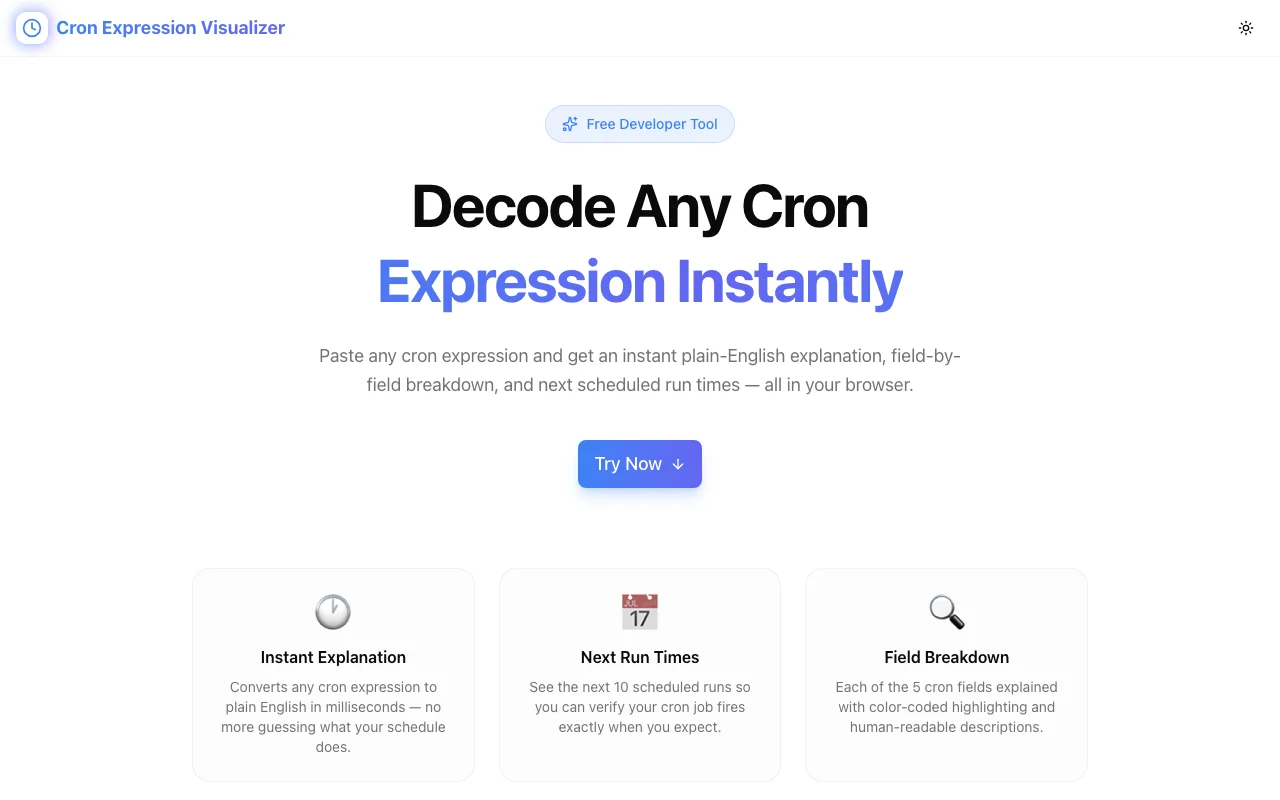
Stop guessing what your cron expressions do. Cron Expression Visualizer translates any cron schedule into plain English instantly—so you can write, verify, and debug cron jobs with confidence.
Cron Expression Visualizer: Decode & Verify Cron Schedules in Plain English
Every developer has written a cron expression that looked correct but silently ran at the wrong time—or not at all. The syntax is compact by design, but that compactness makes it opaque. Is 0 */6 * * * every 6 hours from midnight, or offset by the current hour? Does 0 0 1 * * run on the first of the month or the first day of the week?
Cron Expression Visualizer removes the guesswork. Paste any cron expression, and it instantly translates it into plain English—so you know exactly when your job runs before you deploy it.
The Hidden Cost of Cron Expression Confusion
Cron syntax looks simple. Five fields, some asterisks, a few numbers. But the subtleties compound quickly:
*/5vs5— every 5 minutes vs. only at minute 5- Day-of-week numbering — is Sunday 0 or 7? (It's both, depending on implementation)
- Month indexing — months are 1–12, but this trips people up when coming from 0-indexed languages
- Step values in ranges —
10-30/5means every 5 minutes between 10 and 30, which isn't obvious at a glance L,W,#extensions — some cron implementations support "last day of month" and "nearest weekday" modifiers that aren't standard
The cost of getting it wrong ranges from annoying (a report that runs at 3 AM instead of midnight) to serious (a billing job that runs twice, or a cleanup job that never runs). Production incidents from misconfigured cron jobs are more common than most teams admit.
And even when you know cron syntax well, reading someone else's expression cold—in an unfamiliar codebase or a cloud console at 2 AM—takes real mental effort.
Introducing Cron Expression Visualizer
Cron Expression Visualizer is a free developer utility by Jagodana that decodes any cron expression into plain English instantly.
Here's how it works:
- Paste your cron expression into the input field
- See the plain-English translation appear immediately
- Verify the schedule matches your intent before deploying
No account. No installation. No data sent to a server. It runs entirely in your browser.
Key Features
🔍 Instant Plain-English Decoding
The core feature: type or paste a cron expression and immediately see what it means in plain English. 0 9 * * 1-5 becomes "At 09:00, Monday through Friday." */15 * * * * becomes "Every 15 minutes." 0 0 1 1 * becomes "At midnight on January 1st."
This is the single feature that saves time every day—whether you're writing a new schedule, reviewing an existing one, or debugging why something isn't triggering.
📅 Next Execution Times
Knowing the schedule description is useful. Knowing the actual next 5 run times is more useful. Cron Expression Visualizer shows you the upcoming executions so you can verify the schedule plays out as expected—catching off-by-one errors and timezone assumptions before they hit production.
✅ Expression Validation
Not all cron expressions are valid, and invalid expressions fail silently in many environments. Cron Expression Visualizer validates your expression and surfaces errors clearly: field out of range, invalid character, unsupported syntax. You know immediately whether your expression will work.
🔒 100% Private — No Server Required
Your cron expressions never leave your browser. All processing happens locally. This matters when your cron expressions reference internal endpoint names, service identifiers, or deployment details you don't want sending to third-party servers.
⚡ Zero Latency
Because everything runs client-side, the visualizer is instant. Type a character, see the result. No network round-trips, no API quotas, no rate limits.
Who Is Cron Expression Visualizer For?
Backend Developers
Scheduling background jobs in Rails, Django, Node, or any other framework? Cron Expression Visualizer lets you verify your schedule before wiring it up. Write the expression, confirm it matches your intent, then move on.
DevOps & Platform Engineers
Managing cron jobs in Kubernetes CronJobs, AWS EventBridge, GitHub Actions schedules, or Jenkins pipelines? The syntax is the same, but the stakes are higher—misconfigured infrastructure jobs can have serious downstream consequences. Verify every expression before applying it.
SREs
Reviewing existing cron configurations during an incident or audit? Cron Expression Visualizer turns a wall of cron syntax into readable schedules in seconds, without requiring you to mentally parse each expression from scratch.
Data Engineers
Running ETL pipelines, data syncs, or report generation on a schedule? Cron Expression Visualizer helps you verify that your pipeline runs at the right time relative to upstream data availability—before you discover the hard way that your job runs 30 minutes too early.
QA & Automation Engineers
Writing scheduled test suites or automated checks? Confirm your test schedule runs at the right intervals, in the right time windows, without interfering with other scheduled work.
Common Cron Patterns Made Readable
Here are expressions developers use constantly, and what they actually mean:
| Expression | Plain English |
|---|---|
| * * * * * | Every minute |
| */5 * * * * | Every 5 minutes |
| 0 * * * * | Every hour (at :00) |
| 0 9 * * * | Daily at 9:00 AM |
| 0 9 * * 1-5 | Weekdays at 9:00 AM |
| 0 0 * * 0 | Every Sunday at midnight |
| 0 0 1 * * | 1st of every month at midnight |
| 0 0 1 1 * | January 1st at midnight (annually) |
| */15 9-17 * * 1-5 | Every 15 min, 9 AM–5 PM, weekdays |
| 0 */6 * * * | Every 6 hours (midnight, 6, 12, 6 PM) |
Cron Expression Visualizer decodes all of these instantly—and anything more complex your system requires.
Practical Use Cases
Use Case 1: Verifying a New Scheduled Job
You're adding a cron job to run a database cleanup task at 2 AM every Sunday. You write 0 2 * * 0. Before pushing to production, paste it into Cron Expression Visualizer. It confirms: "At 02:00 on Sunday." Correct. You deploy with confidence.
Use Case 2: Debugging a Misfiring Job
A nightly report job isn't running when expected. You pull the cron expression from the config: 0 20 * * *. You expected it to run at 8 PM, and it does—but your server is in UTC and your users are in EST. The visualizer shows next run times in UTC, making the timezone gap obvious. You update to 0 1 * * * for 8 PM EST (UTC-5 in winter) and the problem is solved.
Use Case 3: Reviewing an Inherited Codebase
You're onboarding to a new project and find 15 cron jobs in a config file. Rather than mentally parsing each one, you paste them into Cron Expression Visualizer one by one and build a clear picture of what runs when. In 5 minutes, you have a schedule overview that would have taken 30 minutes to build manually.
Use Case 4: Coordinating Pipeline Dependencies
You're scheduling two jobs where Job B should run after Job A completes. Job A runs at 0 3 * * *. You need Job B to run an hour later. You try 0 4 * * * and verify it reads "At 04:00 every day." The dependency window is clear. You schedule accordingly.
Use Case 5: GitHub Actions Workflow Scheduling
GitHub Actions uses cron syntax for scheduled workflows. You want a security scan to run every Monday morning. You write 0 8 * * 1 and verify with Cron Expression Visualizer: "At 08:00 on Monday." (Note: GitHub Actions schedules run in UTC—the visualizer reminds you to account for that.)
Use Case 6: Writing Documentation
You're documenting a service's maintenance schedule for other teams. Instead of leaving raw cron expressions in the runbook (which most readers won't parse immediately), you use Cron Expression Visualizer to generate the plain-English description and include both in your documentation. Fewer questions, fewer mistakes.
Why Cron Expressions Are Harder Than They Look
Cron syntax has been around since 1975. It's powerful, compact, and universally supported—but it was designed for systems programmers who already knew what they were doing. For everyone else, a few facts make it harder than it appears:
Field order is counterintuitive. Most people think in "date/time" order: year, month, day, hour, minute. Cron goes minute, hour, day-of-month, month, day-of-week. That reversal catches people constantly.
Asterisk semantics aren't always obvious. * means "every value in range." */5 means "every 5th value." But 5 by itself means "only at value 5." These look similar but behave very differently.
Day-of-month and day-of-week interact unexpectedly. If you specify both 5 in the day-of-month field and 1 in the day-of-week field, most cron implementations run the job when either condition is true—not when both are true. This surprises almost everyone who encounters it for the first time.
Implementation variations are real. AWS EventBridge, Jenkins, Quartz Scheduler, and standard Unix cron all have slightly different syntax extensions. What works in one environment may not work in another. Cron Expression Visualizer helps you identify whether your expression is using standard or extended syntax.
Cron Expression Visualizer doesn't make these complexities disappear—but it makes them visible and legible, which is the first step to getting them right.
Why We Built This
We build developer tools at Jagodana because we use them ourselves. Cron Expression Visualizer came out of a recurring pattern: a developer—sometimes us, sometimes a teammate—would write a cron expression, be 90% confident it was right, and deploy it. Then discover 6 hours later (or 6 months later) that the schedule was wrong.
The fix wasn't a complex new system. It was a simple tool that answers the question "what does this expression actually mean?" before you commit. So we built one.
It's free. It runs in your browser. It requires nothing.
Try Cron Expression Visualizer →
Built by Jagodana — a studio that builds focused developer tools. Try our other tools: JSON Path Finder, Rate Limit Simulator, Pure Diff.