Rate Limit Simulator: Plan API Integrations Before They Break in Production
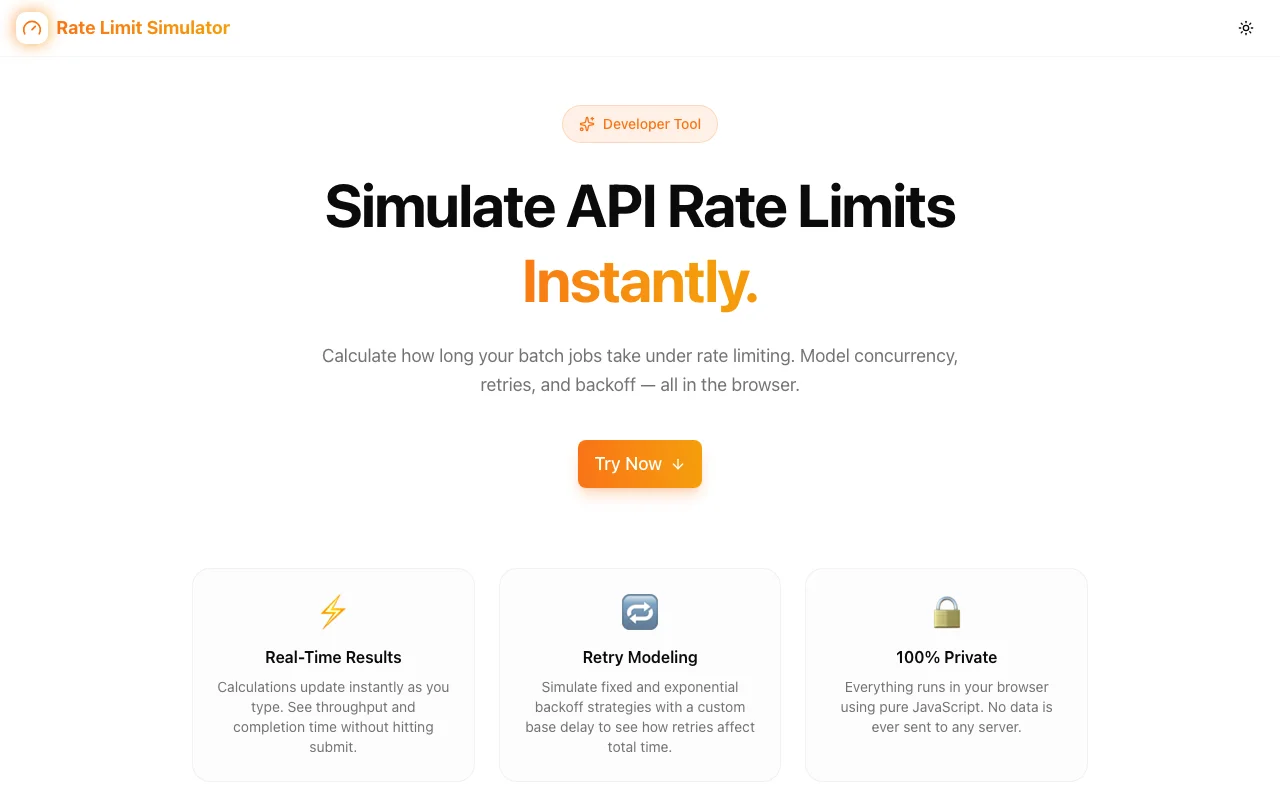
Model rate limits, queue delays, and retry overhead before you write a single line of integration code. Free browser tool—no account needed.
Rate Limit Simulator: Plan API Integrations Before They Break in Production
You've just finished integrating a third-party API. It works perfectly in testing. Then you ship to production and—429 Too Many Requests. Your retry logic is hammering the API. The queue is backing up. Users are seeing errors.
Rate limiting surprises are one of the most common (and preventable) production incidents in API integrations. The fix isn't writing better retry code after the fact. It's planning your throughput before you build.
Rate Limit Simulator by Jagodana lets you model rate limits, queue delays, and retry overhead for any API—before you write a single line of integration code.
What Is Rate Limiting and Why Does It Matter?
Rate limiting is a mechanism APIs use to control how many requests a client can make in a given time window. It's not optional—every serious API has it. Stripe, Twilio, Salesforce, GitHub, OpenAI, Shopify—they all rate limit their APIs to protect infrastructure and ensure fair access.
Common rate limit patterns include:
- Requests per second — e.g., 10 RPS (Stripe's default for most endpoints)
- Requests per minute — e.g., 60 RPM (common for SMS APIs)
- Requests per day — e.g., 500 RPD (typical for free-tier APIs)
- Concurrent connections — limit on simultaneous open connections
- Token buckets — allows bursting up to a limit, then throttles
When you exceed these limits, the API responds with HTTP 429. Your integration either handles this gracefully—or your users experience errors.
The Problem: Guessing Rate Limit Behavior
Most developers handle rate limits reactively:
- Read the API docs for the rate limit number
- Build the integration
- Ship to production
- Hit a 429 under real load
- Add retry logic, adjust timing, re-deploy
- Repeat until it stops breaking
This is expensive. Each production incident burns engineering time, creates customer-visible errors, and can trigger billing issues if you're charged per API call including failed retries.
The root cause: it's hard to visualize what rate limits actually mean for your workload. If your system needs to process 5,000 records and the API allows 100 requests/minute, how long does that take? What happens if requests arrive in bursts? How much does your retry backoff strategy extend the total processing time?
These aren't easy questions to answer in your head.
Enter Rate Limit Simulator
Rate Limit Simulator is a free developer tool that answers these questions visually—before you write code.
It models:
- Throughput — how many requests you can complete per time unit given your rate limit
- Queue delays — how long requests wait when they exceed the limit
- Retry overhead — the additional time and request volume added by retry strategies
- Total processing time — end-to-end time to process your workload under the constraint
Input your rate limit parameters and workload size, and see the simulation output instantly.
Key Features
📊 Throughput Modeling
Input your API's rate limit (requests per second, per minute, or per day) and your expected request volume. The simulator calculates:
- Effective throughput under the limit
- Time to process your entire workload
- When queuing kicks in and how deep the queue gets
This answers the question developers most often skip: "How long will this actually take?"
⏱️ Queue Delay Visualization
When your request rate exceeds the API limit, requests queue. Queue delays compound—a burst of requests at the start of a job can back up the queue and add significant latency to later requests.
Rate Limit Simulator shows you the queue depth over time, so you can see exactly when and how severe the queuing is, and decide whether to:
- Spread your workload over time to avoid queuing
- Accept the queue delay and plan for it
- Use multiple API keys or accounts to increase effective throughput
🔄 Retry Overhead Planning
Retry logic is necessary for resilient integrations, but poorly designed retry strategies can make rate limit problems worse. Aggressive retries on a 429 response re-trigger the rate limit, waste API quota, and in some cases cause the API to extend its throttling window.
The simulator lets you model different retry strategies:
- Exponential backoff — retry after increasing delays (1s, 2s, 4s, 8s...)
- Fixed retry intervals — retry after a constant delay
- Jitter — adding randomness to backoffs to prevent thundering herd problems
You can see how your chosen retry strategy affects total processing time and total API call volume (including failed retries that still consume quota on some APIs).
⚡ Instant, Browser-Based
Like all Jagodana developer tools, Rate Limit Simulator runs entirely in your browser. No server, no account, no data leaving your machine. Adjust parameters and see results update in real time.
Who Should Use Rate Limit Simulator?
Integration Engineers
Building integrations with Stripe, Salesforce, HubSpot, Twilio, or any rate-limited API? Use the simulator to understand your actual throughput constraints before writing code. Know ahead of time whether your integration needs queueing infrastructure, rate-limit-aware batching, or a different architecture.
Backend Developers
Designing a background job that calls an external API? Model the job's runtime under the API's rate limits before you commit to an SLA or a processing window.
API Architects
Designing your own API and deciding on rate limit values? Use the simulator to understand the real-world implications for your API consumers. A 10 RPS limit sounds generous until you realize a typical data sync job takes 8 hours under it.
DevOps & Platform Engineers
Evaluating an API provider's rate limits as part of infrastructure decisions? The simulator gives you concrete numbers to compare providers—not just raw limit values, but actual throughput for your workload size.
QA Engineers
Planning load tests for integrations? Use Rate Limit Simulator to predict the behavior before running the load test—then compare predicted vs. actual results to validate your understanding.
Practical Use Cases
Use Case 1: Bulk Data Sync Planning
You need to sync 10,000 customer records from your CRM to a marketing platform via API. The marketing API allows 100 requests per minute.
Without simulation, you might not realize this sync takes ~1 hour 40 minutes under the rate limit—too slow for a near-real-time sync requirement. Rate Limit Simulator shows you this immediately, prompting you to explore batching, parallelism with multiple API keys, or a different architecture before you build.
Use Case 2: Retry Strategy Selection
You're calling an AI API that rate limits at 60 requests per minute. You want retry logic for 429 responses, but you're not sure whether to use fixed retries or exponential backoff.
Model both strategies in Rate Limit Simulator. Exponential backoff keeps you from hammering the rate limit but extends total processing time significantly for a large workload. Fixed retries are faster but risk cascading 429s under burst load. The simulator shows you the tradeoff concretely.
Use Case 3: SLA Definition for Background Jobs
Your team is committed to processing webhook events within 5 minutes of receipt. The downstream API allows 30 requests per minute. Under normal load (100 webhooks/hour), are you within SLA?
Rate Limit Simulator says yes—100 events over 60 minutes averages 1.67 RPS, well within the 0.5 RPS limit. But at peak (500 events in 10 minutes), queuing kicks in and delays processing by up to 8 minutes. Now you know: you need queue monitoring and alerting, and possibly a tiered processing approach for burst scenarios.
Use Case 4: Comparing API Provider Rate Limits
Evaluating two SMS API providers: Provider A offers 100 messages/second, Provider B offers 50 messages/second but at half the price. For your use case (10,000 messages per campaign), the difference is 100 seconds vs. 200 seconds—negligible. The cheaper option wins. Rate Limit Simulator makes this comparison instant.
Stop Discovering Rate Limits in Production
Rate limit issues in production are almost always predictable. You know the API's limits. You know your workload. The math exists—but doing it in your head is error-prone and misses dynamic effects like queue buildup and retry compounding.
Rate Limit Simulator does the math for you, visually, in seconds.
👉 rate-limit-simulator.jagodana.com
Free. No account. No data sent anywhere. Just answers.
Building API integrations? See our other developer tools: JSON Path Finder for navigating API responses, HTTP Status Debugger for decoding API errors, and JSON Formatter for working with JSON data. All free at jagodana.com.