CSS Grid Generator: Design Layouts Visually, Copy Production-Ready CSS Instantly
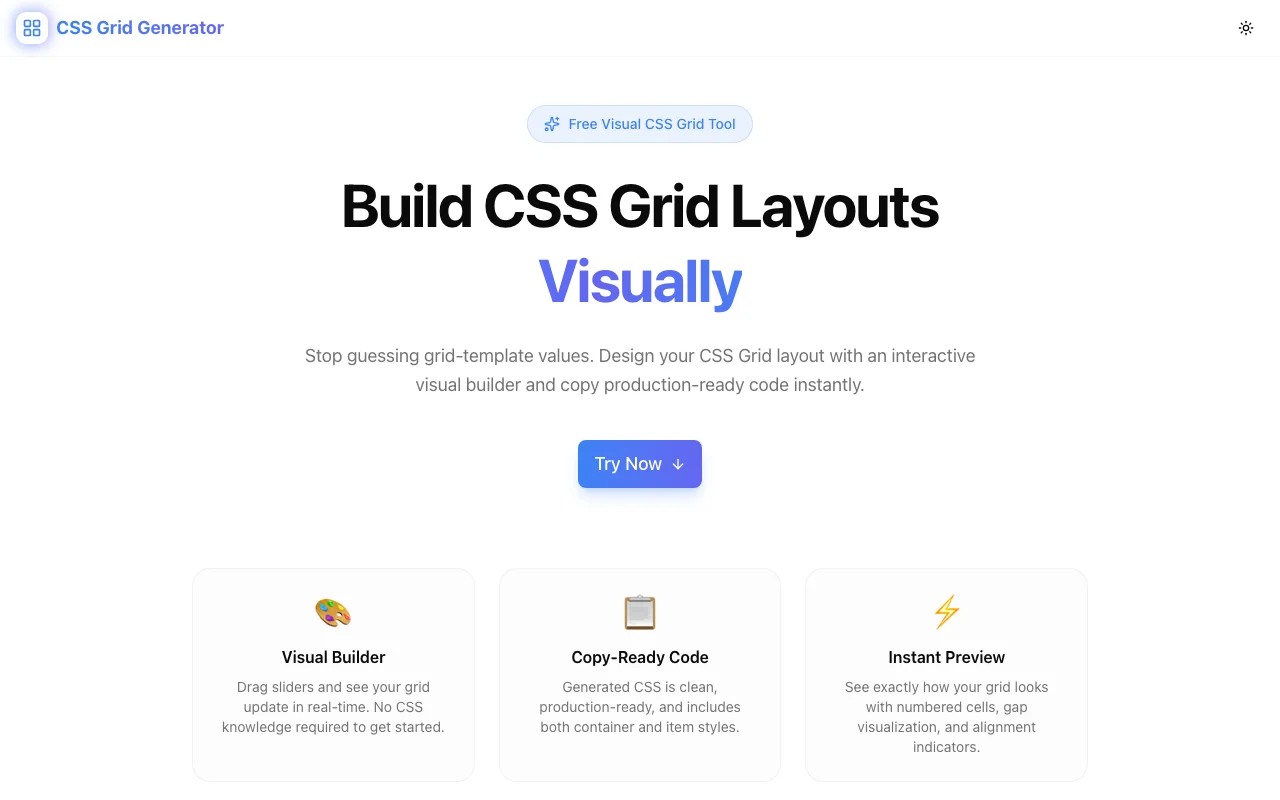
Free online CSS Grid generator with a visual layout builder, flexible track sizing, grid item placement, live code preview, and one-click copy. No signup required.
CSS Grid Generator: Design Layouts Visually, Copy Production-Ready CSS Instantly
You need a three-column layout with a full-width header and a sidebar that's exactly 280px. You open your CSS file and start typing. What was it—grid-template-columns or grid-columns? Is it repeat(3, 1fr) or repeat(1fr, 3)? Do you need grid-template-areas or can you do it with grid-column: span?
CSS Grid is the most powerful layout system available to web developers. It's also the one most likely to send you to MDN halfway through writing it. The property names are long, the value syntax is flexible to the point of being overwhelming, and the mental model—rows, columns, tracks, lines, areas—requires holding a lot of spatial information in your head while typing text.
The CSS Grid Generator at css-grid-generator.tools.jagodana.com lets you design grid layouts the way you think about them—visually. Define rows and columns, size your tracks, place your items, and copy clean CSS that works in any project.
Why CSS Grid Is Worth Mastering (Even If the Syntax Is Hard)
It Solves Layout Problems Flexbox Can't
Flexbox is great for one-dimensional layouts—a row of buttons, a vertical stack of cards. But the moment you need two-dimensional control—placing items in specific rows and columns—flexbox becomes a workaround machine. CSS Grid was designed for this. It handles page layouts, dashboard grids, and complex component structures naturally.
It Reduces HTML Complexity
Before Grid, achieving certain layouts required wrapper divs, clearfixes, and nested flex containers. Grid lets you define the layout in CSS and keep the HTML clean. Fewer elements, fewer classes, less cognitive overhead in your markup.
The Browser Support Is Universal
CSS Grid has been supported in all major browsers since 2017. There's no polyfill needed, no fallback to write. It's a production-ready standard that you can use today—if you can remember the syntax.
The Syntax Is the Only Barrier
Nobody avoids CSS Grid because it doesn't work. They avoid it because writing grid-template-columns: repeat(auto-fill, minmax(250px, 1fr)) from memory is unreasonable for most developers. The generator eliminates this barrier entirely.
How the CSS Grid Generator Works
Define Your Grid
Start by setting the number of rows and columns. The visual builder renders your grid immediately—you see the structure before writing any code. Need to add a row later? Click a button. Remove a column? Same.
This is fundamentally different from writing CSS first and refreshing the browser to see the result. You design the layout, then take the code.
Size Your Tracks
Each row and column track can be sized independently. The generator supports the full range of CSS Grid sizing:
frunits — flexible fractions of available space (1fr,2fr)- Pixels — fixed sizes (
280px,60px) auto— size to contentminmax()— responsive ranges (minmax(200px, 1fr))
Click a track to change its size. The grid redraws instantly. You develop intuition for how different values behave without the write-save-refresh cycle.
Place Grid Items
Define where your content areas sit on the grid. Specify which rows and columns each item spans. The visual builder shows each item's boundaries, making it easy to experiment with different arrangements.
In raw CSS, this means writing grid-column: 1 / 3 or grid-row: 2 / span 2—syntax that's easy to get wrong and hard to debug visually. In the generator, you configure placement through the interface and see the result immediately.
Set Gaps
Row gaps and column gaps control the spacing between grid tracks. The generator lets you set these visually and see how they affect the overall layout density. Small gaps for tight dashboards, larger gaps for content-heavy pages.
Copy the CSS
When your layout looks right, copy the complete CSS with one click. The output includes:
display: gridgrid-template-columnswith your exact track sizesgrid-template-rowswith your exact track sizesgapvalues- Individual grid item placement rules
Paste it into your stylesheet. It works immediately—no framework dependency, no build step, no class name mapping.
Real-World Use Cases
Application Shells
The classic app layout—top nav, left sidebar, main content area, optional right panel—is a CSS Grid problem. Define four areas, give the sidebar a fixed width, the content 1fr, and the nav auto height. The generator lets you build this in 30 seconds and copy CSS that would take 5 minutes to write and debug by hand.
Blog and Content Layouts
Content sites need varied layouts: full-width hero sections, two-column article-plus-sidebar layouts, three-column feature grids. Each page template is a different grid. The generator lets you design each variation visually and maintain a library of layout CSS.
Card Grids
Product grids, team pages, portfolio galleries—any layout with repeating cards in a grid pattern. The tricky part is making them responsive: you want three columns on desktop, two on tablet, one on mobile. Using repeat(auto-fill, minmax(300px, 1fr)) handles this elegantly, and the generator shows you exactly how it'll behave.
Dashboard Layouts
Dashboards are where CSS Grid really shines. Different-sized widgets—a wide chart spanning two columns, a tall list spanning two rows, small metric cards filling the gaps. The visual builder lets you experiment with widget placement until the dashboard feels right, then copy the CSS.
Email or Report Templates
Fixed-width layouts for emails or PDF reports benefit from precise grid control. Pixel-based track sizes, exact placement, no responsive behavior needed. The generator handles fixed layouts just as well as fluid ones.
The CSS You Don't Have to Write
Here's what a typical grid layout looks like in raw CSS:
.layout {
  display: grid;
  grid-template-columns: 280px 1fr 1fr;
  grid-template-rows: 60px 1fr auto;
  gap: 16px;
}

.header {
  grid-column: 1 / -1;
}

.sidebar {
  grid-row: 2 / 4;
}

.content {
  grid-column: 2 / 4;
}

.footer {
  grid-column: 1 / -1;
}
That's 18 lines of CSS with multiple properties that require understanding grid line numbers, span syntax, and the -1 shorthand for "last line." Change the number of columns and you need to update the line numbers across multiple rules.
In the generator, this is a visual arrangement. Move the items, resize the tracks, copy the code. If the design changes, adjust and re-copy.
Privacy and Performance
The CSS Grid Generator runs entirely in your browser. Your layout designs are never sent to any server—there's no backend, no database, no account system. It's a static Next.js application that loads fast and works offline once loaded.
No signup. No cookies tracking your designs. No analytics on your layout content. Open the tab, design your grid, copy the CSS, close the tab.
Try It Now
Stop looking up grid-template-columns syntax. Stop counting grid lines. Design your next layout visually and copy production-ready CSS in one click.
👉 css-grid-generator.tools.jagodana.com
CSS Grid Generator is part of the 365 Tools Challenge—a new free developer tool every day from Jagodana Studio.