CSS Scrollbar Generator: Style Custom Scrollbars Online Free
Free online CSS scrollbar generator — style ::-webkit-scrollbar and Firefox scrollbar-color visually with live preview. Copy production-ready CSS for Chrome, Safari, Edge, and Firefox instantly.
CSS Scrollbar Generator: Style Custom Scrollbars Online Free
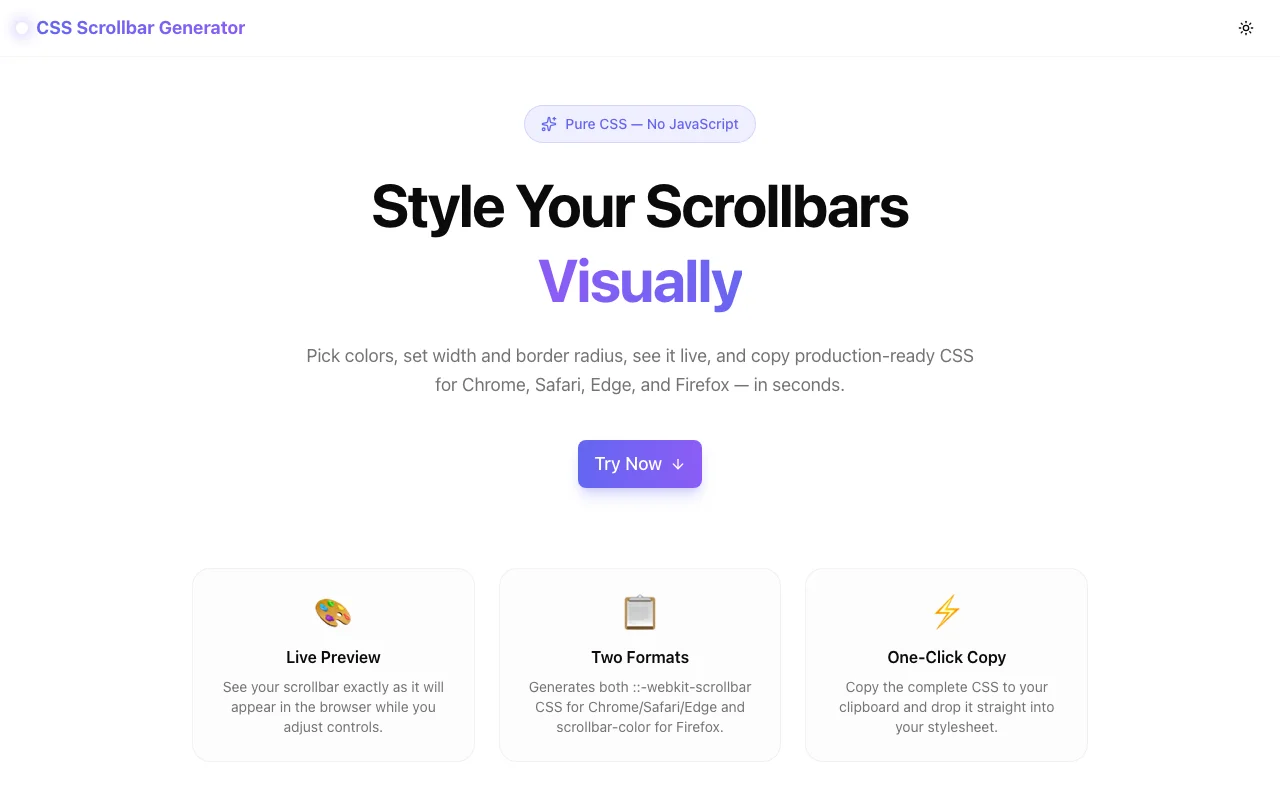
Custom scrollbar styling is one of those CSS tasks that looks simple until you try to do it correctly — across browsers. The CSS Scrollbar Generator at css-scrollbar-generator.tools.jagodana.com generates both ::-webkit-scrollbar CSS for Chrome/Safari/Edge and scrollbar-color for Firefox from a single visual interface.
Drag the sliders, pick your colors, and copy production-ready CSS. No documentation hunting, no DevTools iteration, no browser-specific Stack Overflow searches.
What Is CSS Custom Scrollbar Styling?
Browsers render their own default scrollbars based on the operating system. On macOS, scrollbars are usually thin and auto-hiding. On Windows, they're gray and wider. Neither respects your design system.
CSS gives you two ways to override them:
1. Webkit pseudo-elements (Chrome, Safari, Edge, Opera):
.scrollable::-webkit-scrollbar { width: 10px; }
.scrollable::-webkit-scrollbar-track { background: #e2e8f0; }
.scrollable::-webkit-scrollbar-thumb { background: #6366f1; border-radius: 6px; }
.scrollable::-webkit-scrollbar-thumb:hover { background: #4f46e5; }
2. Standard properties (Firefox):
.scrollable {
  scrollbar-width: auto;
  scrollbar-color: #6366f1 #e2e8f0;
}
The problem: these APIs have no overlap. Getting consistent behavior across all major browsers means writing and managing both sets of rules — which is where a generator saves real time.
Why Use a CSS Scrollbar Generator?
1. The Browser Split Is Annoying to Manage Manually
Webkit uses five pseudo-element rules. Firefox uses two properties. Internet Explorer used a different proprietary syntax that's now dead. Every time you style a scrollbar from scratch, you have to look up which properties do what, remember the correct order, and test in multiple browsers.
The generator handles all of this. You make visual choices — color, width, radius — and it writes both blocks of CSS correctly.
2. Color + Opacity Math Is Tedious
Scrollbar colors almost never look right at 100% opacity. You typically want a semi-transparent track (so it blends with the background) and a mid-opacity thumb. Doing this manually means converting hex to rgba and editing the alpha value by hand.
The generator has separate opacity sliders for both track and thumb. It does the hex-to-rgba conversion automatically.
3. You Can't Preview in DevTools
You can edit ::-webkit-scrollbar CSS in browser DevTools, but it requires an existing scrollbar to target, and you can't see the hover state without triggering it manually. The generator's live preview shows a real scrollable box with actual scrollbar behavior — including hover state feedback.
How to Use the CSS Scrollbar Generator
Step 1: Set the Width
Drag the width slider between 0px and 24px. Most design-forward web apps use 6–10px. Width 0 generates the "hide scrollbar but keep scrollability" pattern.
Step 2: Set the Border Radius
Drag from 0px (sharp square edges) to 12px (fully rounded pill). Common choices: 0px for flat utility UIs, 4–6px for modern web apps, 8–12px for iOS-style interfaces.
Step 3: Pick Your Colors
Three color pickers:
- Track — the rail. Usually a light neutral at 30–60% opacity so it blends with the container background.
- Thumb — the draggable part. Brand color, muted neutral, or high-contrast value depending on your design.
- Thumb Hover — slightly darker or more saturated version of the thumb for active feedback.
Use the opacity sliders for both track and thumb to get the rgba values right without manual math.
Step 4: Choose Your Output Format
Enable Webkit for Chrome/Safari/Edge output. Enable Standard for Firefox. Both on by default — keep both checked for maximum compatibility unless you're targeting a specific browser only.
Step 5: Set Your Selector
Change .scrollable to your actual CSS class, ID, or element. body styles the page scrollbar. .sidebar, #chat-window, or .scroll-container styles a specific element.
Step 6: Copy and Use
Click Copy CSS and paste it directly into your stylesheet. The Webkit block and Firefox block are both included, correctly ordered.
CSS Scrollbar Examples
Minimal Sidebar Scrollbar
A thin, subtle scrollbar for a sidebar nav:
.sidebar::-webkit-scrollbar { width: 4px; }
.sidebar::-webkit-scrollbar-track { background: rgba(226, 232, 240, 0.4); border-radius: 4px; }
.sidebar::-webkit-scrollbar-thumb { background: rgba(99, 102, 241, 0.5); border-radius: 4px; }
.sidebar::-webkit-scrollbar-thumb:hover { background: #4f46e5; }
.sidebar { scrollbar-width: thin; scrollbar-color: rgba(99, 102, 241, 0.5) rgba(226, 232, 240, 0.4); }
Branded Dashboard Scrollbar
A wider, opinionated scrollbar that matches a purple design system:
.dashboard::-webkit-scrollbar { width: 10px; }
.dashboard::-webkit-scrollbar-track { background: #f1f5f9; border-radius: 6px; }
.dashboard::-webkit-scrollbar-thumb { background: #7c3aed; border-radius: 6px; }
.dashboard::-webkit-scrollbar-thumb:hover { background: #6d28d9; }
.dashboard { scrollbar-width: auto; scrollbar-color: #7c3aed #f1f5f9; }
Hidden Scrollbar (Scroll Still Works)
.feed::-webkit-scrollbar { width: 0; }
.feed { scrollbar-width: none; scrollbar-color: transparent transparent; }
How Does ::-webkit-scrollbar Work?
The ::-webkit-scrollbar family is a set of CSS pseudo-elements that target parts of the scrollbar UI in Webkit/Blink-based browsers. There are seven parts total, but most use cases only need four:
| Pseudo-element | What It Targets |
|---|---|
| ::-webkit-scrollbar | The whole scrollbar (width/height lives here) |
| ::-webkit-scrollbar-track | The background rail the thumb slides along |
| ::-webkit-scrollbar-thumb | The draggable handle |
| ::-webkit-scrollbar-thumb:hover | The thumb in its hover state |
The remaining pseudo-elements (::-webkit-scrollbar-button, ::-webkit-scrollbar-corner, ::-webkit-scrollbar-track-piece) are rarely needed for modern designs.
How Does Firefox scrollbar-color Work?
Firefox implements the W3C Scrollbars CSS standard, which uses two properties:
/* scrollbar-width: auto | thin | none */
scrollbar-width: thin;

/* scrollbar-color: <thumb-color> <track-color> */
scrollbar-color: #6366f1 #e2e8f0;
scrollbar-width controls the size: auto is the default OS scrollbar, thin is a narrower variant, none hides it. Unlike Webkit, Firefox doesn't accept pixel values for width.
scrollbar-color takes two values in order: thumb color first, then track color. Both accept any valid CSS color including rgba.
Frequently Asked Questions
Does CSS custom scrollbar styling work in all browsers?
Major desktop browsers: Chrome, Safari, Edge (via Webkit pseudo-elements), and Firefox (via scrollbar-color) all support custom scrollbar styling. Internet Explorer does not. Mobile browsers on iOS and Android generally ignore scrollbar CSS — the OS controls scrollbar rendering on touchscreen devices.
How do I style the page scrollbar (not a div)?
Use html or body as your selector: html::-webkit-scrollbar. Change the selector input in the generator to html or body before copying.
Can I use CSS variables for scrollbar colors?
Yes. Both Webkit pseudo-elements and Firefox scrollbar-color accept CSS custom properties. Change the generated hex values to var(--your-token) after copying.
What is scrollbar-gutter and how is it different?
scrollbar-gutter is a separate CSS property that reserves space for the scrollbar to prevent layout shift when it appears or disappears. It's independent of scrollbar color/width styling — you can use both together.
Why does my custom scrollbar not show in Firefox?
Firefox's scrollbar-width: none suppresses the scrollbar entirely. Check that you haven't set it to none unintentionally. Also verify the element actually has overflow content — Firefox only shows the styled scrollbar when there's something to scroll.
Build Consistent Scrollbars — Across Every Browser
The CSS Scrollbar Generator is free, client-side, and requires no account. It's designed to handle the one annoying thing about scrollbar CSS: the fact that you need two different syntaxes for the same visual result.
Open it now: css-scrollbar-generator.tools.jagodana.com
Part of the 365 Tools Challenge by Jagodana Studio — one useful developer tool, every day.