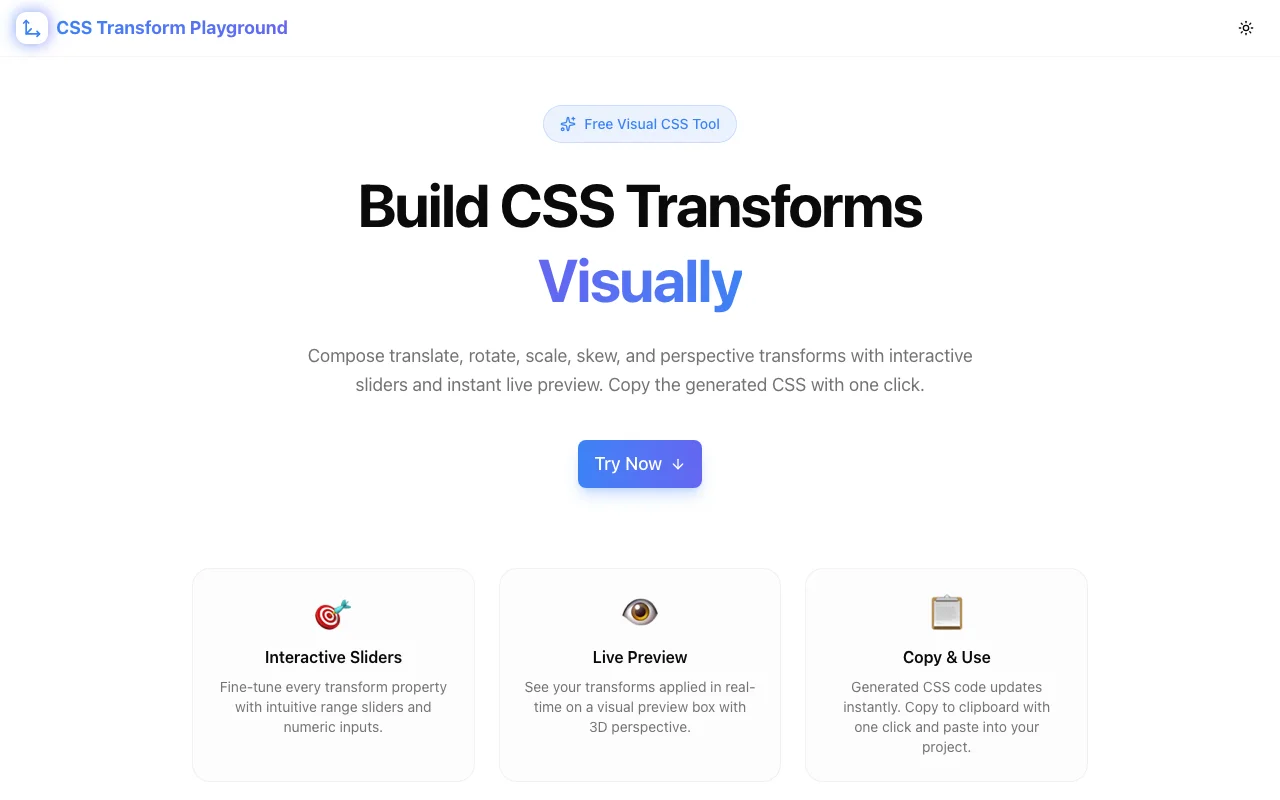
CSS Transform Playground: Build Translate, Rotate, Scale & Skew Transforms Visually
Free online visual CSS transform builder — compose translate, rotate, scale, skew, and perspective transforms interactively with instant preview and copy-ready code. No signup, runs entirely in your browser.
CSS Transform Playground: Build Translate, Rotate, Scale & Skew Transforms Visually
You need a hover effect that lifts an element up and scales it slightly. You write transform: translateY(-8px) scale(1.05). It doesn't look quite right. You change the values. Reload. Still off. You swap the function order. Reload again. Twenty minutes later, you have a two-line CSS property that took more iteration than the component it decorates.
CSS Transform Playground at css-transform-playground.tools.jagodana.com lets you build that transform visually. Drag sliders, see the result instantly, copy the CSS when it looks right.
Why CSS Transforms Are Harder Than They Look
CSS transforms appear simple on the surface. rotate(45deg) rotates an element. scale(2) doubles its size. But the moment you combine multiple functions, complexity escalates.
Order Changes Everything
The transform property applies functions right to left in the rendering pipeline. This means:
/* These are NOT the same */
transform: rotate(45deg) translateX(100px);
transform: translateX(100px) rotate(45deg);
In the first example, the element translates along its rotated axis. In the second, it translates along the original X axis, then rotates in place. The visual difference is dramatic, but the code difference is just the order of two function calls.
This catches even experienced developers off guard. You can't reason about it by reading the code — you have to see it.
3D Adds Another Dimension of Confusion
Once you add perspective, rotateX, rotateY, and translateZ, the mental model breaks down completely. A perspective(500px) rotateY(30deg) creates a 3D tilt that's nearly impossible to predict from the values alone. Change the perspective to 800px and the effect is subtler. Change it to 200px and it's exaggerated.
3D transforms require visual feedback. No amount of documentation reading substitutes for seeing the result.
The Feedback Loop Is Too Slow
The traditional workflow for dialing in a CSS transform:
- Write the
transformvalue in your editor - Save the file
- Wait for hot reload (or manually refresh)
- Check the result
- Go back to step 1
Each iteration takes 5–15 seconds. If you need 20 iterations to get a transform right — and for complex compositions, you often do — that's up to 5 minutes of save-reload cycling for one CSS property.
What CSS Transform Playground Does
CSS Transform Playground replaces that cycle with instant visual feedback:
- Add transform functions — pick from translate, rotate, scale, skew, and perspective
- Adjust with sliders — drag to change values or type exact numbers
- See it live — the preview element updates in real time
- Reorder functions — drag functions to change their stacking order and see the difference
- Copy the CSS — one click copies the complete
transformproperty
No save-reload. No guessing. No syntax errors. Just visual composition.
Practical Use Cases
Hover and Focus Effects
The most common use of CSS transforms: subtle lift-and-scale on interactive elements.
.card:hover {
  transform: translateY(-4px) scale(1.02);
}
Dial in the exact translateY and scale values visually instead of guessing. The difference between -4px and -8px is small in code but noticeable in the UI — the playground lets you see it immediately.
Loading Spinners and Animations
Keyframe animations often use transform chains at different points:
@keyframes spin-bounce {
  0% { transform: rotate(0deg) scale(1); }
  50% { transform: rotate(180deg) scale(1.2); }
  100% { transform: rotate(360deg) scale(1); }
}
Build each keyframe state in the playground, copy the transform, paste it into your animation. No more animating blind.
Card Flip Effects
3D card flips require precise perspective and rotation values:
.card-front { transform: perspective(600px) rotateY(0deg); }
.card-back { transform: perspective(600px) rotateY(180deg); }
The perspective value determines how dramatic the 3D effect looks. Too low and it's distorted. Too high and it's flat. Use the playground to find the sweet spot.
Isometric and Tilted Layouts
Trendy isometric UI designs use skew and rotate combinations:
.isometric-tile {
  transform: rotateX(60deg) rotateZ(45deg) scale(0.7);
}
These multi-function chains are nearly impossible to predict from code. The playground makes them approachable.
Responsive Transform Debugging
An element looks wrong on mobile. You inspect it and find a transform with five functions chained together. Instead of reading through translateX(50%) rotate(15deg) scale(0.8) skewY(2deg) perspective(400px) and trying to visualize it mentally, paste the values into the playground and see exactly what's happening.
How It Works Under the Hood
CSS Transform Playground runs entirely in your browser:
- Next.js with App Router for the application shell
- TypeScript for type-safe transform value handling
- TailwindCSS for styling
- Real-time CSS generation from component state — no server roundtrips
- Client-side only — your transforms never leave the page
The tool generates valid CSS transform property values by concatenating the active functions in order. Reordering updates the output immediately, demonstrating how function stacking affects the visual result.
Who Benefits
Frontend developers building UI components with hover effects, transitions, and animations. The playground eliminates the trial-and-error loop and lets you compose transforms visually.
CSS learners trying to understand how transforms work. Seeing rotate(45deg) translateX(100px) vs. translateX(100px) rotate(45deg) side by side — by just reordering in the tool — makes the concept click in seconds rather than paragraphs of documentation.
Designers who want precise control over transform effects without handing vague descriptions to developers. Build the exact transform you want and share the CSS values.
Animation developers prototyping keyframe states. Compose each frame's transform visually, then assemble the full animation in code.
CSS Transform Playground vs. Alternatives
| Feature | Transform Playground | Browser DevTools | Writing CSS Directly | |---|---|---|---| | Build from scratch | ✅ | Limited | ✅ | | Visual sliders | ✅ | ❌ | ❌ | | Reorder functions | ✅ Drag | ❌ | Manual edit | | Instant preview | ✅ | After edit | After reload | | 3D support | ✅ | Inspect only | ✅ | | Copy-ready output | ✅ One click | Manual copy | Already in code | | Free, no signup | ✅ | ✅ (in browser) | ✅ |
Try It Now
CSS transforms don't have to be a guessing game. Open CSS Transform Playground, add your transform functions, drag the sliders, and copy the result.
One URL. Zero friction. Production-ready CSS transforms in seconds instead of minutes.
CSS Transform Playground is part of the Jagodana Developer Tools collection — free, browser-based tools for developers who value their time.