HTML Entity Encoder: Encode & Decode HTML Entities Instantly (Free Tool)
Stop manually looking up HTML entity codes. HTML Entity Encoder is a free browser tool that converts special characters to named, decimal, or hex HTML entities — and back. 100% client-side.
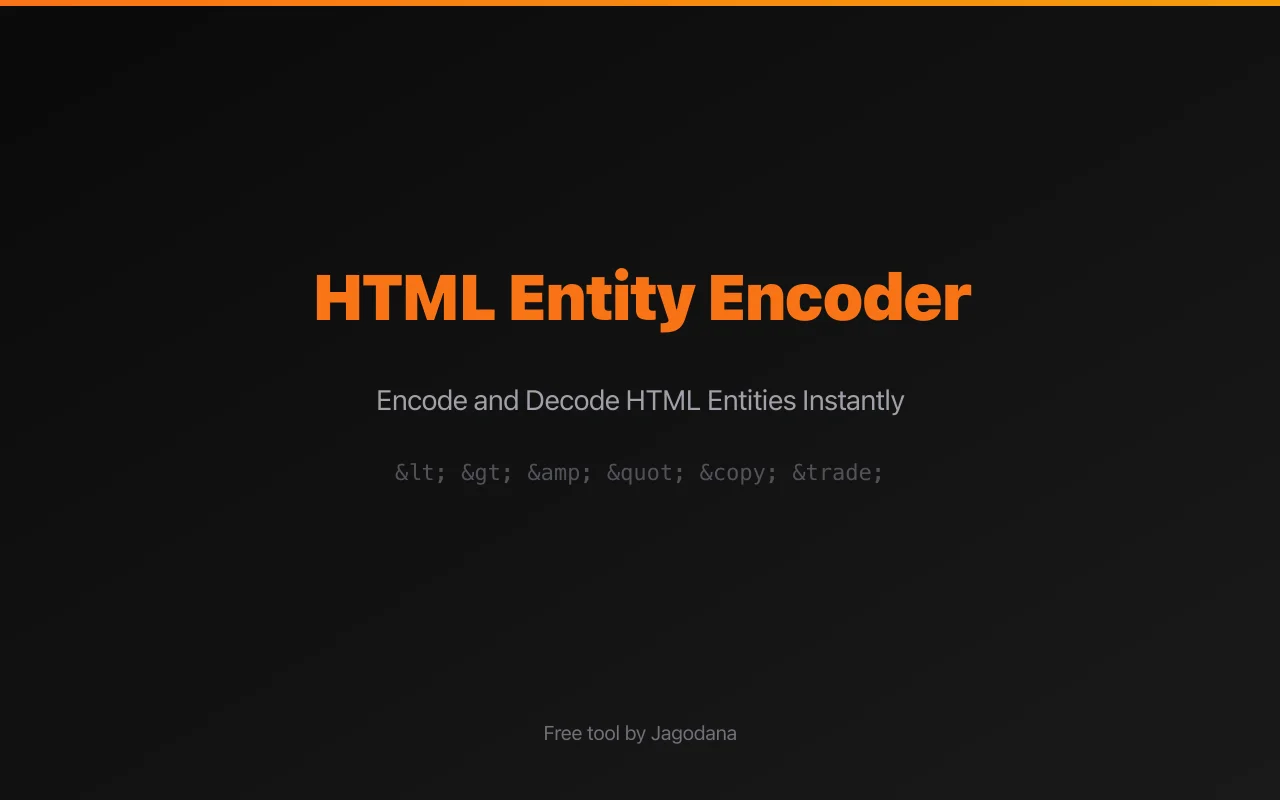
HTML Entity Encoder: Encode & Decode HTML Entities Instantly
If you've ever embedded user-generated content in an HTML template, built an email with special characters, or tried to display a code snippet inside a CMS, you've hit the same wall: the browser reads < as the start of a tag, & as the start of an entity, and " as the end of an attribute. To display them literally, you have to encode them.
The usual workflow — open MDN, find the entity name, type it manually, make a typo, try again — wastes time and introduces bugs. There's a better way.
HTML Entity Encoder converts special characters to HTML entities in one click. Named, decimal, or hex — your choice. And it decodes them back just as fast.
The Problem with HTML Special Characters
HTML reserves a handful of characters for its own syntax:
| Character | HTML meaning | Must encode as |
|---|---|---|
| < | Start of a tag | < |
| > | End of a tag | > |
| & | Start of an entity | & |
| " | Attribute delimiter | " |
| ' | Attribute delimiter (in some contexts) | ' |
Fail to encode these and you get broken markup, garbled output, or — in user-input contexts — an XSS vulnerability.
Beyond the core five, there are dozens of non-ASCII characters and typographic symbols (©, ™, €, —, …) that benefit from explicit entity encoding, especially in email HTML where charset support is inconsistent.
Introducing HTML Entity Encoder
HTML Entity Encoder is a free developer tool by Jagodana that handles HTML entity encoding and decoding directly in your browser.
Here's how it works:
- Paste your text — the text you want to encode, or the encoded HTML you want to decode
- Choose a mode — Encode or Decode
- Choose a format (for encoding) — Named, Decimal, or Hex
- Copy the result — one click, ready to paste
No server. No account. No rate limits.
Three Encoding Formats — Pick the One That Fits
Named Entities
Named entities use human-readable strings. They're the most familiar format:
< → <
> → >
& → &
" → "
© → ©
™ → ™
€ → €
Use named entities in HTML that humans will read and maintain — templates, documentation, CMS content.
Decimal Numeric Entities
Decimal entities use the Unicode code point as a base-10 number:
< → <
> → >
& → &
" → "
© → ©
™ → ™
€ → €
Use decimal entities when you need to encode characters that don't have well-known named equivalents, or when you're working with tooling that expects numeric references.
Hex Numeric Entities
Hex entities use the Unicode code point in hexadecimal:
< → <
> → >
& → &
" → "
© → ©
™ → ™
€ → €
Hex entities are compact and align naturally with Unicode code point notation. They're common in XML and SVG contexts.
Key Features
Encode Any Special Character
HTML Entity Encoder covers the full range:
- HTML syntax characters —
<,>,&,",' - Typographic symbols —
©,®,™,—,…,",",',' - Currency symbols —
€,£,¥,¢ - Mathematical symbols —
×,÷,±,≤,≥,≠,≈,∞,√ - Greek letters —
α,β,γ,π,Σ,Ω - Directional arrows —
←,→,↑,↓ - Any other Unicode character via decimal or hex fallback
Decode Any Entity Format
The decoder handles all three formats simultaneously. Paste a string with mixed &lt;, <, and < sequences and it correctly converts every one of them back to <.
This is particularly useful when debugging double-encoded output — paste &lt;p&gt; and immediately see that it should have been <p> after one encoding pass.
Built-In Entity Reference Table
The tool includes a reference table for the 12 most common HTML entities, showing named, decimal, and hex formats side by side. No more tabbing to MDN mid-task.
Quick-Load Examples
Five example inputs let you test the tool immediately:
- HTML markup —
<p class="title">Hello & "World"</p> - Script tag —
<script>alert("XSS")</script> - Math symbols —
a ≤ b ≥ c ≠ d ≈ e ∞ - Special characters —
© 2025 Jagodana™ — All rights reserved - Currency —
Price: €9.99 or £8.50 or ¥1200 or ¢99
Click any example to load it, then see the encoded output instantly.
100% Private — No Server Required
Every character is processed in your browser using JavaScript. Nothing is sent to any server. This makes the tool safe for use with:
- Template snippets containing internal configuration
- Email body text with user PII
- API response samples with tokens or keys
- Proprietary code you don't want transmitted
Live Character Count
Input and output character counts update in real time as you type. The encoder also reports how many entities were produced; the decoder reports how many entities it found in the input.
Who Is This For?
Frontend & Full-Stack Developers
You're building dynamic web applications. User-supplied strings need to be encoded before insertion into HTML attributes, script content, or body text. Use the tool to verify your encoding logic produces the right output and to generate test vectors.
Email Developers
Email HTML is notoriously fragile. Named entities for special characters are safer than Unicode codepoints in email because some older clients or mail servers mangle charset declarations. Encode your non-ASCII characters before sending to ensure they render correctly everywhere.
CMS Editors & Content Authors
Many CMS platforms interpret raw < and > in certain fields. If you're inserting code examples, mathematical notation, or typographic punctuation into body copy, encoding the special characters prevents the CMS from mangling your content.
QA & Security Engineers
Testing for XSS vulnerabilities? Generate correctly encoded payloads to verify that your application's output escaping is working — and to test edge cases like double-encoding, hex encoding, and named vs. numeric equivalents.
Template & Framework Authors
Building Handlebars helpers, Jinja2 filters, or Blade components? Use the tool to validate that your escaping logic produces the correct output for each character class before shipping to production.
Practical Use Cases
Use Case 1: Safe HTML Template Interpolation
You're injecting a user's display name into an HTML attribute:
<input value="{{userName}}" />If userName is O'Brien & Associates, the unencoded output breaks the attribute:
<input value="O'Brien & Associates" />Use the encoder to produce:
<input value="O'Brien & Associates" />Use Case 2: Code Samples in CMS
You're writing a tutorial post and want to show an HTML snippet:
<div class="container">
In many CMSes, pasting this raw will cause the editor to interpret it as HTML. Encode it first:
<div class="container">
Now it displays as literal text regardless of the CMS's parsing behavior.
Use Case 3: Debugging Double-Encoded Output
You find &lt;script&gt; in your database. What should it be?
Paste it into decode mode:
- First pass:
&lt;script&gt;→<script> - The tool shows you it was double-encoded
- The correct single-encoded form is
<script>
Run it through decode once more to confirm it decodes to <script>.
Use Case 4: Email Currency and Symbols
Your marketing email includes pricing in multiple currencies:
€99 / month or £79 / month
Encode to named entities for maximum compatibility:
€99 / month or £79 / month
These render correctly in every email client, even those with incomplete UTF-8 support.
Why We Built This
We build developer tools at Jagodana because we use them ourselves. HTML entity encoding is one of those tasks that comes up constantly but never quite justifies a dedicated bookmark — until you've wasted 20 minutes hunting for the right entity name three days in a row.
HTML Entity Encoder is the tool we wished existed: one place for named, decimal, and hex encoding; a built-in reference table; decode support; and zero friction. Built it, use it, sharing it for free.
All Jagodana tools are:
- Free to use — no account, no credit card
- Private by design — your data never leaves your browser
- Fast — no server latency, no rate limits
- Focused — one tool, one job, done well
Try HTML Entity Encoder Now
Stop looking up entity codes manually. Paste your text, pick a format, copy the result.
html-entity-encoder.tools.jagodana.com
Free. Private. Instant.
Need more encoding tools? Try our URL Encoder / Decoder for percent-encoding URLs, or explore all Jagodana developer tools.