Free Online Barcode Generator: Create Code128, EAN-13, UPC-A & More Instantly
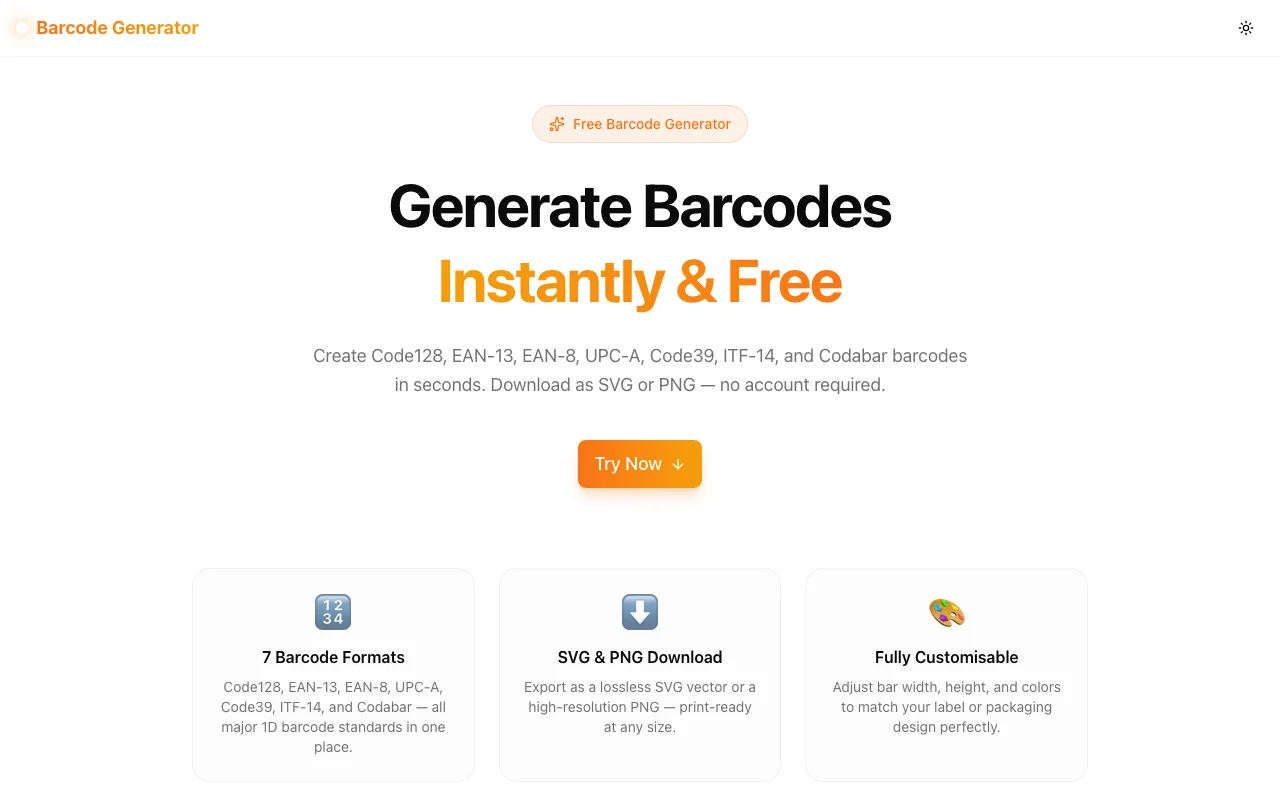
Generate Code128, EAN-13, EAN-8, UPC-A, Code39, ITF-14, and Codabar barcodes free in your browser. Customise size and colors, download SVG or PNG. No account required.
Free Online Barcode Generator: Create Code128, EAN-13, UPC-A & More Instantly
You need a barcode. It should take ten seconds — but instead you're reading feature comparison pages for SaaS platforms that charge monthly fees for what is fundamentally a string-to-image conversion.
The Barcode Generator at Jagodana fixes that. Open the URL, enter your data, pick a format, download your SVG or PNG. Completely free. No account. No watermarks.
What Is a Barcode Generator?
A barcode generator converts text or numbers into a scannable visual pattern (a barcode). Different formats encode data differently and are suited to different industries:
- Code128 — encodes any ASCII text, used in logistics, shipping, and internal systems
- EAN-13 — 13-digit retail standard used internationally on product packaging
- EAN-8 — compact 8-digit variant for small products where space is limited
- UPC-A — 12-digit standard used predominantly in North America
- Code39 — alphanumeric format popular in healthcare, automotive, and asset management
- ITF-14 — 14-digit format for shipping cartons and outer packaging
- Codabar — used in libraries, blood banks, and FedEx shipping labels
The Jagodana Barcode Generator supports all seven formats — you get the right output whether you're building a retail mockup, testing a scanner integration, or labelling server equipment.
How Do I Generate a Barcode Online for Free?
Generating a barcode takes four steps:
- Go to barcode-generator.tools.jagodana.com
- Select your barcode format — Code128, EAN-13, EAN-8, UPC-A, Code39, ITF-14, or Codabar
- Enter your data — the input field shows a valid example for each format; the preview updates in real time as you type
- Download — click Download SVG for a vector file or Download PNG for a high-resolution raster image
The entire process runs in your browser. Your data is never uploaded anywhere.
Which Barcode Format Should I Use?
Choosing the wrong format is the most common mistake when generating barcodes. Here's a practical guide:
For Retail Products
EAN-13 is the international standard. If you're selling products anywhere outside North America, this is what retailers and distributors expect. You enter 12 digits — the tool calculates the 13th (check digit) automatically.
UPC-A is the North American standard. Most US retailers require UPC-A barcodes on product packaging. Enter 11 digits; the 12th is auto-calculated.
EAN-8 is for products where label space is severely limited (small bottles, slim packaging). Enter 7 digits; the 8th is auto-calculated.
For Shipping and Logistics
ITF-14 is used on the outer carton (the box that contains multiple retail units). It encodes a 14-digit GTIN (Global Trade Item Number). Enter 13 digits; the check digit is calculated automatically.
Code128 is flexible enough for most internal shipping and tracking labels. It accepts any ASCII character combination with no fixed length.
For Asset Tracking and Internal Systems
Code39 is popular for asset management (IT equipment, tools, vehicles) because it's supported by virtually every barcode scanner and is easy to read at low print quality. It encodes letters A–Z, digits 0–9, and several special characters.
Codabar appears in library systems, medical labs, and some older logistics applications. It requires specific start/stop characters (A, B, C, or D) around the data.
Can I Download the Barcode as an SVG Vector?
Yes. The SVG download button exports a clean, lossless vector file that scales to any size without pixelation. SVG is ideal for:
- Print design — embed in Adobe Illustrator, Inkscape, or Affinity Designer without quality loss
- Figma/Sketch — paste directly into design files as a vector shape
- Web pages — use inline or as an
<img>src for crisp rendering on any screen density
The PNG download generates a 2× resolution raster (double the pixel dimensions of what you see on screen), which prints cleanly at standard label sizes.
What Is the Difference Between EAN-13 and UPC-A?
EAN-13 (European Article Number) and UPC-A (Universal Product Code) are closely related:
- EAN-13 is 13 digits and is the international standard used in most countries worldwide
- UPC-A is 12 digits and is the dominant standard in the United States and Canada
An EAN-13 code that starts with 0 is equivalent to a UPC-A code — it's the same data with a leading zero prepended. Most modern barcode scanners in any country can read both formats interchangeably.
If you're selling in the US only: use UPC-A. If you're selling internationally or are unsure: use EAN-13.
How Do I Create a Code128 Barcode?
Code128 is the most flexible barcode format:
- Select Code128 from the format dropdown
- Type your text or number — Code128 accepts any printable ASCII character
- Adjust the bar width and height if needed
- Click Download SVG or Download PNG
Code128 has no fixed length limit and no check-digit requirement you need to calculate manually. It's the right choice when you control the data format (internal inventory codes, tracking numbers, serial numbers) and don't need to match an external standard.
Is There a Limit on How Many Barcodes I Can Generate?
No. The Barcode Generator is completely free with no daily limits, no monthly quotas, and no account required. Every barcode is generated locally in your browser — there's no server processing involved, so there's nothing to meter or limit.
What File Formats Can I Download the Barcode In?
The tool exports two formats:
- SVG — scalable vector graphic, lossless at any size, ideal for print and design tools
- PNG — 2× resolution raster image, compatible with all applications and label printers
Both download instantly via your browser's download mechanism. No email, no "processing" delay.
How Does the Barcode Generator Work Technically?
The tool uses JsBarcode, a well-maintained open-source JavaScript library, to render barcodes into an SVG element directly in your browser. JsBarcode handles:
- Format-specific encoding — each barcode standard has different character encoding rules; JsBarcode implements them correctly for all seven supported formats
- Check digit calculation — for EAN-13, EAN-8, UPC-A, and ITF-14, the check digit is calculated using the standard algorithm and added automatically
- Input validation — if your input doesn't match the format's requirements, an error appears before any invalid barcode can be downloaded
The tool dynamically imports JsBarcode only when needed (not on initial page load), keeping the page fast even though the underlying encoding logic is comprehensive.
Real-World Use Cases for an Online Barcode Generator
Product Mockups
Designers building retail packaging mockups need realistic barcodes long before the product has a registered GTIN. Generate a placeholder EAN-13 with a test number, drop the SVG into Figma, and the packaging looks production-ready for client presentations.
Scanner Integration Testing
Building a mobile app or POS system with barcode scanning? Generate test barcodes in each format your application needs to support. Display the PNG on a secondary screen and scan with your device to verify the integration without needing physical products.
Inventory and Asset Labels
Small businesses and IT teams often manage their own asset labels. Generate Code128 or Code39 barcodes for equipment serial numbers, print on a standard label printer, and track assets in spreadsheets or basic inventory software.
Education and Demonstrations
Teaching supply chain management, retail operations, or software development? Generate live barcodes during a presentation without installing specialized software. The real-time preview makes it easy to show how changing digits affects the barcode structure.
Emergency Label Reprinting
A product label was damaged or printed with the wrong barcode. You need a replacement quickly. Generate the correct barcode, download the PNG, and print it on a label using any standard printer — no specialized barcode software required.
The Barcode Generator is one of 365 free tools being built at Jagodana as part of the 365 Tools Challenge — one new tool every day for developers, designers, and product teams.
Explore all tools at jagodana.com.