Cron Expression Builder: The Visual Cron Scheduler Developers Actually Need
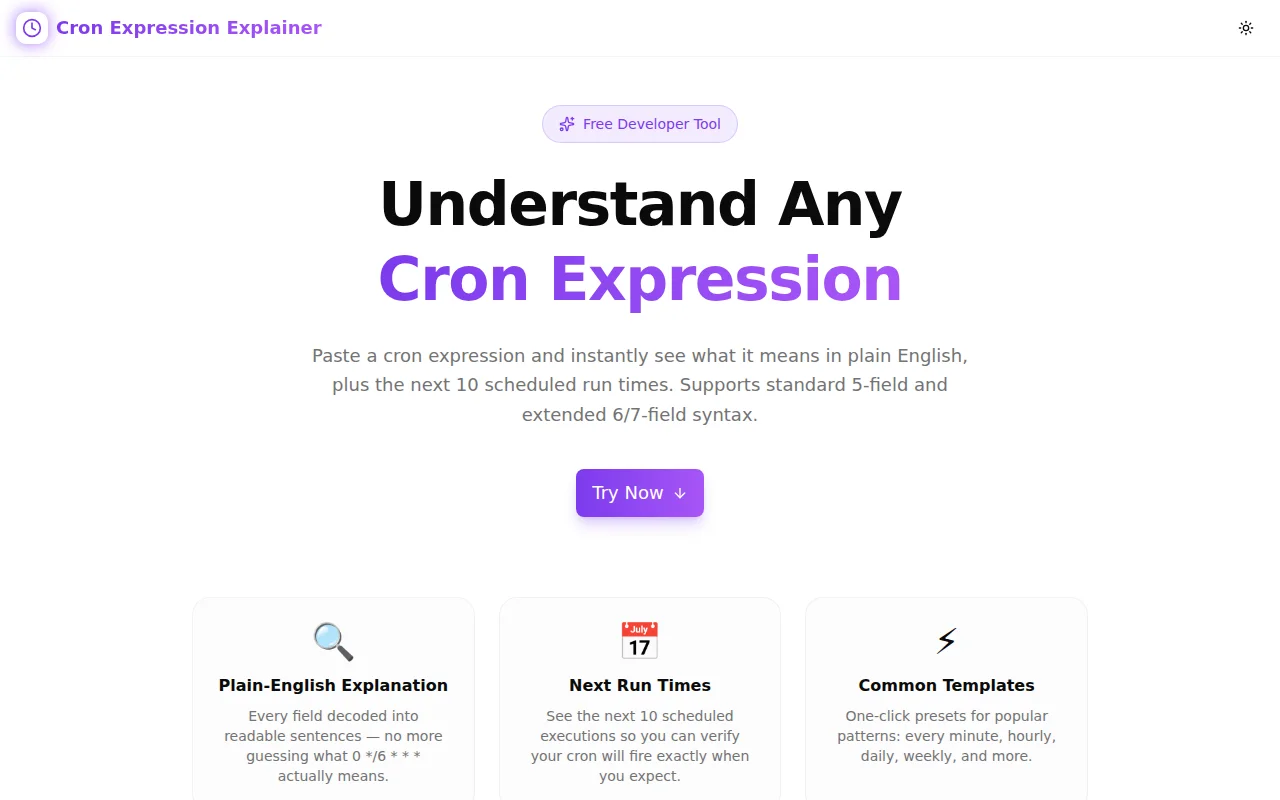
Stop Googling cron syntax every time you write a schedule. Cron Expression Builder is a free browser tool that translates cron expressions into plain English and previews the next run times — no memorisation, no lookup, no account required.

Cron Expression Builder: The Visual Cron Scheduler Developers Actually Need
Every developer who works with scheduled tasks has opened a cron cheat sheet at least once this week.
It's not because cron expressions are fundamentally hard. It's because the syntax is terse, the field ordering isn't obvious (minute hour day-of-month month day-of-week — not in any natural order), and the edge cases are just frequent enough that you can't hold them all in working memory.
Is Monday 0 or 1? (POSIX says 1.) Does */5 in the minute field mean "every 5 minutes from midnight" or "relative to the current time"? When both day-of-month and day-of-week are non-*, does the job fire when either matches, or both?
Cron Expression Builder is a free browser tool that makes all of this fast. Type or click to build any cron expression, read the plain-English description, and verify the next 5 run times — in under a minute, without leaving your editor.
What Is a Cron Expression?
A cron expression is a five-field string that defines a recurring schedule. The fields, left to right:
minute  hour  day-of-month  month  day-of-week
  *       *        *           *        *
Each field accepts a specific range of values and a handful of operators:
| Operator | Meaning | Example |
|---|---|---|
| * | Any value | * * * * * — every minute |
| , | List of values | 1,15 * * * * — at minute 1 and 15 of every hour |
| - | Range of values | 1-5 * * * * — at minutes 1 through 5 |
| / | Step values | */5 * * * * — every 5 minutes |
Named aliases work for the month and day-of-week fields: JAN–DEC and SUN–SAT are valid and often clearer than the numeric equivalents.
Why Do Developers Keep Googling Cron Syntax?
The Field Order Is Not Natural
Most mental models for "scheduling" something go: time of day, then day of week, then date. Cron goes: minute, hour, day-of-month, month, day-of-week. There's no mnemonic that helps — you just have to know it. And if you only write cron expressions occasionally, you don't have to know it for long before it fades.
The Range of Valid Inputs Is Wide
Each field accepts a different range:
- Minute: 0–59
- Hour: 0–23
- Day of month: 1–31
- Month: 1–12
- Day of week: 0–6 (where 0 is Sunday in POSIX, but some systems also accept 7 as Sunday)
Most of the time you're filling in simple values or *, and that's fine. But when you need a range or a step — 0 9 * * 1-5 for weekday mornings, */30 * * * * for every 30 minutes — the mental model frays slightly.
The Description Doesn't Travel
You write 0 9 * * 1-5 in your YAML and move on. Six months later a colleague reads the workflow and either decodes it correctly, looks it up, or guesses. The expression is compact but opaque to anyone not fluent in cron.
The "Did It Fire Correctly?" Question Is Hard to Answer
If a cron job fires at the wrong time or on the wrong day, you find out when the job doesn't run — or runs at 3 AM instead of 9 AM. The only way to verify a cron expression before deployment is to either calculate the next run time manually or deploy it and watch.
How Cron Expression Builder Solves This
Plain-English Descriptions
Every valid expression is translated into a clear, human-readable description the moment you finish typing. Some examples:
| Expression | Description |
|---|---|
| * * * * * | Every minute |
| 0 * * * * | At the start of every hour |
| 0 9 * * 1-5 | At 09:00, Monday through Friday |
| */15 * * * * | Every 15 minutes |
| 0 0 1 * * | At midnight on the 1st of every month |
| 0 0 1 1 * | At midnight on January 1st every year |
The descriptions are built from the parsed field values — they're not template-matched to a list of known expressions. This means arbitrary valid expressions get useful descriptions even if they don't match a common preset.
Next-Run Preview
Below the description, the tool shows the next 5 scheduled execution times calculated forward from the current moment. This is the fastest way to verify a schedule before it goes live.
Say you write 0 9 * * 1-5 and you're not sure Monday is 1 and Friday is 5. The next-run preview shows five upcoming 9:00 AM slots, each labeled with the day name — so you can confirm at a glance that weekends are excluded.
Or say you're using 0 0 L * * (which most standard POSIX cron implementations don't support, despite being common in Quartz Scheduler). The tool will mark the expression invalid because L isn't a standard operator, rather than silently generating a wrong schedule.
Visual Field Editor
Five individual input fields let you build the expression field-by-field. Change Hour to 12 and Minute to 30 and the expression bar updates to 30 12 * * *. All standard operators work in the individual fields:
- Type
1,15in Minute to get "at minute 1 and 15 past every hour" - Type
1-5in Day of Week to get "Monday through Friday" - Type
*/6in Hour to get "every 6 hours"
This is useful when you know the shape of the schedule ("weekday mornings") but need to construct the exact expression from parts.
Quick Presets
13 one-click preset buttons cover the most common recurring schedules. Click a preset to load it into the editor — the expression bar, individual fields, description, and next-run preview all update immediately.
The presets cover:
- Every minute through every 30 minutes
- Hourly and every 6 hours
- Daily at midnight and noon
- Weekdays at 9 AM
- Mondays at 9 AM
- Weekly (Sunday midnight)
- 1st of month at midnight
- Yearly (January 1st at midnight)
How Do I Schedule a Job for Every Weekday at 9 AM?
0 9 * * 1-5
0— at minute 0 (top of the hour)9— at 9 AM (hour 9)*— any day of the month*— any month1-5— Monday through Friday (1=Mon, 2=Tue, 3=Wed, 4=Thu, 5=Fri)
How Do I Run a Job Every 15 Minutes?
*/15 * * * *
The */15 in the minute field means "every 15th value starting from 0": so minute 0, 15, 30, and 45. Combined with * in all other fields, it fires four times per hour, every hour, every day.
How Do I Schedule Something on the 1st and 15th of Every Month?
0 0 1,15 * *
0 0— at midnight (00:00)1,15— on the 1st and 15th of the month* *— every month, any day of the week
What's the Difference Between Day-of-Month and Day-of-Week?
Both fields target "which day to run on", but from different axes:
- Day-of-month (
1–31) selects a calendar date — e.g.,15fires on the 15th of every month. - Day-of-week (
0–6) selects a weekday — e.g.,1fires every Monday.
Most POSIX cron implementations use OR logic when both are non-*: the job runs if the current day matches either the day-of-month or the day-of-week condition. If you want AND logic (e.g., "only the 15th if it's a Monday"), you need to handle that in your job code, not the cron expression.
What Does L, W, # Mean in Some Cron Expressions?
These operators (L for last, W for nearest weekday, # for Nth occurrence) are not part of the standard POSIX cron format. They're extensions introduced by Quartz Scheduler (Java) and supported by some platforms like AWS EventBridge.
Cron Expression Builder validates against the standard 5-field POSIX format. If your expression uses L, W, or #, the tool will mark it invalid — which is correct if you're targeting a standard Linux crontab or GitHub Actions. If you're using Quartz, check your scheduler's documentation for its extended format.
Is Cron Expression Builder Free?
Yes — completely free, no account required. Open the URL and start building. All parsing and calculation happens client-side in your browser. No expression data is sent to any server.
Technical Notes
The cron parser handles all standard field operators via iterative parsing:
- Named aliases (
MON,JAN, etc.) are resolved to numeric values before parsing - Comma-separated values are split and processed independently
- Step expressions (
range/step) expand to the set of matching values within the range - Range expressions (
start-end) expand to full value sets - Every resolved value is range-checked against the field's allowed range
The next-run calculator iterates minute-by-minute forward from now + 1 minute, checking each timestamp against the resolved value sets for all five fields. It stops after finding N matching timestamps or exceeding a one-year horizon.
This means the next-run calculation is guaranteed to be correct for any valid expression — no heuristics, no approximations, just the same intersection logic a cron daemon uses.
Try Cron Expression Builder: cron-expression-builder.tools.jagodana.com
Open source: github.com/Jagodana-Studio-Private-Limited/cron-expression-builder