CSS Outline Generator: Create Accessible Focus Indicators Instantly
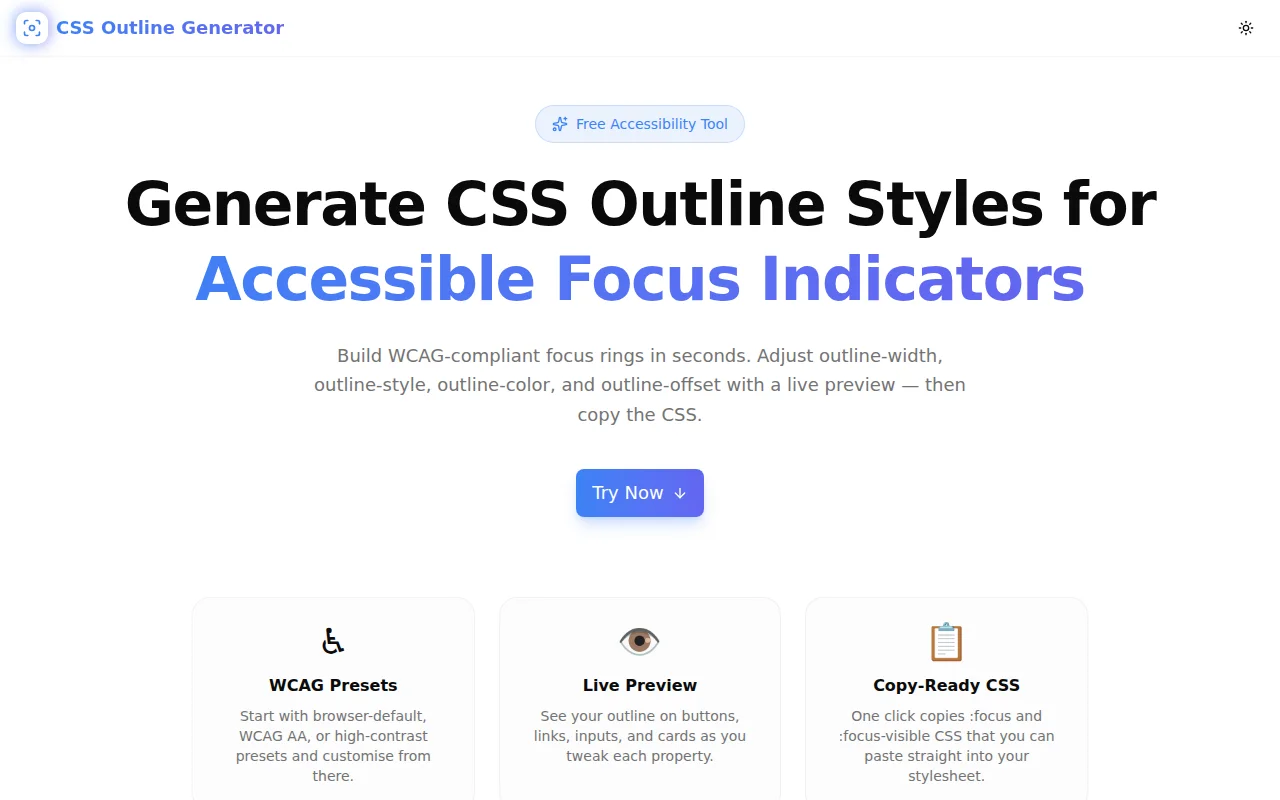
Free CSS outline generator — configure outline-width, outline-style, outline-color, and outline-offset with a live preview. Copy WCAG-compliant :focus-visible CSS in seconds. No login required.
CSS Outline Generator: Create Accessible Focus Indicators Instantly
Every front-end project eventually hits the same moment: the designer removes the browser's default focus ring because it looks inconsistent, the developer adds outline: none globally, and nobody puts anything back. Weeks later, a keyboard user or accessibility audit finds that interactive elements have no visible focus indicator — a WCAG failure.
The CSS Outline Generator exists to close that gap in 60 seconds or less. Pick a WCAG-compliant preset, adjust the four outline properties with live controls, preview the result on buttons, links, inputs, and cards, and copy the :focus-visible CSS. No account, no install, no server calls.
What Is the CSS outline Property?
The CSS outline property draws a line around an element, outside its border, without affecting layout. Unlike border, an outline:
- Does not take up space — adding an outline never causes reflow or shifts other elements
- Sits outside the element's border box
- Accepts an offset (
outline-offset) to add transparent gap between the element and the ring
The full shorthand:
outline: <width> <style> <color>;
outline-offset: <length>;
Example:
:focus-visible {
  outline: 3px solid #2563eb;
  outline-offset: 3px;
}
This is the minimum viable accessible focus style: 3px solid, sufficient contrast, 3px offset.
Why Does the CSS outline Matter for Accessibility?
WCAG 2.2 Requires It
WCAG 2.2 Success Criterion 2.4.11 (Level AA) — Focus Appearance (Minimum) — mandates that keyboard focus indicators:
- Enclose the focusable component's bounding area
- Have a minimum area of perimeter × 2px (a 3px outline on a 100×40px button has an area of 3 × (100+40) × 2 = 840px² — well above the threshold)
- Have at least a 3:1 contrast ratio between focused and unfocused states
SC 2.4.12 (Level AAA) raises that bar to 4.5:1. The High Contrast preset in the generator is designed for AAA compliance.
Keyboard Users Depend on It
Approximately 7% of users navigate by keyboard alone — people with motor disabilities, power users, and anyone whose mouse is unavailable. Without a visible focus indicator, they cannot tell which element is active. Tabbing through a form or navigation menu becomes unusable.
Screen readers also rely on focus indicators to describe the current element aloud. A missing focus ring doesn't just affect visual users; it breaks the entire keyboard navigation model.
Removing outline: none Without a Replacement Is a Failure
This is the single most common accessibility mistake in front-end code:
/* Do NOT do this without providing a replacement */
* {
  outline: none;
}
Many CSS resets and design systems include this line for aesthetic reasons. If you find it in your codebase, the fix is to add a proper focus style — not just remove the reset.
How to Use the CSS Outline Generator
Step 1: Open the Tool
Navigate to css-outline-generator.tools.jagodana.com. No signup, no modal, no paywall — the generator loads immediately.
Step 2: Choose a Preset
Six presets cover the most common scenarios:
| Preset | CSS | WCAG Level | |---|---|---| | Browser Default | 3px solid #005fcc, offset 2px | WCAG 2.1 AA | | Accessible | 3px solid #2563eb, offset 3px | WCAG 2.2 AA | | High Contrast | 4px solid #000000, offset 2px | WCAG 2.1 AAA | | Subtle Glow | 2px solid #6366f1, offset 4px | — | | Dashed | 2px dashed #10b981, offset 3px | — | | Double | 4px double #f59e0b, offset 2px | — |
The first three are designed for accessibility compliance. The last three are for design systems that want something more distinctive — verify contrast separately before using them in production.
Step 3: Adjust the Properties
outline-style — Four values: solid, dashed, dotted, double. Solid is the universal default and most legible. Dashed and dotted can be effective for distinguishing keyboard focus from mouse hover. Double adds visual weight, useful for high-contrast themes.
outline-width — Slider from 1px to 10px. The WCAG 2.2 minimum is effectively 2px; 3px is the recommended practical value. Going above 6px typically starts to feel heavy.
outline-color — Colour picker plus hex input. Pick a colour with sufficient contrast against both the element's background and the surrounding page. For blue-toned UIs, #2563eb on white gives a contrast ratio above 5:1, passing both AA and AAA for the focus indicator itself.
outline-offset — Slider from 0px to 16px. A 2–4px offset is typical. It prevents the outline from clipping into rounded corners or overlapping the element's background color.
Step 4: Preview on Your Elements
Switch between <button>, <a>, <input>, and <div> preview modes to verify the style works across your interactive components. The outline is always visible in the preview for demonstration; in production it only appears on :focus or :focus-visible.
Step 5: Copy the CSS
Two CSS blocks are generated:
:focus {
  outline: 3px solid #2563eb;
  outline-offset: 3px;
}
:focus-visible {
outline: 3px solid #2563eb;
outline-offset: 3px;
}Click the Copy button on either block. Paste into your global stylesheet, Tailwind config, or component CSS.
:focus vs :focus-visible — Which Should You Use?
The Problem with :focus
:focus fires on every focus event — keyboard tab, mouse click, touch. This means clicking a button shows the focus ring; clicking anywhere else on the page shows a ring around whatever was clicked. Many designers find this distracting and is why outline: none gets added in the first place.
:focus-visible Is the Modern Answer
:focus-visible uses the browser's built-in heuristics to show the focus ring only when the user is navigating by keyboard (or when the element is in a context where the indicator is always needed, like a text input). Mouse clicks don't trigger :focus-visible on buttons.
/* Modern approach — recommended */
:focus-visible {
  outline: 3px solid #2563eb;
  outline-offset: 3px;
}
/* Reset the :focus ring to avoid double indicators */
:focus:not(:focus-visible) {
outline: none;
}Browser support for :focus-visible is now universal across all modern browsers (Chrome 86+, Firefox 85+, Safari 15.4+). Use it.
What outline-offset Does and Why It Matters
outline-offset adds transparent space between an element and its outline. Consider a button with border-radius: 8px:
- Without offset, the outline clips into the rounded corners and looks awkward
- With
outline-offset: 3px, the outline follows the shape at a respectful distance, creating a clean "halo" effect
This is especially important for:
- Rounded buttons — prevents hard square corners clashing with circular borders
- Icon buttons — small buttons need offset so the ring doesn't feel cramped
- Inline links — links inside a paragraph look better with offset to avoid overlapping descenders
CSS Outline vs box-shadow for Focus Styles
Some design systems use box-shadow instead of outline for focus styles. Both work, but they have different trade-offs:
| | outline | box-shadow |
|---|---|---|
| Respects high-contrast mode | Yes | No |
| Works with print stylesheets | Yes | Mostly |
| Follows border-radius | No (always rectangular unless you use offset cleverly) | Yes (follows border-radius) |
| Can be multi-layered | No | Yes |
| outline-offset equivalent | outline-offset | Use spread radius |
Recommendation: Use outline as the primary focus style. It respects Windows High Contrast Mode, which box-shadow doesn't. If you need the ring to match a rounded element precisely, combine a transparent outline with a box-shadow:
:focus-visible {
  outline: 3px solid transparent;
  box-shadow: 0 0 0 3px #2563eb;
}
This satisfies both WCAG requirements and high-contrast mode (which overrides the color with system colors).
Common Mistakes with CSS Focus Styles
1. Using outline: none Without a Replacement
Already covered — don't do this. If you find it in legacy code, the fix is a proper outline, not removal.
2. Low Contrast Color
A light blue ring on a white background might look nice but fail the 3:1 WCAG threshold. Always check contrast. The Color Contrast Checker at color-contrast-checker.tools.jagodana.com can verify your color pair.
3. Styling :focus but Not :focus-visible
If your stylesheet only styles :focus, mouse users will still see the ring after clicking. Add :focus-visible alongside or replace :focus with :focus-visible and the no-op reset.
4. Applying Focus Style Only to Buttons
Focus styles apply to every interactive element: links, inputs, selects, textareas, checkboxes, radio buttons, custom interactive widgets with tabindex. Don't style only button:focus-visible — use a global rule.
5. Removing the Ring for "Clean" Design
Focus rings exist to serve users. An interface that looks cleaner to a mouse user at the cost of being unusable to a keyboard user is a design failure, not a design win. Work within the constraint rather than removing it.
Frequently Asked Questions
What is the minimum outline size to pass WCAG 2.2?
WCAG 2.2 SC 2.4.11 requires the focus indicator to have a minimum area equal to the perimeter of the component × 2px. For a 120×40px button, the perimeter is 320px, so the minimum area is 640px². A 2px outline has an area of 2 × 320 = 640px² — just at the minimum. A 3px outline has 960px² — comfortably above. In practice, always use at least 2px, and prefer 3px.
Can I use a custom color that isn't blue?
Yes. The color only needs to achieve a 3:1 contrast ratio between focused and unfocused states — the comparison is against what the element looks like without focus, not against absolute white. Use the Color Contrast Checker to verify your specific color on your specific background.
Does outline-offset affect layout?
No. Neither outline nor outline-offset affect the element's box model. They won't push adjacent elements, increase the element's reported size, or trigger reflow. This is one of the key advantages of outline over border for focus styles.
Should I define focus styles globally or per-component?
Both work. A global rule in your reset or base styles is the safest default — it ensures every interactive element has coverage. Per-component overrides let you customise for specific design contexts. The pattern is: global minimum → component-level refinements.
Does this work in Windows High Contrast Mode?
outline works in Windows High Contrast Mode — the browser overrides the color with the system-defined highlight color, so the ring remains visible even if the author's color doesn't have sufficient contrast in high-contrast mode. box-shadow does not appear in High Contrast Mode, which is why outline is preferred for accessibility.
Generate your focus style now: css-outline-generator.tools.jagodana.com