cURL to Fetch Converter: Stop Manually Translating API Docs to JavaScript
A free browser tool that converts any curl command to JavaScript fetch() or TypeScript code instantly. No signup, no server, 100% client-side.
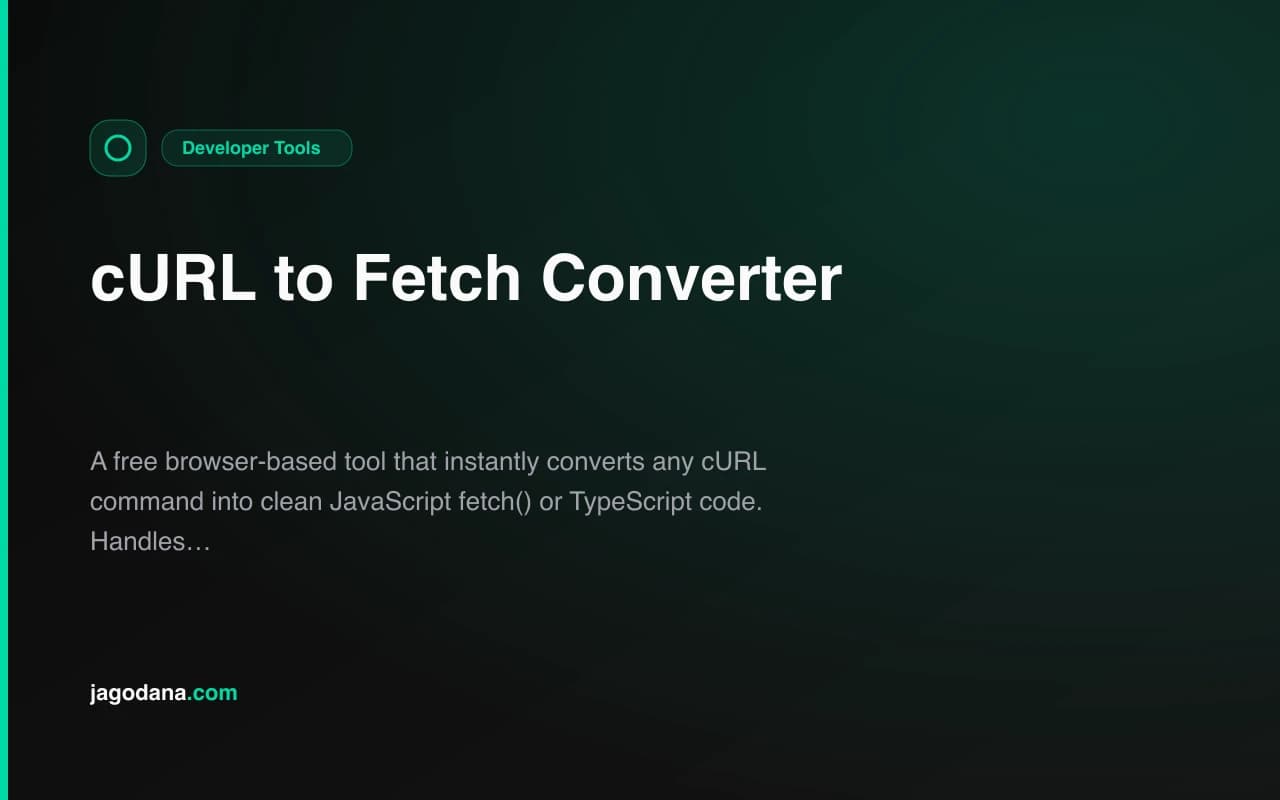
cURL to Fetch Converter: Stop Manually Translating API Docs to JavaScript
Every API reference page shows examples in curl. Your JavaScript app uses fetch(). The gap between those two formats costs developers time every single day.
cURL to Fetch Converter bridges that gap — paste any curl command, get clean fetch() code immediately. Try it at curl-to-fetch-converter.tools.jagodana.com
Why Does Every API Use curl?
curl is the universal language of HTTP. It runs on every operating system, it's available in every shell, and it describes HTTP requests completely and unambiguously. When Stripe, OpenAI, Twilio, or GitHub wants to show you how to call their API, curl is the format they reach for.
That's good for documentation — curl is precise and self-contained. But most frontend and Node.js code uses fetch(), and the translation isn't always obvious.
What Does the Conversion Actually Look Like?
Here's a real example from the OpenAI API docs:
curl https://api.openai.com/v1/chat/completions \
  -H "Content-Type: application/json" \
  -H "Authorization: Bearer $OPENAI_API_KEY" \
  -d '{
    "model": "gpt-4o",
    "messages": [{"role": "user", "content": "Say this is a test!"}]
  }'
The converter produces this immediately:
async function fetchData() {
  const response = await fetch(
    "https://api.openai.com/v1/chat/completions",
    {
      method: "POST",
      headers: {
        "Content-Type": "application/json",
        "Authorization": "Bearer $OPENAI_API_KEY",
      },
      body: JSON.stringify({
        "model": "gpt-4o",
        "messages": [
          {
            "role": "user",
            "content": "Say this is a test!"
          }
        ]
      }),
    },
  );

  if (!response.ok) {
    throw new Error(`HTTP error! status: ${response.status}`);
  }

  const data = await response.json();
  console.log(data);
}

fetchData();
No manual work. No guessing. Ready to paste into your project.
How Does It Handle Complex curl Commands?
Does It Support Basic Auth?
Yes. The -u username:password flag is converted to an Authorization: Basic ... header with the credentials automatically base64-encoded.
curl -u myuser:mypassword https://api.example.com/dataBecomes:
headers: {
  "Authorization": "Basic bXl1c2VyOm15cGFzc3dvcmQ=",
}
What About Form Data?
-F flags (multipart form data) become FormData.append() calls:
curl -F "file=@photo.jpg" -F "title=My Photo" https://api.example.com/uploadProduces:
const formData = new FormData();
formData.append("file", "@photo.jpg");
formData.append("title", "My Photo");
What About URL-Encoded Form Bodies?
--data-urlencode flags become URLSearchParams:
curl --data-urlencode "q=javascript fetch api" https://search.example.comProduces:
const params = new URLSearchParams();
params.append("q", "javascript fetch api");
Does It Follow Redirects?
-L or --location is mapped to redirect: "follow" in the fetch options.
Is My Data Safe?
Completely. The entire conversion runs as JavaScript in your browser. Your curl commands — which might contain API keys, tokens, or sensitive request bodies — never leave your machine and are never sent to any server.
This is a deliberate design choice. Developer tools that handle credentials should not require a server round-trip.
JavaScript or TypeScript?
Toggle between JS and TS output. TypeScript mode adds satisfies RequestInit so your editor validates the options object:
const response = await fetch(
  "https://api.example.com/v1/data",
  {
    method: "POST",
    headers: {
      "Content-Type": "application/json",
    },
    body: JSON.stringify({ key: "value" }),
  } satisfies RequestInit,
);
Who Is This For?
Frontend developers copying examples from API docs into React, Vue, or plain JavaScript projects.
Node.js developers on v18+ using the native fetch() API.
Full-stack developers who live in TypeScript and want typed fetch options.
API integrators who receive curl commands from backend teams and need to translate them for frontend use.
Developers learning the fetch API who already know curl and want to understand the mapping.
Built as Part of the 365 Tools Challenge
This is one of the tools from Jagodana's 365 Tools Challenge — building one free, useful developer tool every day for a year. All tools are:
- Free forever, no signup required
- 100% client-side (no server processing)
- Open source on GitHub
- Live at
{tool-name}.tools.jagodana.com
See all tools at jagodana.com/work
Try It Now
curl-to-fetch-converter.tools.jagodana.com
Paste any curl command. Get clean fetch() code. Done.