GitHub Actions Generator: Build CI/CD Workflows Without Writing YAML From Scratch
Free online tool to generate GitHub Actions YAML workflows instantly. Choose from Node.js CI, Python CI, Deploy to Vercel, Docker Build & Push, Create Release, and Lint & Test templates. Configure triggers and options, copy the YAML, ship.
GitHub Actions Generator: Build CI/CD Workflows Without Writing YAML From Scratch
You know what your CI/CD pipeline should do. Run tests on every pull request. Build and push a Docker image when you merge to main. Deploy to Vercel when a tag is pushed. The logic is clear. The YAML is not.
GitHub Actions syntax is powerful but verbose. The on: trigger block has a dozen sub-keys. The action versions change. The right cache configuration for pnpm is different from npm. Docker Hub login uses different secrets than GitHub Container Registry. Getting all of that right from memory—on a new project, under time pressure—means either a slow crawl through docs or a fragile copy-paste from a project that did something slightly different.
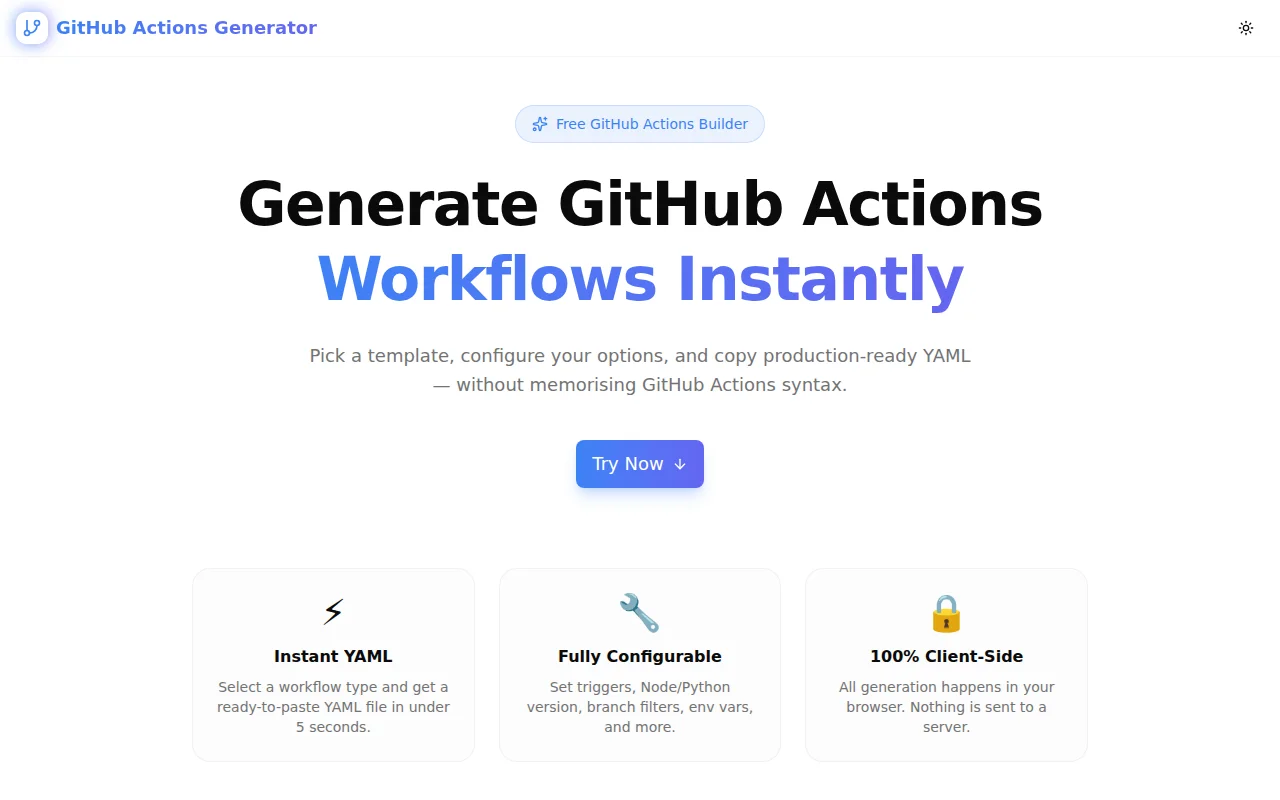
The GitHub Actions Generator at github-actions-generator.tools.jagodana.com solves this. Select a template, set your options, copy the YAML. Done in under a minute.
What Is GitHub Actions Generator?
GitHub Actions Generator is a free browser tool that produces GitHub Actions YAML workflows from configurable options. No account. No API calls. The generation runs entirely in your browser.
Six templates cover the most common CI/CD patterns:
- Node.js CI — matrix build across Node LTS versions with npm/yarn/pnpm support
- Python CI — pip install and pytest or unittest run
- Deploy to Vercel — pull environment, build, and deploy using the Vercel CLI
- Docker Build & Push — Buildx with GHA layer caching, GHCR or Docker Hub
- Create Release — auto-generate notes from merged PRs, publish on version tag
- Lint & Test — generic lint and test for any Node.js project
How Do You Generate a GitHub Actions Workflow?
The process takes under a minute:
- Go to github-actions-generator.tools.jagodana.com
- Click the workflow template that matches what you need
- Set your triggers — push, pull request, schedule
- Configure template-specific options — Node version, package manager, Docker registry, etc.
- Click Copy YAML
- Save the file as
.github/workflows/your-workflow.ymlin your repository
The YAML updates live as you change options. There is no "generate" button to click — the output is always current.
What GitHub Actions Trigger Options Are Supported?
The generator supports three trigger types, configurable independently:
- push — fires when commits are pushed to the specified branches
- pull_request — fires when a PR is opened, synchronised, or reopened against the specified branches
- schedule — fires on a cron expression (weekly, nightly, hourly — your choice)
You can enable any combination. Branches are set as a comma-separated list and applied to both push and pull_request triggers simultaneously.
The Create Release template uses a fixed trigger (push with tags: ['v*.*.*']) because release workflows should only fire on version tags — this is pre-configured and not exposed as an option.
Which Package Managers Does the Node.js Generator Support?
The generator supports npm, yarn, and pnpm. When you select a package manager:
- The install command switches to the correct frozen-lockfile variant (
npm ci,yarn install --frozen-lockfile,pnpm install --frozen-lockfile) - The cache key path updates (
~/.npm,~/.yarn/cache,~/.pnpm-store) - The
setup-nodeaction'scache:field updates to match - All
run:script commands use the correct prefix
This means the YAML is correct for your chosen package manager, not just a template you have to search-and-replace afterward.
How Do I Push a Docker Image with GitHub Actions?
The Docker Build & Push template generates a complete workflow using:
docker/setup-buildx-action— enables multi-platform builds and advanced featuresdocker/login-action— logs in to GHCR usingGITHUB_TOKEN(automatic) or Docker Hub using secrets you providedocker/metadata-action— generates tags automatically: SHA prefix for every build, branch name for branch builds, semver for tagged releasesdocker/build-push-action— builds the image and pushes it, with GHA layer caching to speed up repeated builds
Select GitHub Container Registry for zero-secret setup (uses GITHUB_TOKEN automatically). Select Docker Hub for public image distribution (requires DOCKERHUB_USERNAME and DOCKERHUB_TOKEN secrets in your repository settings).
Can I Use GitHub Actions to Deploy to Vercel Without the Vercel GitHub Integration?
Yes. Some teams prefer more control than the native Vercel GitHub integration provides — running tests before deploy, blocking deploys on draft PRs, or managing environment separation explicitly. The Deploy to Vercel template generates a workflow that:
- Installs Vercel CLI globally
- Pulls the production environment configuration using your
VERCEL_TOKEN - Builds the project locally
- Deploys the pre-built output with the
--prebuiltflag
This approach is faster than building on Vercel's infrastructure for large projects because you control the build runner and cache. The workflow requires one secret: VERCEL_TOKEN — your Vercel personal access token.
How Do I Automatically Create GitHub Releases?
The Create Release template generates a workflow that fires when you push a tag matching v*.*.*. It:
- Checks out the full history (
fetch-depth: 0) for accurate changelog generation - Calls the GitHub releases API via
actions/github-scriptto generate release notes from merged PRs automatically - Creates a published (not draft) release with the generated notes
No manual changelog editing. No custom action dependencies. Push git tag v1.2.3 && git push --tags and the release is published in under a minute.
Is GitHub Actions Generator Free?
Yes, completely free. There are no accounts, no API keys, no rate limits, and no data collection. The generation logic runs in your browser. Nothing is sent to a server.
The tool is open source: github.com/Jagodana-Studio-Private-Limited/github-actions-generator
What Are the Best Practices for GitHub Actions Workflows?
The generated workflows follow several GitHub Actions best practices:
Pin action versions to major versions — using @v4 instead of @latest means your workflow doesn't break silently when an action releases a breaking change.
Use npm ci instead of npm install — ci uses the lockfile exactly, failing if it's out of date. This makes your CI reproducible.
Enable GHA caching for Docker — the Docker template uses cache-from: type=gha and cache-to: type=gha,mode=max, which reuses previously built layers across workflow runs. This can cut Docker build times from 4–5 minutes to under 1 minute for typical Node.js application images.
Use permissions blocks — the Docker template sets minimal permissions (contents: read, packages: write) rather than relying on the repository-level default. This follows the principle of least privilege.
Use fetch-depth: 0 for changelog generation — the Create Release template checks out the full git history so the release notes API can see all commits and merged PRs since the last tag.
Related Developer Tools
If you're setting up a new project, these tools pair well with the GitHub Actions Generator:
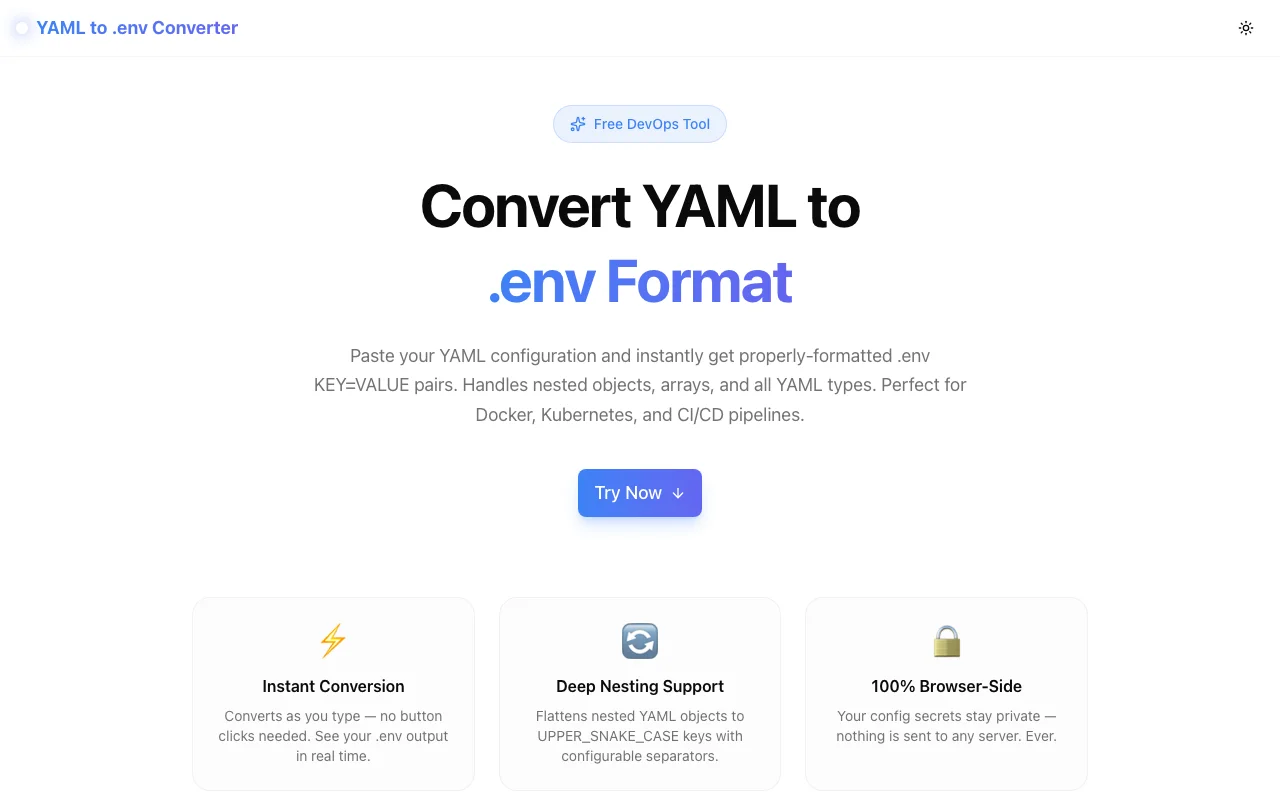
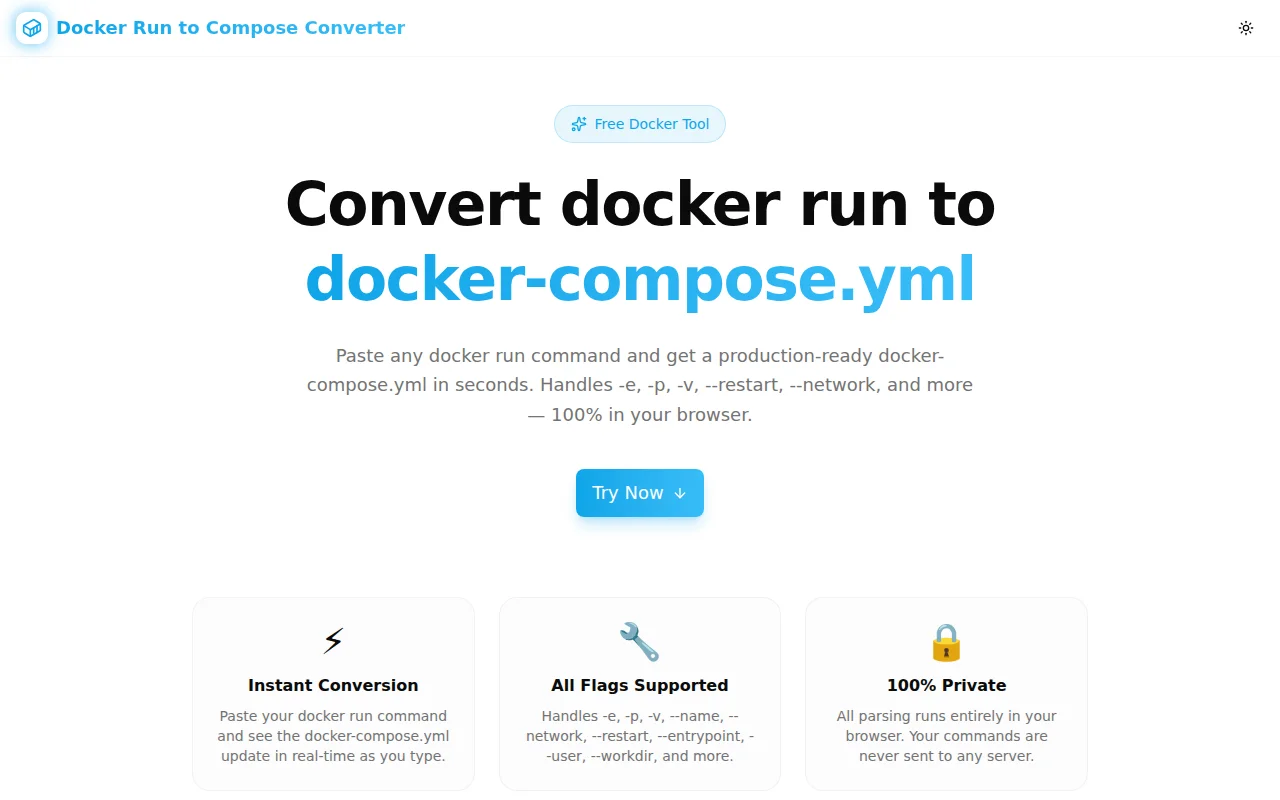
- Dockerfile Generator — generate production-ready Dockerfiles for Node.js, Python, Go, and more
- Gitignore Generator — generate
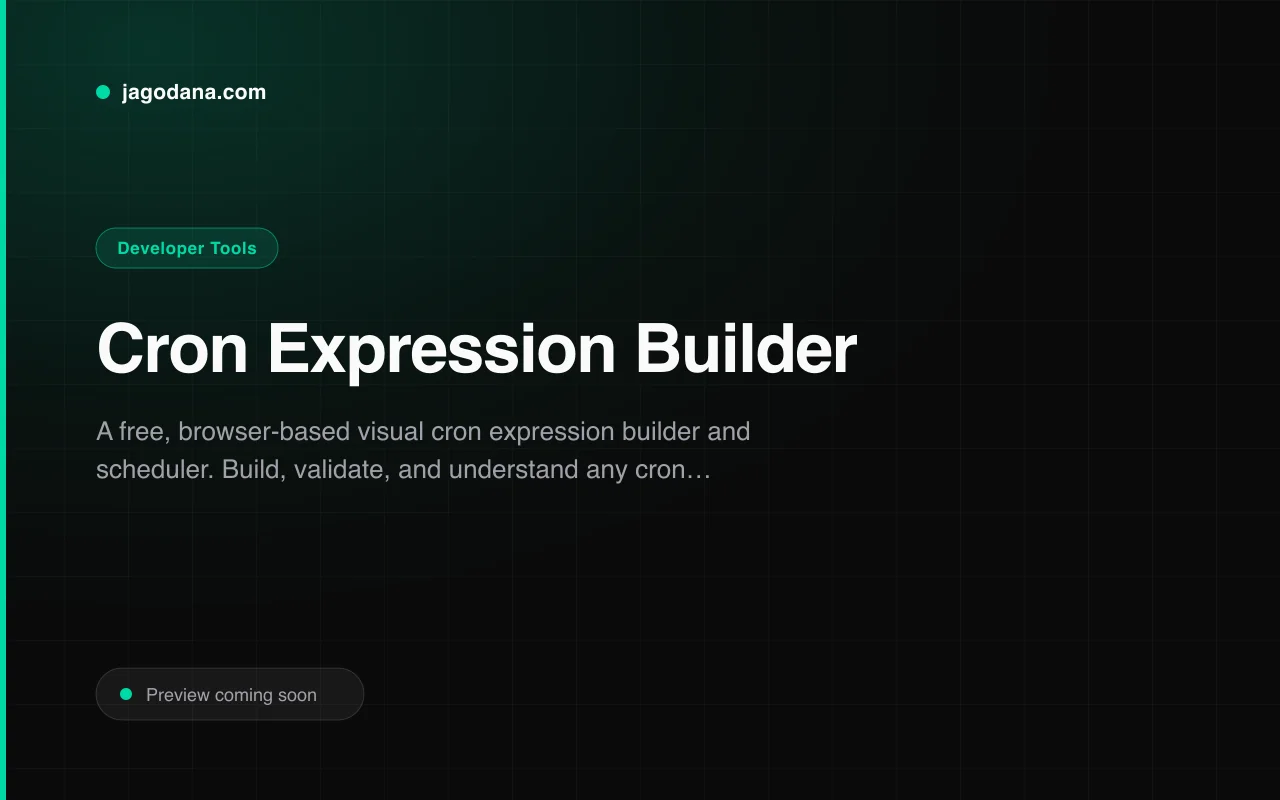
.gitignorefiles for any tech stack - Cron Expression Builder — build and validate cron expressions for scheduled workflows
- Git Branch Name Generator — generate clean, consistent branch names following conventional patterns
Start generating workflows: github-actions-generator.tools.jagodana.com