HTML Form Generator: Build Clean HTML Forms Instantly Without Writing Markup
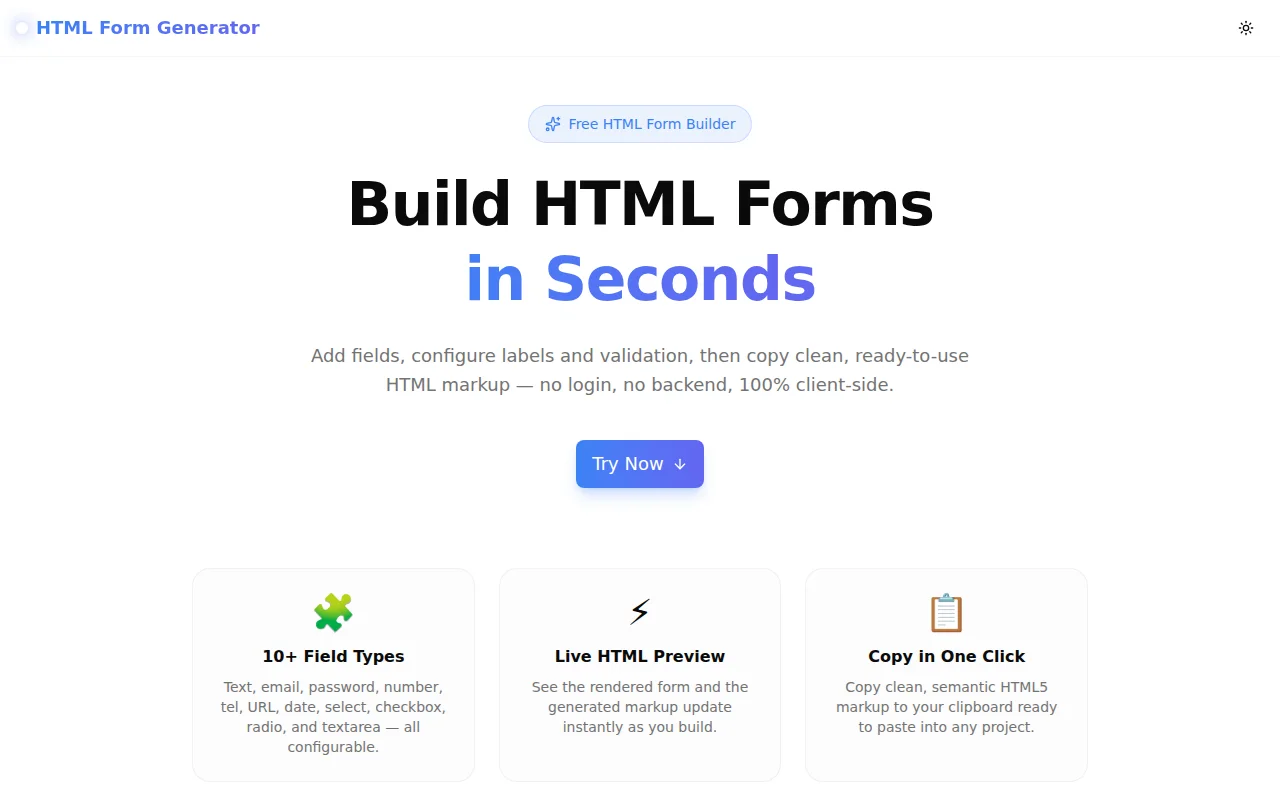
Free online HTML form builder — add fields, configure validation, preview the rendered form, and copy semantic HTML5 markup in seconds. No signup, 100% client-side.
HTML Form Generator: Build Clean HTML Forms Instantly Without Writing Markup
Every web project eventually needs a form. Contact page. Survey. Checkout step. Newsletter signup. The markup itself isn't complicated — until you're staring at a six-field form and writing the same boilerplate for the fifteenth time this month.
Each field needs a <label>, a matching for and id attribute, the right type, validation attributes, and proper structure. Radio groups need <fieldset> and <legend>. Select elements need <option> tags. Forget one attribute and browser accessibility breaks.
The HTML Form Generator at html-form-generator.tools.jagodana.com eliminates the boilerplate. Add fields, configure them, copy the HTML. Done in under a minute.
What Is an HTML Form Generator?
An HTML form generator is a browser-based tool that lets you build HTML form markup visually — without writing code. You configure each field through a UI (type, label, placeholder, validation), see a live preview, and copy clean, ready-to-use HTML5.
The output is standard <form>, <input>, <label>, <select>, and <textarea> markup — not tied to any framework or library. It works in plain HTML pages, React, Vue, WordPress, Webflow, and anywhere else that accepts HTML.
What Field Types Does the HTML Form Generator Support?
The tool supports 11 input types:
| Field Type | HTML Element | When to Use |
|---|---|---|
| Text | <input type="text"> | Names, general short text |
| Email | <input type="email"> | Email addresses with browser validation |
| Password | <input type="password"> | Login forms, masked input |
| Number | <input type="number"> | Quantities, ages, prices |
| Telephone | <input type="tel"> | Phone numbers |
| URL | <input type="url"> | Website addresses |
| Date | <input type="date"> | Appointment pickers, date ranges |
| Textarea | <textarea> | Long-form text, messages, comments |
| Select | <select> | Dropdowns with defined options |
| Checkbox | <input type="checkbox"> | Single toggles, agreements |
| Radio | <fieldset> + radios | Mutually exclusive choices |
Each field type exposes the controls that are relevant to it — min/max for numbers and dates, rows for textareas, option labels and values for select and radio groups.
How Do You Use the HTML Form Generator?
Step 1 — Set form attributes. Configure the action URL (where the form submits), HTTP method (POST or GET), form ID, and submit button label. These map directly to <form action="" method="" id="">.
Step 2 — Add fields. Click "Add Field," choose a type, and configure the label, name, placeholder, required flag, and any validation attributes. The name/ID auto-generates from the label as you type. Add as many fields as you need. Drag with the up/down arrows to reorder.
Step 3 — Preview and inspect. Toggle between the "Preview" tab (rendered form with disabled inputs) and the "HTML" tab (generated markup). The preview matches what your users will see — useful for catching label issues or missing fields before you copy.
Step 4 — Copy the HTML. Click "Copy HTML" to copy the complete <form> block to your clipboard. Paste it into your project. No cleanup required.
Does the Generated HTML Work in React, Vue, and Other Frameworks?
Yes — the output is plain HTML5, which is the foundation every framework builds on. You may need minor syntax adjustments for some frameworks:
- React / Next.js: Change
classtoclassNameandfortohtmlForin label elements. - Vue / Svelte / Angular: Bind values with framework-specific syntax (
v-model,bind:value,[(ngModel)]), but the element structure stays the same. - WordPress / CMS: Paste directly into HTML blocks — the markup works without modification.
- Plain HTML: Copy and paste as-is.
The generator outputs valid, semantic HTML5. Framework adaptation is a find-and-replace, not a rewrite.
What Validation Attributes Are Supported?
Each field type exposes the validation attributes relevant to it:
- required — all types, marks field as mandatory
- min / max — number and date fields, sets value range
- pattern — text, email, tel, URL, password fields, accepts a regex string
- rows — textarea only, controls visible height
These attributes use the browser's native HTML5 constraint validation — no JavaScript required. The form won't submit if a required field is empty, an email field has an invalid address, or a number is outside the configured range.
Is the HTML Form Generator Free and Private?
Yes, completely free. No account, no sign-up, no payment. And all processing happens 100% in your browser — your form structure, field labels, option values, and anything else you configure never leaves your device. There are no server calls.
How Is the HTML Form Generator Different from Other Form Builders?
Most form builders produce forms that are tied to their own platform — the output is a widget, an embed code, or a platform-specific component. You can't take the markup and run it somewhere else.
This generator outputs plain, unstyled HTML5. The markup belongs to you. You can apply any CSS framework, any design system, any styles you want. There are no vendor classes to override, no platform dependency, no account to manage.
The output is also deliberately unstyled — clean semantic markup without any presentational classes. This makes it portable to any design system, whether you're using Tailwind CSS, Bootstrap, Material UI, or plain custom CSS.
When Would You Use an HTML Form Generator?
Building a contact form quickly. Don't write the boilerplate — configure name, email, and message fields, set the action and method, copy the HTML.
Prototyping a multi-field form. When you're mocking up a new feature and need to show how the form will look, generate the markup in 30 seconds and drop it into your prototype.
Learning HTML form structure. The generator outputs correct, accessible HTML — for/id pairing, <fieldset> for radio groups, <legend> for group labels. It's a useful reference for developers learning form accessibility.
Working with non-technical collaborators. Product managers and designers who understand what fields a form needs can configure and copy the markup without writing any code.
Migrating forms between frameworks. When moving a project to a new stack, use the generator to recreate form structures quickly with the correct HTML5 attributes, then adapt to the target framework's conventions.
What Makes a Good HTML Form?
A few patterns that the generator follows:
Label every field. Each input has a <label> with a for attribute matching the input's id. This is required for accessibility — screen readers use it to announce what each field is. Placeholder text alone is not a substitute for a label.
Use the right input type. type="email" gives you browser-native email validation and the right keyboard on mobile. type="tel" brings up a numeric keypad on iOS. type="date" shows a date picker. These aren't cosmetic — they affect user experience.
Group radio buttons semantically. Radio options that are mutually exclusive belong inside a <fieldset> with a <legend> that names the group. This is how assistive technology understands the relationship between options.
Mark required fields explicitly. The required attribute prevents submission without a value. Adding a visual indicator (the generator appends " *" to required labels) sets user expectations before submission.
What Output Does the HTML Form Generator Produce?
Here's a sample contact form output:
<form action="/contact" method="post" id="contact-form">

  <div class="form-group">
    <label for="full_name">Full Name *</label>
    <input type="text" id="full_name" name="full_name" placeholder="Enter your full name" required>
  </div>

  <div class="form-group">
    <label for="email">Email Address *</label>
    <input type="email" id="email" name="email" placeholder="you@example.com" required>
  </div>

  <div class="form-group">
    <label for="message">Message</label>
    <textarea id="message" name="message" rows="4" placeholder="Your message here…"></textarea>
  </div>

  <div class="form-group">
    <button type="submit">Submit</button>
  </div>

</form>
Clean, indented, ready to paste.
Build your form now — no account needed: html-form-generator.tools.jagodana.com