Introducing Image Srcset Generator: Responsive Images in Seconds
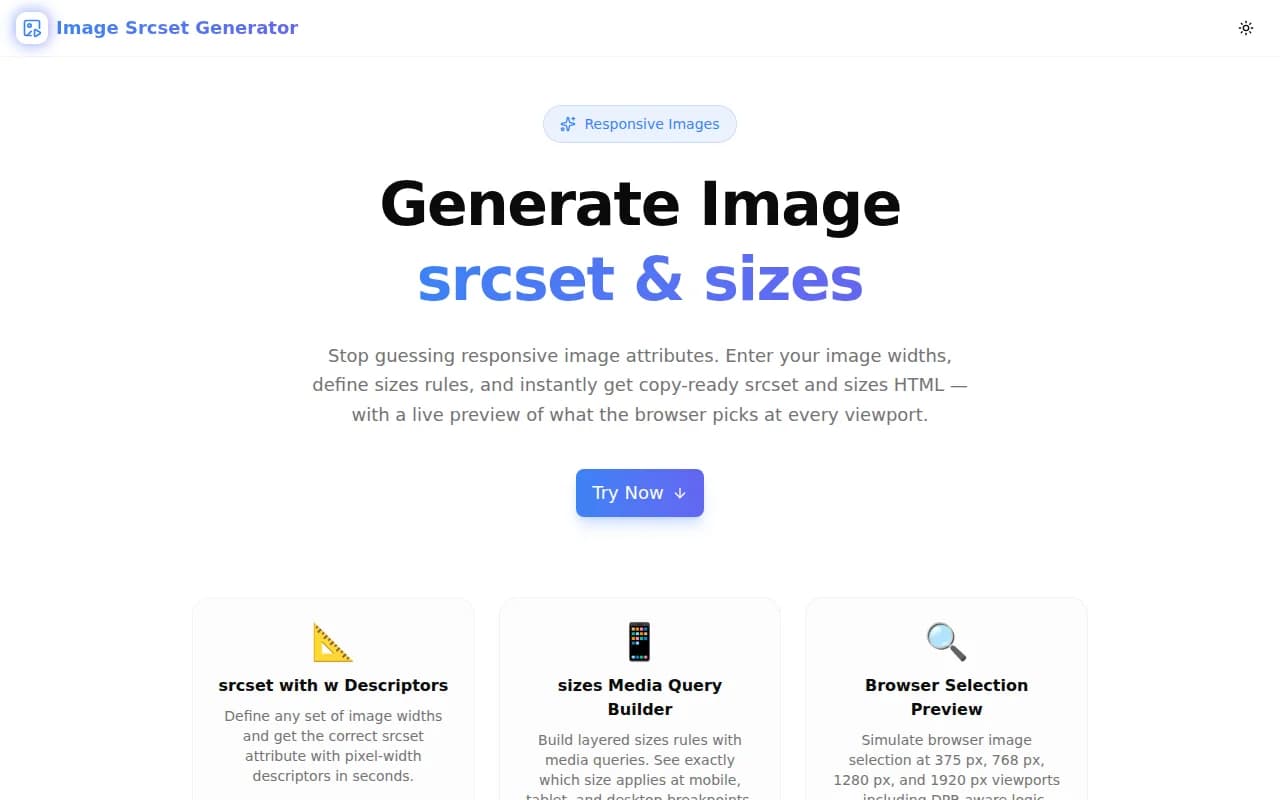
Generate correct srcset and sizes HTML attributes instantly. Preview browser image selection at every viewport width, copy a production-ready img tag, and ship faster — all client-side, no upload needed.
Introducing Image Srcset Generator: Responsive Images in Seconds
Responsive images are one of the highest-impact performance optimizations for the web. They're also one of the most common sources of bugs. The srcset and sizes attributes look simple until you try to write them for a real layout — and realize you don't actually know which image the browser will download at a given viewport.
That's why we built Image Srcset Generator — a free, browser-based tool that generates correct srcset and sizes HTML attributes from the widths and sizing rules you define, with a live preview of browser selection at four common viewport sizes.
What Problem Does This Solve?
The srcset Syntax Is Deceptively Tricky
Here's a typical responsive image setup:
<img
  src="/images/hero-320w.webp"
  srcset="/images/hero-320w.webp 320w,
          /images/hero-640w.webp 640w,
          /images/hero-1280w.webp 1280w,
          /images/hero-1920w.webp 1920w"
  sizes="(max-width: 640px) 100vw, (max-width: 1024px) 50vw, 33vw"
  alt="Hero image"
/>
Questions every developer asks at least once:
- Is the format
320wor320px? - Should
sizesusemax-widthormin-width? - Which image does the browser pick at 768 px on a 2x Retina display?
- Do the
sizesvalues need to match the breakpoints in my CSS?
The browser's selection algorithm reads the sizes attribute to determine the image's layout width in CSS pixels, multiplies by the device pixel ratio, then picks the smallest srcset entry with a width descriptor ≥ that value. Without a preview tool, you're simulating this mentally — and making mistakes.
Bad srcset Hurts Core Web Vitals
When the sizes attribute is wrong or missing, the browser assumes the image is 100vw wide. A 3-column grid image that's actually 33vw wide gets served at full viewport width, wasting 3× the bandwidth. This directly impacts Largest Contentful Paint (LCP), one of Google's Core Web Vitals. Incorrect responsive images are one of the top causes of LCP regressions in otherwise well-optimized sites.
How Image Srcset Generator Works
Step 1: Define Your Image Widths
Add the pixel widths you'll serve — for example, 320, 640, 768, 1024, 1280, 1920. These become the w descriptors in the generated srcset. The tool constructs the full attribute:
/images/hero-320w.webp 320w,
/images/hero-640w.webp 640w,
/images/hero-1280w.webp 1280w,
/images/hero-1920w.webp 1920w
Set your base URL (e.g., /images/hero) and choose a format — WebP, AVIF, JPG, or PNG.
Step 2: Configure Sizes Rules
Build the sizes attribute as a stack of media-query/width pairs in the UI. Add as many rules as your layout needs:
| Media Query | Width |
|---|---|
| (max-width: 640px) | 100vw |
| (max-width: 1024px) | 50vw |
| (default) | 33vw |
The tool assembles this into the correct sizes string and enforces the rule that the last entry must be the default (no media query).
Step 3: See the Browser Selection Preview
This is the feature that makes the tool genuinely useful rather than just a formatter.
A four-panel grid shows which image width the browser would actually download at:
- Mobile — 375 px: Which src is selected? What's the required pixel width?
- Tablet — 768 px: Does the right image serve for tablet layouts?
- Desktop — 1280 px: Are you serving the large image only when needed?
- Large — 1920 px: Full-width hero — are you serving the largest variant?
The preview implements the same selection algorithm browsers use. No guessing.
Step 4: Copy the Output
Three copy buttons let you grab exactly what you need:
- srcset only — for frameworks that handle the rest
- sizes only — to verify just the sizing logic
- Complete
<img>tag — with srcset, sizes, fallback src, alt text,loading="lazy", anddecoding="async"ready to paste
Why We Built This
Every tool in our 365 Tools Challenge solves a problem we've personally hit. Responsive images are a constant friction point. Every time you set up a new <img> component, you re-derive the same logic. Every time a performance audit flags an oversized image download, you trace it to a wrong sizes value.
A generator that produces the attributes and shows you the selection result removes the friction completely. Write it once, verify it visually, copy, done.
Who Is This For?
Frontend Developers
You know you need responsive images but you don't want to re-read the MDN article every time. Enter your widths, set your breakpoints, copy.
Performance Engineers
You're auditing a site and found that mobile users are downloading 1920w images. Use the tool to calculate what sizes value the developer should have used, verify the selection at 375 px, and include the corrected markup in your recommendations.
Design System Maintainers
Your system has specific image container widths at each breakpoint. Use the generator to document and verify the sizes values that match each component spec.
Developers Using Custom <img> Tags
Next.js <Image /> and similar components handle srcset automatically. But email templates, MDX content, third-party embeds, and legacy code often use raw <img> tags. This tool fills that gap.
FAQs
Do I need to generate the actual image files too?
Yes — you need the image files at each width before the srcset works. Use Sharp, ImageMagick, Squoosh, or your CDN's image transformation API to generate them. This tool creates the HTML attributes; the files are a separate build step.
Does this support HiDPI / Retina displays?
The viewport preview shows which image would be selected at 1× DPR. For 2× Retina, the browser doubles the required pixel width (e.g., a 100vw image at 375 px on a 2× screen requires a 750 px image). The selection algorithm uses the nearest available width ≥ required — so a 768w image would serve for a 375 px 2× viewport if that's the smallest entry that covers 750 px.
Should I use WebP or AVIF?
WebP is supported by all modern browsers and offers excellent compression (25–35% smaller than JPEG at equivalent quality). AVIF offers even better compression (20–30% over WebP) and is supported by Chrome, Firefox, and Safari 16+. Use WebP as your default; serve AVIF as a progressive enhancement via <picture> with a WebP fallback.
Is this tool free?
Yes. Completely free, no account required, 100% client-side — nothing leaves your browser.
Try It Now
Ready to generate correct, verified responsive image markup in under a minute?
image-srcset-generator.tools.jagodana.com
No signup. No upload. Open, configure, copy.
More Developer Tools
Image Srcset Generator is part of our free developer tools suite at tools.jagodana.com:
- Aspect Ratio Calculator — Calculate aspect ratios for responsive containers
- CSS Clamp Calculator — Generate fluid CSS clamp() values
- Screenshot Beautifier — Turn screenshots into beautiful images
- Favicon Generator — All favicon sizes + manifest from one image
Stop hand-writing srcset attributes. Try Image Srcset Generator →