JSON to ENV Converter: Convert JSON to .env Files Instantly (Free, No Login)
Free online JSON to .env converter — paste a JSON object and get a ready-to-use .env file in seconds. Supports nested key flattening, smart quoting, copy to clipboard, and .env → JSON reverse conversion. 100% client-side, no data uploaded.
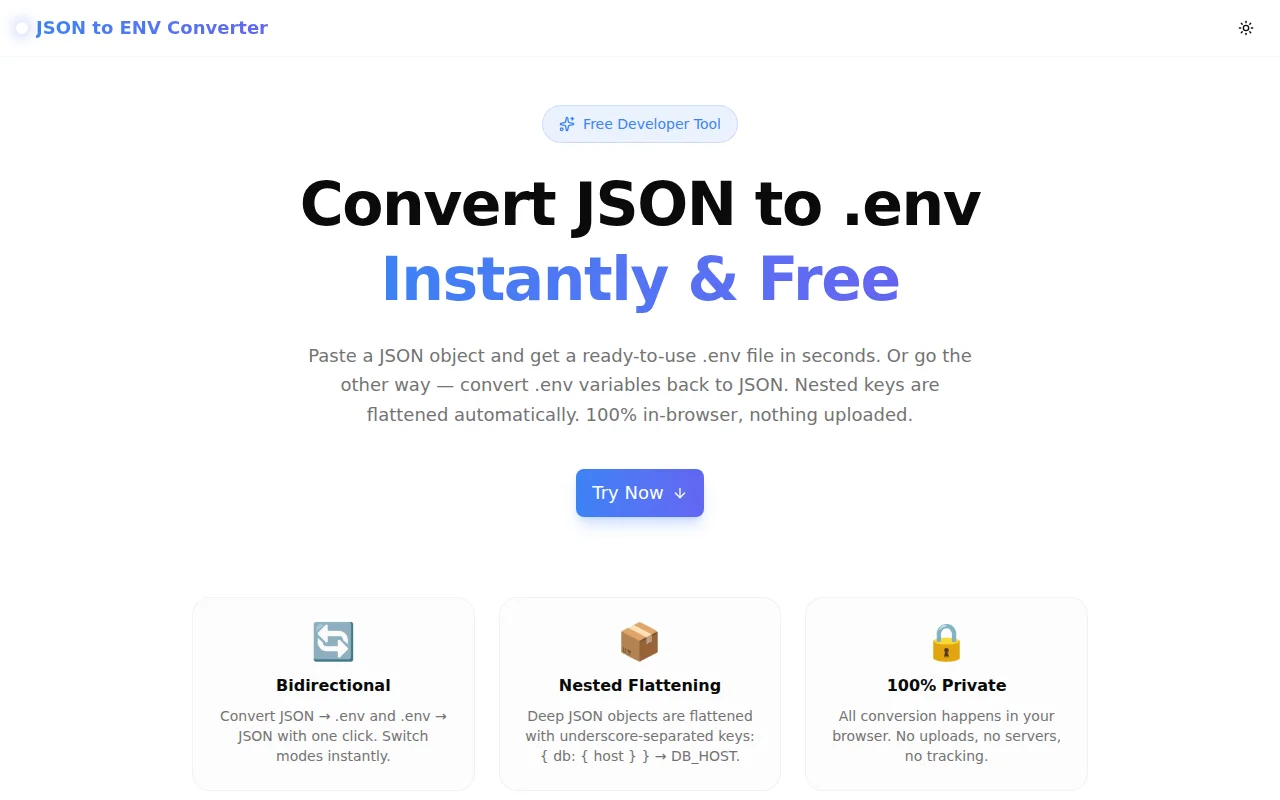
JSON to ENV Converter: Convert JSON to .env Files Instantly
You have a JSON object full of config values. Your app needs a .env file.
Copy. Paste. Manually reformat forty lines. Add quotes around the ones with spaces. Uppercase all the keys. Flatten the nested object by hand.
Or: open JSON to ENV Converter, paste the JSON, click Convert.
That's the entire pitch.
Why Does This Keep Coming Up?
Environment variables live at the intersection of two formats — JSON (how config is stored, transmitted, and returned by APIs) and .env (how config is loaded by your application). Every developer crosses this boundary multiple times a week, and almost nobody has a dedicated tool for it.
The Scenarios
Secrets managers output JSON. AWS Secrets Manager, HashiCorp Vault, Azure Key Vault — they all return your secrets as a JSON object. Your app expects KEY=VALUE pairs. Every deployment script doing this conversion by hand is a small tax on developer time.
Terraform and CDK outputs are JSON. Infrastructure-as-code tools output resource attributes (database endpoints, API keys, connection strings) as JSON. Converting those to .env for local development or CI is a recurring manual step.
Onboarding uses .env.example, config uses JSON. Many teams maintain a JSON schema of valid config keys for validation — but the .env.example file that new developers copy is maintained separately. This tool makes that synchronisation trivial.
Docker Compose env_file needs flat format. Nested JSON configs don't work directly as Docker env_file input. Flattening manually is error-prone; a tool that does it consistently is not.
How JSON to ENV Conversion Works
Flat JSON → .env
The simple case: a flat JSON object maps directly to .env with keys uppercased.
{
  "port": 3000,
  "debug": false,
  "api_key": "abc123"
}
Becomes:
PORT=3000
DEBUG=false
API_KEY=abc123
Nested JSON → .env (Flattening)
Nested objects are flattened using underscore-separated keys. The depth is unlimited.
{
  "database": {
    "host": "db.example.com",
    "port": 5432,
    "credentials": {
      "user": "admin",
      "password": "hunter2"
    }
  }
}
Becomes:
DATABASE_HOST=db.example.com
DATABASE_PORT=5432
DATABASE_CREDENTIALS_USER=admin
DATABASE_CREDENTIALS_PASSWORD=hunter2
Automatic Quoting
Values that need quoting — strings with spaces, hash characters, special shell characters — are automatically wrapped in double quotes:
APP_NAME="My Application"
APP_DESCRIPTION="A great tool for developers"
SECRET_KEY=no-quotes-needed-here
This matches what dotenv parsers expect: unquoted values are used as-is, quoted values have the quotes stripped.
Arrays
JSON arrays are serialised as JSON strings so no data is lost:
ALLOWED_ORIGINS=["https://app.example.com","https://admin.example.com"]Your app can parse this back with JSON.parse(process.env.ALLOWED_ORIGINS).
What About .env → JSON?
The converter works both ways. Switch to .env → JSON mode and paste your environment file to get a clean JSON object back.
# Database config
DATABASE_HOST=localhost
DATABASE_PORT=5432
API_KEY="my-secret-key"
Becomes:
{
  "DATABASE_HOST": "localhost",
  "DATABASE_PORT": "5432",
  "API_KEY": "my-secret-key"
}
Comment lines are ignored. Quoted values are automatically unquoted. The output is a flat JSON object — keys are preserved exactly as they appear in the .env file (no lowercasing or de-nesting in this direction, since dotenv parsers treat all keys as flat strings).
Is My Data Safe?
Is My Data Safe?
Yes. The entire conversion runs in JavaScript in your browser tab. There is no server component to this tool — no fetch call is made during conversion, and your input never leaves your device.
This matters because .env files routinely contain secrets: database passwords, API keys, OAuth tokens, private keys. You should never paste these into an online tool that sends the data to a server.
The source code is public. You can verify what the tool does and does not do.
How to Use JSON to ENV Converter
Convert JSON to .env
- Go to json-to-env.tools.jagodana.com
- Make sure JSON → .env mode is selected (it is by default)
- Paste your JSON object in the left panel — or click Load Example to try with sample data
- Click Convert
- Your
.envfile appears in the right panel - Click Copy to copy to clipboard, or Download to save as a
.envfile
Convert .env to JSON
- Click the .env → JSON tab
- Paste your
.envcontent in the left panel - Click Convert
- Your JSON object appears in the right panel
- Click Copy or Download to save as
.json
Keyboard Shortcut
The Convert button is the primary action. Press it after pasting — the conversion is instant.
Frequently Asked Questions
What happens to nested JSON arrays?
Arrays are serialised as JSON strings in the .env output: ALLOWED_HOSTS=["a.com","b.com"]. This preserves the data and can be parsed back in your application with JSON.parse(process.env.ALLOWED_HOSTS).
Can I convert multi-level nested JSON?
Yes. The flattening is recursive and handles any depth. A five-level-deep object will produce keys like A_B_C_D_E=value.
Does it handle boolean and number values?
Yes. true, false, and numeric values are converted to their string representations: DEBUG=true, PORT=3000. Most dotenv parsers read environment variables as strings; type coercion (e.g., parseInt(process.env.PORT)) is handled by your application.
What .env syntax does the output follow?
The output follows the dotenv spec: unquoted values for simple strings, double-quoted values for strings containing special characters, no support for multiline values (use escaped \n if needed). The output is compatible with Node.js dotenv, Python python-dotenv, Ruby dotenv, and most other implementations.
Will this work offline?
Yes. After the page loads, the conversion JavaScript is cached. You can use the tool without a network connection.
Is there an API?
Not yet. The tool is intentionally client-only. If you need scripted conversion, the core logic is available in the GitHub repo — the flattenJson and quoteIfNeeded functions are about 30 lines of TypeScript.
The Alternative: Writing the Script Yourself
Most developers have written some version of this at least once:
# Bash approach (misses nesting, quoting, arrays)
cat config.json | jq -r 'to_entries | .[] | "\(.key | ascii_upcase)=\(.value)"'
Or in Python:
import json

def flatten(obj, prefix=""):
    result = {}
    for k, v in obj.items():
        key = f"{prefix}_{k}".upper() if prefix else k.upper()
        if isinstance(v, dict):
            result.update(flatten(v, key))
        else:
            result[key] = str(v)
    return result

with open("config.json") as f:
    config = json.load(f)

for k, v in flatten(config).items():
    print(f"{k}={v}")
This is fine. But it's another script to find, maintain, and run. It doesn't handle quoting. It doesn't handle arrays. It doesn't do the reverse. And you'll rewrite it slightly differently each time you need it.
Having a bookmarked URL that handles all the edge cases is faster than finding the script.
Try It
json-to-env.tools.jagodana.com — free, no login, instant.
Source code: github.com/Jagodana-Studio-Private-Limited/json-to-env