RRULE Generator: Build Recurring Calendar Event Rules Without Memorising RFC 5545
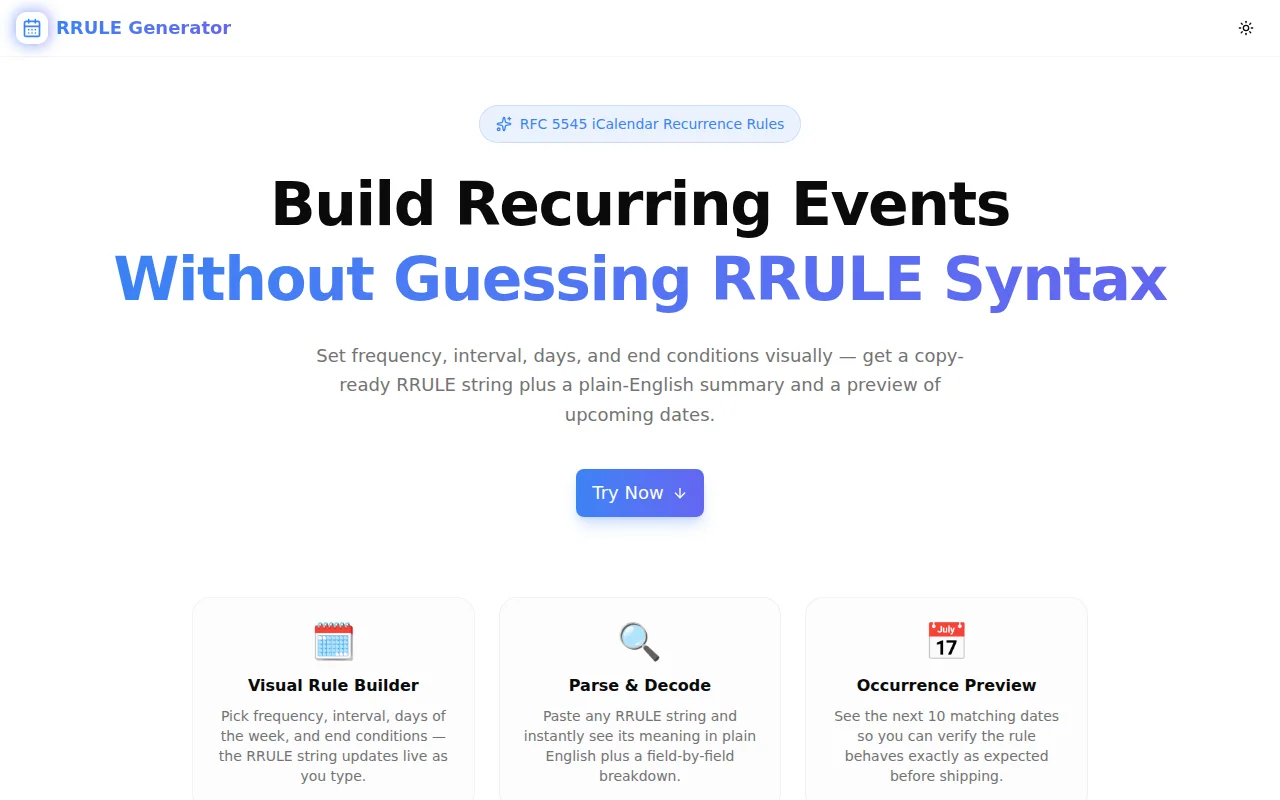
Learn what RRULE strings are, how the RFC 5545 iCalendar recurrence format works, and how to use RRULE Generator to build and debug recurring event rules instantly — no syntax memorisation required.
RRULE Generator: Build Recurring Calendar Event Rules Without Memorising RFC 5545
If you have ever integrated with Google Calendar API, built a scheduling feature, or set up a CalDAV server, you have probably encountered an RRULE string. It looks something like this:
RRULE:FREQ=WEEKLY;BYDAY=MO,WE,FR;INTERVAL=2;COUNT=12
That encodes a recurring meeting schedule — every other week on Monday, Wednesday, and Friday, for 12 occurrences total. It is compact, powerful, and surprisingly easy to get wrong.
We built RRULE Generator so developers can construct and verify these strings visually — no memorising property names, no trial-and-error in code, and no reading through the 173-page RFC 5545 specification.
What Is an RRULE?
An RRULE (Recurrence Rule) is a string format defined by RFC 5545, the iCalendar specification. It describes how often a calendar event repeats and when it ends. Every major calendar platform and scheduling library uses it:
- Google Calendar API — stores recurrence as
["RRULE:FREQ=WEEKLY;BYDAY=MO"] - Microsoft Graph Calendar — uses the same format under the hood
- Apple Calendar / iCloud — sends and receives RRULE in iCal feeds
- CalDAV servers — RRULE is the recurrence format in
.icsfiles - rrule.js (JavaScript) and python-dateutil — both accept the string directly
What Does RRULE Syntax Look Like?
An RRULE is a semicolon-separated list of key=value pairs, prefixed with RRULE:. The most common components are:
| Component | What It Does | Example |
|-----------|-------------|---------|
| FREQ | Recurrence type | FREQ=WEEKLY |
| INTERVAL | Units between recurrences | INTERVAL=2 |
| BYDAY | Days of the week | BYDAY=MO,WE,FR |
| BYMONTHDAY | Day of the month | BYMONTHDAY=15 |
| BYMONTH | Month of the year | BYMONTH=3 |
| COUNT | Total occurrences | COUNT=10 |
| UNTIL | End date (UTC) | UNTIL=20261231T000000Z |
| WKST | Week start day | WKST=SU |
Combine them to express almost any schedule:
# Every weekday
RRULE:FREQ=DAILY;BYDAY=MO,TU,WE,TH,FR

# Monthly on the 15th, for 1 year
RRULE:FREQ=MONTHLY;BYMONTHDAY=15;COUNT=12

# Annually on New Year's Day
RRULE:FREQ=YEARLY;BYMONTH=1;BYMONTHDAY=1
Why Is RRULE Hard to Write by Hand?
Inconsistent Property Usage by Frequency
BYDAY means different things at different frequencies. For WEEKLY it filters days of the week (BYDAY=MO,WE). For MONTHLY it can specify ordinal positions like the third Monday (BYDAY=3MO) or last Friday (BYDAY=-1FR). For DAILY, BYDAY is usually ignored entirely. This inconsistency is subtle and produces silent failures — the calendar API accepts the string, but schedules the wrong dates.
UNTIL Requires UTC in a Specific Format
The UNTIL value must be a UTC timestamp in YYYYMMDDTHHMMSSZ format. Omit the Z or use a different format and many implementations silently fail or fall back to forever.
COUNT and UNTIL Are Mutually Exclusive
RFC 5545 prohibits using both COUNT and UNTIL in the same RRULE. Violating this constraint produces behaviour that varies by implementation — some libraries throw, others silently ignore one of the values.
Mental Verification Is Impossible
Writing RRULE:FREQ=MONTHLY;BYMONTHDAY=29;COUNT=12 and being confident it produces 12 monthly occurrences is hard. February has no 29th in non-leap years. Depending on the library, the February occurrence either skips, overflows to March 1, or throws. Without seeing the actual dates, you cannot be sure.
How RRULE Generator Solves This
Visual Build Mode
Select frequency, drag the interval slider, check the days of the week for weekly rules, pick a day number for monthly rules, and choose an end condition. The RRULE string and a plain-English summary update live as you make changes:
Every 2 weeks on Monday and Wednesday, 10 times
No manual string assembly. No property name memorisation. No format errors.
Next Occurrences Preview
Below the RRULE output, the tool shows the next 10 actual dates the rule produces starting from your chosen start date. This is the verification step that matters — you see February 29 disappear in non-leap years, you confirm the count ends at the right occurrence, and you catch day-of-week misconfigurations before they reach production.
Parse Mode
Paste any RRULE string — from a stored database value, a failing test fixture, or a third-party calendar feed — and the tool decodes each component with a field-by-field breakdown and shows the next 10 occurrences from today. This turns debugging from guesswork into inspection.
How to Use RRULE Generator
Building a New Rule
- Open rrule-generator.tools.jagodana.com
- Select your frequency: Daily, Weekly, Monthly, or Yearly
- Set the interval (1 = every week, 2 = every other week, etc.)
- For weekly rules, check the days of the week
- Set a start date so the occurrence preview is anchored correctly
- Choose an end condition — no end, COUNT, or UNTIL
- Copy the RRULE string from the output box
Parsing an Existing Rule
- Switch to the Parse RRULE tab
- Paste the string (e.g.
RRULE:FREQ=WEEKLY;BYDAY=MO,WE;COUNT=20) - Click Parse to see the decoded components, plain-English summary, and next 10 occurrences
- Use the example buttons to explore common patterns
Common RRULE Patterns for Developers
Every Weekday
RRULE:FREQ=WEEKLY;BYDAY=MO,TU,WE,TH,FR
Every Two Weeks on Tuesday and Thursday
RRULE:FREQ=WEEKLY;INTERVAL=2;BYDAY=TU,TH
Monthly on the 1st, for 12 Months
RRULE:FREQ=MONTHLY;BYMONTHDAY=1;COUNT=12
Quarterly (Every 3 Months)
RRULE:FREQ=MONTHLY;INTERVAL=3
Annual Renewal
RRULE:FREQ=YEARLY
Every Day for 30 Days
RRULE:FREQ=DAILY;COUNT=30
Using RRULE Strings in Code
Once you have the string, using it is straightforward in any major language.
JavaScript / TypeScript
import RRule from 'rrule';

const rule = RRule.fromString('RRULE:FREQ=WEEKLY;BYDAY=MO,WE,FR;COUNT=10');
const dates = rule.all();
// Returns an array of Date objects
Python
from dateutil.rrule import rrulestr
from datetime import datetime

rule = rrulestr('RRULE:FREQ=WEEKLY;BYDAY=MO,WE,FR;COUNT=10', dtstart=datetime.now())
dates = list(rule)
Google Calendar API
const event = {
  summary: 'Team Standup',
  start: { dateTime: '2026-01-05T09:00:00', timeZone: 'America/New_York' },
  end: { dateTime: '2026-01-05T09:30:00', timeZone: 'America/New_York' },
  recurrence: ['RRULE:FREQ=WEEKLY;BYDAY=MO,TU,WE,TH,FR'],
};
Privacy and Offline Use
RRULE Generator runs entirely in your browser. No data is sent to any server — not the dates, not the RRULE strings, not the start date. The tool works offline once loaded and is safe to use with internal scheduling configurations or sensitive calendar data.
What Is the Difference Between COUNT and UNTIL?
COUNT specifies the exact number of occurrences the rule should produce. COUNT=10 means exactly 10 events.
UNTIL specifies an absolute end date. The rule generates events up to and including that date. RFC 5545 prohibits using both in the same rule — use one or the other.
In most cases, use COUNT when the schedule has a fixed number of sessions (a 10-week course) and UNTIL when the schedule runs until a specific deadline (a campaign ending on December 31).
Try RRULE Generator
Build recurring event rules visually, verify the dates, and copy the string — in about 30 seconds.