Text Line Sorter: Sort, Deduplicate & Transform Any List of Lines Online
Free online text line sorter — sort alphabetically, remove duplicate lines, shuffle, reverse, trim whitespace, and number lines instantly in your browser. No login, no upload, 100% client-side.
Text Line Sorter: Sort, Deduplicate & Transform Any List of Lines Online
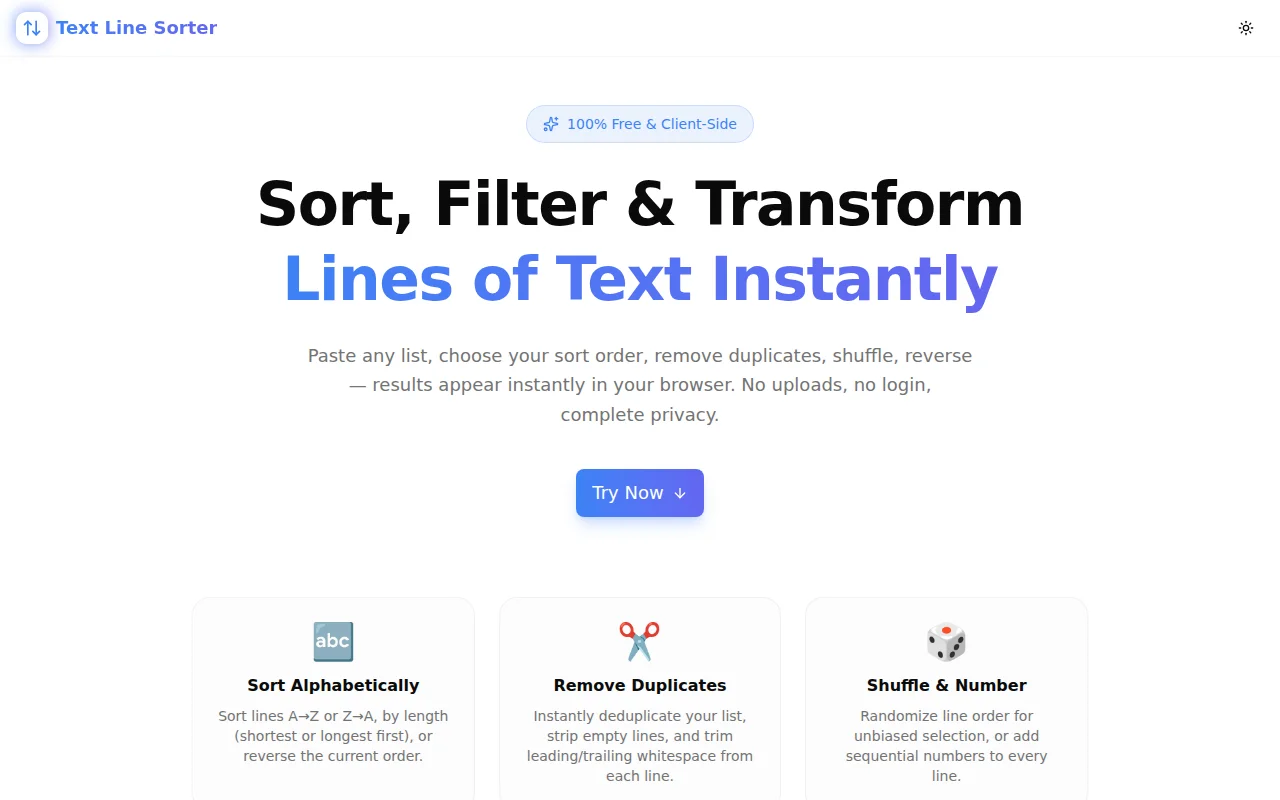
You have a list. It needs sorting. Or deduplicating. Or shuffling. The fastest path to that result is now text-line-sorter.tools.jagodana.com — paste your lines, click a transform, copy the output. No signup, no upload, no server involved.
What Is a Text Line Sorter?
A text line sorter is a tool that takes a block of newline-separated text and applies transforms to it: sorting alphabetically, removing duplicates, reversing order, randomising sequence, or filtering empty and padded lines.
Common uses:
- Alphabetising a list of team names before pasting into a document
- Deduplicating keyword lists merged from multiple sources
- Randomising survey question order
- Cleaning up CSV exports with blank rows and padded cells
- Turning bullet points into numbered lists instantly
How Do I Sort Lines of Text Alphabetically Online?
- Open text-line-sorter.tools.jagodana.com
- Paste your lines into the left input box
- Click Sort A→Z (or Sort Z→A for descending)
- Click Copy to grab the sorted output
The sort uses localeCompare — so it handles names, mixed case, and non-ASCII characters correctly. "apple" sorts before "Banana" as you'd expect.
How Do I Remove Duplicate Lines from a Text List?
Click Remove Duplicates. The tool keeps the first occurrence of each unique line and removes all subsequent ones. It's case-sensitive — "Apple" and "apple" are treated as different values.
If your list also has blank lines mixed in, click Remove Empty Lines first (or after — the Re-use button moves output back into the input for chaining transforms).
What Does the "Shuffle" Button Do?
Shuffle randomises the order of your lines using the Fisher-Yates algorithm — a provably unbiased random permutation. Each shuffle is independent. Click it again and you get a different random order.
Use cases: randomising the order of questions in a quiz, picking random-order items for A/B testing, or just randomising a playlist of filenames.
Can I Sort Lines by Length Instead of Alphabetically?
Yes. Two length-sort options are available:
- Length ↑ — shortest lines first. Useful for scanning short items or spotting outliers.
- Length ↓ — longest lines first. Useful for identifying verbose entries or trimming long URLs.
What Does "Trim Whitespace" Do?
Trim Whitespace removes leading and trailing spaces from every line without changing the line content itself. It does not remove internal spaces.
Before trim:
  apple
banana
  cherry
After trim:
apple
banana
cherry
This is most useful when lines were copy-pasted from a spreadsheet, HTML source, or a terminal output where padding was included.
How Do I Number Lines Automatically?
Click Number Lines. Each line gets prefixed with its position:
1. banana
2. apple
3. cherry
If you want the list sorted before numbering: Sort A→Z first, then click Re-use (which moves the output back to the input), then click Number Lines.
Does My Text Get Sent to a Server?
No. All processing runs entirely in your browser using JavaScript. Your text is never uploaded, stored, or transmitted. Closing the tab discards everything.
This matters for lists that contain personal information — names, email addresses, internal identifiers — where you don't want a third-party service to see the data.
How Is This Different from sort in the Terminal?
The terminal sort command is powerful but has a learning curve:
sortfor alphabetical,sort -rfor reverse,sort -ufor dedup- Chaining requires pipes:
sort file.txt | uniq | sort -n - Output goes to stdout or a file — not a clipboard
Text Line Sorter is a one-click alternative for the cases where you don't want to open a terminal and remember the flags. It's not a replacement for sort in scripting — it's the right tool for quick, interactive list manipulation when you're already working in a browser.
What Are the Best Use Cases for Text Line Sorter?
For developers:
- Sort a list of imports before pasting into code review
- Deduplicate a list of dependencies from multiple package.json files
- Alphabetise environment variable names for consistency
- Shuffle filenames for randomised test data
For designers:
- Alphabetise a colour token list before sharing with the team
- Sort icon names for a design system inventory
- Randomise user persona names for presentations
For product managers:
- Alphabetise feature requests before prioritisation sessions
- Deduplicate survey response options
- Number agenda items in order
For content writers:
- Sort a keyword list before populating a brief
- Deduplicate tags across multiple posts
- Number a step-by-step list without manual renumbering
Try It Now
Ten transforms. Instant results. No login.
👉 text-line-sorter.tools.jagodana.com
Sort A→Z, Z→A, by length, reverse, shuffle, remove duplicates, remove empty lines, trim whitespace, or number your lines — all in one click.
Text Line Sorter is part of the 365 Tools Challenge — a new free developer tool every day from Jagodana Studio.