Token Counter: Count LLM Tokens Instantly Without a Python Script
Free online LLM token counter — paste any text and instantly see how many tokens it uses in GPT-4o, Claude 3, Llama 3, Gemini 1.5 Pro, and more. Includes context window fill and API cost estimate. No login required.
Token Counter: Count LLM Tokens Instantly Without a Python Script
You're building an AI feature. You have a prompt — maybe a system message, a retrieved document, a few turns of conversation history — and you need to know: does this fit the context window? And while you're at it: how much will this cost at scale?
The answer is tokens. But tokens aren't characters, and they aren't words. They're Byte Pair Encoding chunks that vary by model and content type. A 200-word document might be 280 tokens for GPT-4o and 310 tokens for Llama 3.
The usual way to find out: open a terminal, pip install tiktoken, write a one-off script, run it. Or log into OpenAI Playground just to see the counter in the corner. Or eyeball it: "roughly 750 tokens per page, so a 10-page document is about 7,500."
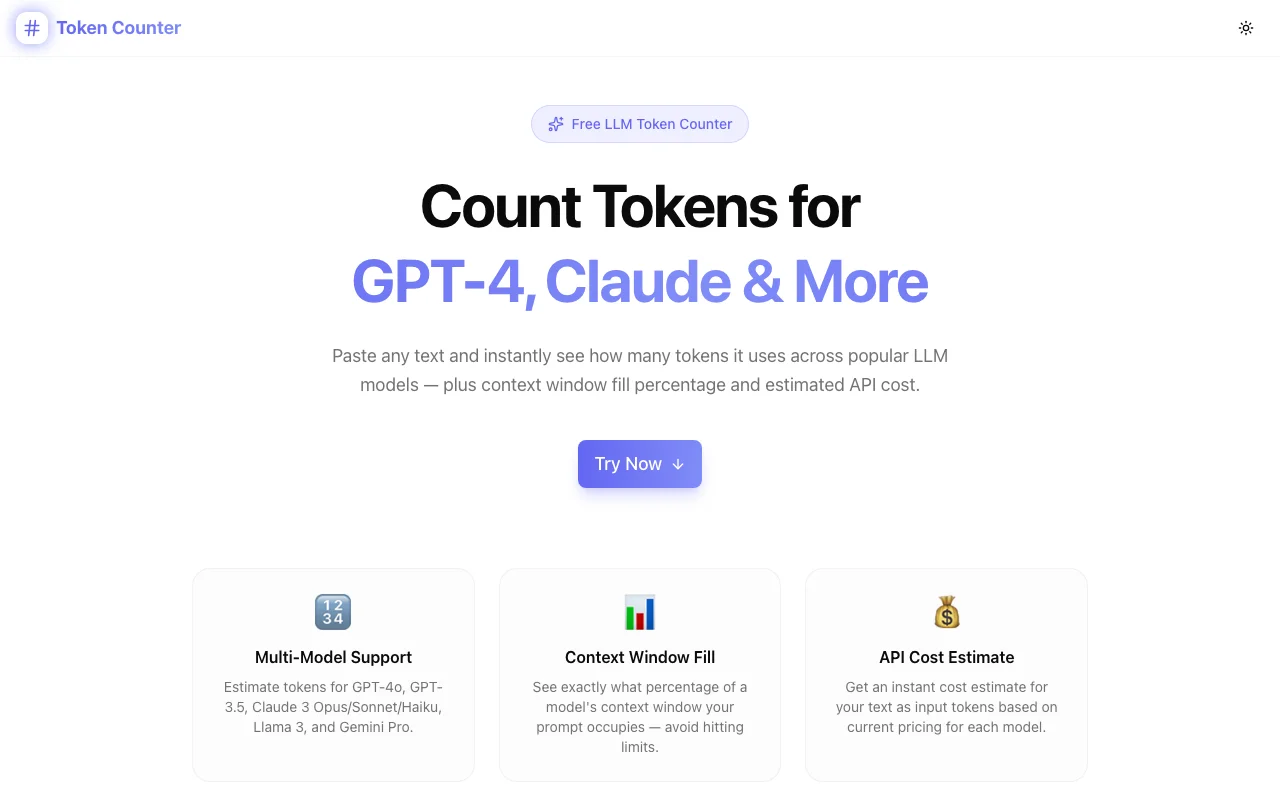
All of these are slow. Token Counter at token-counter.tools.jagodana.com gives you the number in under five seconds — paste text, see tokens, see context fill, see estimated cost.
What Is a Token in the Context of LLMs?
Tokens are the atomic units that language models process. A token is roughly 4 characters of English text, or ¾ of a word. But the mapping isn't uniform:
- Common short words: 1 token each ("the", "is", "and")
- Longer words: 2–4 tokens ("tokenization" → ~3 tokens)
- Numbers and punctuation: 1 token each or more
- Code: often more tokens per visual character than prose
- Non-English text: often more tokens per word than English
This uneven mapping is why character or word counts are unreliable proxies for model limits. LLMs have hard token limits, not character limits. The GPT-4o context window is 128,000 tokens — not 128,000 words.
How Many Tokens Do Common Inputs Use?
A few reference points to build intuition:
| Content | Approximate Tokens | |---|---| | One sentence | 15–25 tokens | | One paragraph (100 words) | 130–150 tokens | | One page of text (~250 words) | 330–380 tokens | | A short blog post (~1,000 words) | 1,300–1,500 tokens | | A long document (~5,000 words) | 6,500–7,500 tokens | | A full novel (~80,000 words) | ~105,000 tokens | | GPT-4o context limit | 128,000 tokens | | Claude 3 Opus context limit | 200,000 tokens |
These are English-prose estimates. Code, JSON, and structured data often tokenize differently.
Why Do Token Counts Matter for LLM Development?
Context Window Management
Every LLM has a maximum context window — the total tokens it can process in a single API call, counting both your input and its output. Exceed it, and the API returns an error. Approach it, and you leave no room for the model's response.
Knowing your token count upfront lets you:
- Decide whether to truncate, summarize, or chunk a document
- Leave headroom for a long expected response
- Choose the right model for the input size (Claude's 200k window vs. GPT-3.5's 16k)
API Cost Estimation
Every major LLM API bills per token. Input tokens are typically cheaper than output tokens, but input costs add up at scale. A document that's 2,000 input tokens processed 10,000 times per day is 20 million tokens daily — at GPT-4o's $5/1M rate, that's $100/day, $3,000/month.
Knowing the token count of a representative input lets you:
- Estimate monthly costs before committing to a model
- Compare models not just on capability but on cost per document
- Set budget alerts at the right threshold
RAG Chunk Sizing
Retrieval-Augmented Generation (RAG) systems split documents into chunks before embedding and retrieval. Chunks that are too large waste context window space; chunks that are too small lose semantic coherence.
Common chunk targets: 256, 512, or 1,024 tokens. The token counter lets you paste a candidate chunk and verify it's in range before building the chunking pipeline.
How Does Token Counter Work?
The BPE Approximation
Modern LLMs use Byte Pair Encoding (BPE) tokenizers — they split text into vocabulary units that appear frequently together. OpenAI's cl100k_base tokenizer (used by GPT-4 and GPT-3.5) has 100,277 tokens in its vocabulary.
Token Counter uses a BPE approximation calibrated against cl100k_base:
- Split text into words on whitespace
- Estimate tokens per word based on character length:
- ≤4 characters → 1 token
- 5–8 characters → 2 tokens
- 9+ characters →
ceil(length / 4)tokens
- Add 1 token for punctuation clusters attached to each word
- Return total — accurate to ±3–5% for typical English prose
For Claude and Llama, the same approximation applies. Their tokenizers are semantically similar enough to cl100k_base that the error range stays within ±5% for English content.
What Models Are Supported?
| Model | Context Window | Input Price | |---|---|---| | GPT-4o | 128,000 tokens | $5/1M tokens | | GPT-4 Turbo | 128,000 tokens | $10/1M tokens | | GPT-3.5 Turbo | 16,385 tokens | $0.50/1M tokens | | Claude 3 Opus | 200,000 tokens | $15/1M tokens | | Claude 3 Sonnet | 200,000 tokens | $3/1M tokens | | Claude 3 Haiku | 200,000 tokens | $0.80/1M tokens | | Llama 3 70B | 131,072 tokens | $0.59/1M tokens | | Llama 3 8B | 131,072 tokens | $0.06/1M tokens | | Gemini 1.5 Pro | 1,048,576 tokens | $3.50/1M tokens |
How Do I Use Token Counter?
Step 1: Paste Your Text
Open token-counter.tools.jagodana.com and paste any text into the input box — a prompt, a document, a conversation history, a code snippet. The counter updates in real time.
Step 2: Choose a Model
Select the model you're targeting from the dropdown. The context window fill bar and cost estimate update immediately based on your selection.
Step 3: Read the Results
The stats panel shows:
- Token count — estimated BPE tokens
- Word count — standard word count
- Character count — raw characters
- Estimated cost — USD input cost at current rates
The context window fill bar shows how much of the model's window your text occupies. If it turns amber, you're over 80% — the model's response will have limited room.
Step 4: Compare Across Models (Optional)
The comparison table below the main stats shows all supported models side-by-side. This is useful when you're deciding which model to use for a given input size — you might see that your 5,000-token document costs $0.025 with GPT-4o, $0.004 with Claude Haiku, and $0.003 with Llama 3 8B.
Common Questions About LLM Token Counting
Does the token count differ between models?
Yes, but modestly for English text. The BPE vocabulary varies between models, so the same text might be 1,000 tokens in GPT-4o and 1,020 tokens in Llama 3. This tool uses a common approximation that keeps the error within ±5% for all supported models.
How accurate is this tool compared to the official tokenizer?
For typical English prose, the approximation is within ±3–5% of OpenAI's tiktoken library. For code, JSON, and non-English text, variance can be higher (up to ±10%). For exact counts in production, use the provider's official tokenizer API.
Is my text stored or sent anywhere?
No. All processing happens in your browser using JavaScript. Your text never leaves your device — no server, no API, no logging. You can use this tool with confidential content without concerns.
Do token costs include output tokens?
No — this tool estimates input token cost only. Output tokens are billed separately and typically at 2–4x the input rate (varies by model). For total cost estimation, add your expected average output token count.
What is a context window, and why does it matter?
The context window is the maximum number of tokens a model can process in a single API call. This includes your system prompt, the user message, any retrieved documents (in a RAG system), and the model's response. Exceeding it causes an API error; approaching it leaves the model little room to respond fully.
Is a Token Counter the Right Tool for You?
Use Token Counter if you're:
- Building an AI feature and need to size your prompts before going to production
- Running a batch processing job and want a cost estimate before committing
- Debugging a
context_length_exceedederror and need to know how far over you are - Designing a RAG chunking strategy and need to verify chunk sizes
- Evaluating LLM providers and want to compare token costs across models
No install, no account, no API key required. Bookmark it and come back every time you need a number.
Try Token Counter: token-counter.tools.jagodana.com
GitHub: github.com/Jagodana-Studio-Private-Limited/token-counter