UTM Builder: Build Campaign Tracking URLs Instantly
Free UTM URL builder for Google Analytics and GA4 — fill in your source, medium, and campaign, pick a preset, and copy the tracking link in seconds. No login, 100% browser-based.
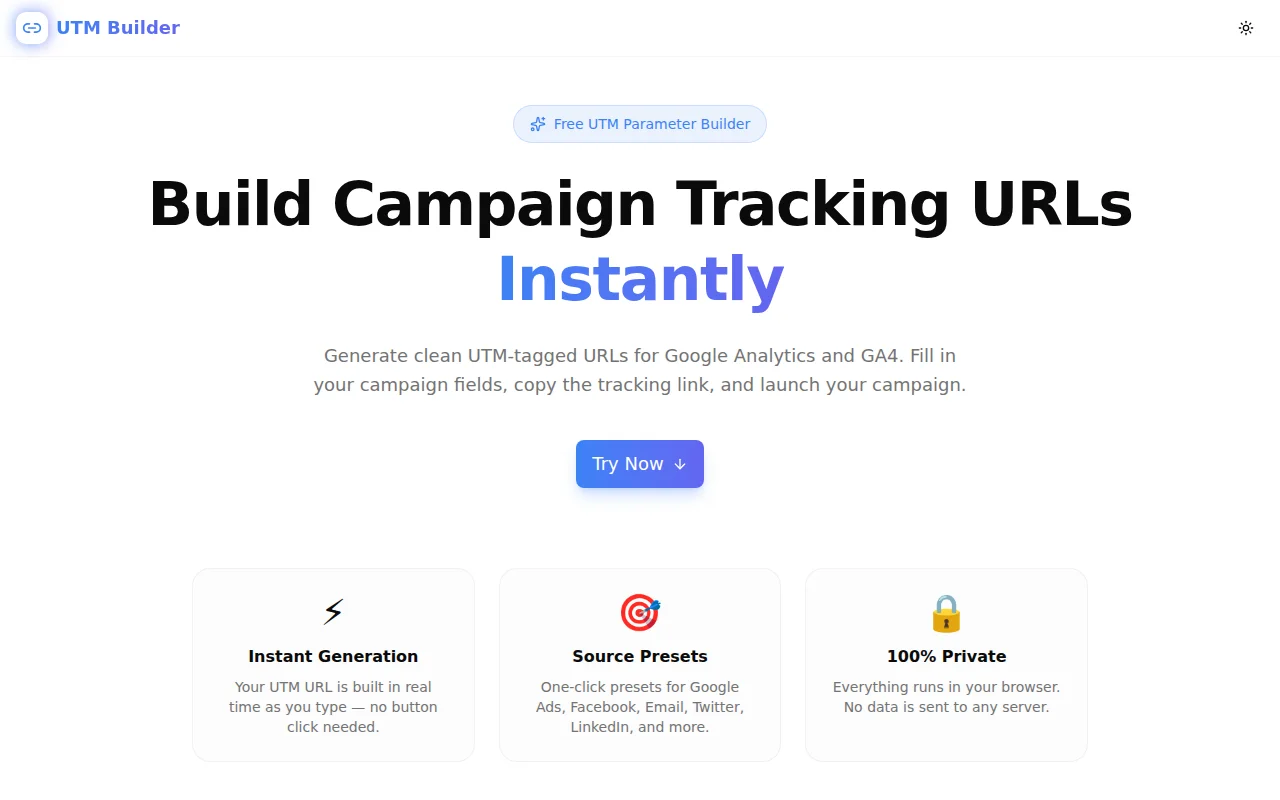
UTM Builder: Build Campaign Tracking URLs Instantly
You launch a campaign. Traffic spikes. Google Analytics shows a surge in sessions.
Then you look at the source breakdown: 80% is "Direct."
That means your users are coming from somewhere — an email, a LinkedIn post, a paid ad — but without UTM parameters on your links, Analytics has no idea where. The conversion happened, but you can't attribute it, can't prove ROI, and can't replicate it.
UTM Builder at utm-builder.tools.jagodana.com fixes that. Fill in your fields, copy the tagged URL, launch your campaign — all in under a minute.
What Are UTM Parameters?
UTM parameters are query string tags you add to URLs. They tell Google Analytics (both Universal Analytics and GA4) exactly where a visitor came from.
The five standard parameters:
| Parameter | Purpose | Example |
|-----------|---------|---------|
| utm_source | Who sent the traffic | google, newsletter, facebook |
| utm_medium | What marketing channel | cpc, email, social |
| utm_campaign | Which campaign | spring-launch-2026 |
| utm_term | Which keyword (paid search) | utm+builder+free |
| utm_content | Which creative/link variant | cta-button, banner-top |
A complete UTM URL looks like this:
https://yoursite.com/pricing?utm_source=newsletter&utm_medium=email&utm_campaign=spring-launch-2026&utm_content=cta-button
The first three are required. The last two are optional but useful for granular attribution.
Why Do UTM Parameters Matter?
Without UTM tags, attribution is broken
Google Analytics uses the HTTP Referer header to infer source. But:
- Email clients strip referrer headers — so email traffic shows up as "Direct"
- HTTPS → HTTP redirects drop referrer — so partner site traffic vanishes
- Social apps (Facebook, Instagram, Twitter mobile apps) often block referrers
- Dark social (messaging apps, Slack, WhatsApp links) has no referrer at all
Without UTM tags on every campaign link, a significant portion of your actual marketing-driven traffic is invisible or misattributed.
With UTM tags, you can answer real questions
- Which subject line drove the most signups?
- Is LinkedIn CPL better than Google Ads for our offer?
- Did the Q2 email nurture sequence actually influence conversions?
- Which banner creative outperformed the others?
UTM attribution makes these questions answerable in GA4 without any custom event tracking.
How Does UTM Builder Work?
Step 1: Enter the destination URL
Paste in the full URL of the page you want to track — your landing page, pricing page, product page, or any destination. The tool handles existing query parameters gracefully (it won't break a URL that already has ?ref=partner).
Step 2: Fill in your campaign fields
Three required fields:
- utm_source — the specific origin of the traffic
- utm_medium — the channel category
- utm_campaign — the campaign name
Two optional fields:
- utm_term — the paid keyword (Google Ads only, mostly)
- utm_content — the creative or link variant
The live preview below the form updates as you type — you see the exact URL that will be used.
Step 3: Use a source preset (optional but fast)
Click one of the eight source presets — Google Ads, Facebook, Email, Twitter/X, LinkedIn, Instagram, YouTube, or Organic — to fill both utm_source and utm_medium with the conventional values in one click.
This matters because consistency is critical. If your team uses email as the medium in some campaigns and e-mail in others, GA4 treats them as two different channels. Presets enforce the conventional values that analytics tools expect.
Step 4: Copy the tracking URL
Click "Copy URL" and the full UTM-tagged URL is in your clipboard, ready to paste into your email campaign, ad platform, social post, or spreadsheet.
What Source and Medium Values Should You Use?
This is the most common UTM mistake: inconsistent naming. Use these conventional values:
utm_source
google— Google Ads, Google Shoppingbing— Microsoft Adsfacebook— Facebook and Instagram Ads (Meta)instagram— Organic Instagramtwitter— Twitter/X (paid or organic)linkedin— LinkedIn (paid or organic)newsletter— Email newsletterspartner— Referral partnerships (customise per partner)
utm_medium
cpc— Cost-per-click paid ads (Google Ads, Bing)paid-social— Paid social ads (Facebook, LinkedIn, Twitter)social— Organic social postsemail— All email campaignsdisplay— Display/banner advertisingvideo— YouTube and video adsorganic— SEO (though GA4 usually infers this)referral— Partner websites
Common UTM Mistakes to Avoid
1. Inconsistent capitalisation
GA4 is case-sensitive. Facebook, facebook, and FACEBOOK are three different sources in your reports. Always use lowercase.
2. Spaces in values
Spaces get URL-encoded as %20 or +. This works, but it's messy. Use hyphens instead: spring-launch not spring launch. UTM Builder uses the URL API which handles encoding correctly, but keeping your own values hyphen-case prevents surprises.
3. Missing utm_campaign
Some teams skip utm_campaign when they "only have one campaign running." Then six months later, they want to compare Q1 vs Q2 performance and the data is unusable. Always name your campaigns.
4. Tagging your homepage
UTM parameters are for traffic source attribution, not page tracking. Don't add UTM tags to internal links — that will incorrectly re-attribute a session's source mid-journey.
5. Different team members using different values
If marketing uses fb and the paid team uses facebook, your Facebook reports are split. Document your naming convention in a shared spreadsheet, or use a tool like UTM Builder with presets to enforce consistency.
UTM Builder vs. Alternatives
How does UTM Builder compare to Google's Campaign URL Builder?
Google's Campaign URL Builder requires navigating to a separate Google properties page and doesn't have source presets. UTM Builder is available at a permanent URL, shows the output in real time as you type, and includes one-click presets for the most common sources. Both output identical UTM URLs — the difference is speed and convenience.
Should I use a spreadsheet template instead?
Spreadsheet templates are useful for bulk URL generation (100+ links for a large campaign). For day-to-day use — building one UTM URL for an email or social post — a web tool is faster. Spreadsheets also require manual URL encoding and are prone to formatting errors when shared across a team.
Does UTM Builder store my URLs?
No. Everything runs entirely in your browser. Your destination URLs, campaign names, and parameters are never sent to any server. Close the tab and they're gone.
Integrating UTM Tracking Into Your Workflow
Email marketing
Always add UTM parameters to every link in every email. At minimum: utm_source=newsletter, utm_medium=email, utm_campaign=<campaign-name>. Add utm_content when an email has multiple links pointing to the same destination.
Social media
For organic posts, add UTM tags to the link you're sharing. For paid social, most ad platforms (Meta Ads, LinkedIn Ads) have built-in UTM parameter fields — use those rather than hand-crafting URLs, so impressions and clicks are tracked alongside UTM data.
Content and SEO
For guest posts, podcast show notes, and press mentions, create a unique utm_source per publication. This turns your backlink profile into an attribution dashboard — you'll know which publications actually drive traffic and conversions, not just which ones rank well for domain authority.
Affiliate programs
Give each affiliate their own utm_source=<affiliate-name> rather than relying on a shared link or redirect. GA4 shows attribution directly without requiring a third-party affiliate platform for conversion reporting.
Try It Now
Stop letting campaign traffic hide in "Direct." Tag every link before it goes out.
👉 utm-builder.tools.jagodana.com
Fill in your fields, pick a preset, copy the URL. It takes under a minute.
UTM Builder is part of the 365 Tools Challenge — a new free developer and marketing tool every day from Jagodana Studio.