JSON to TypeScript: Instantly Generate TypeScript Interfaces from Any JSON
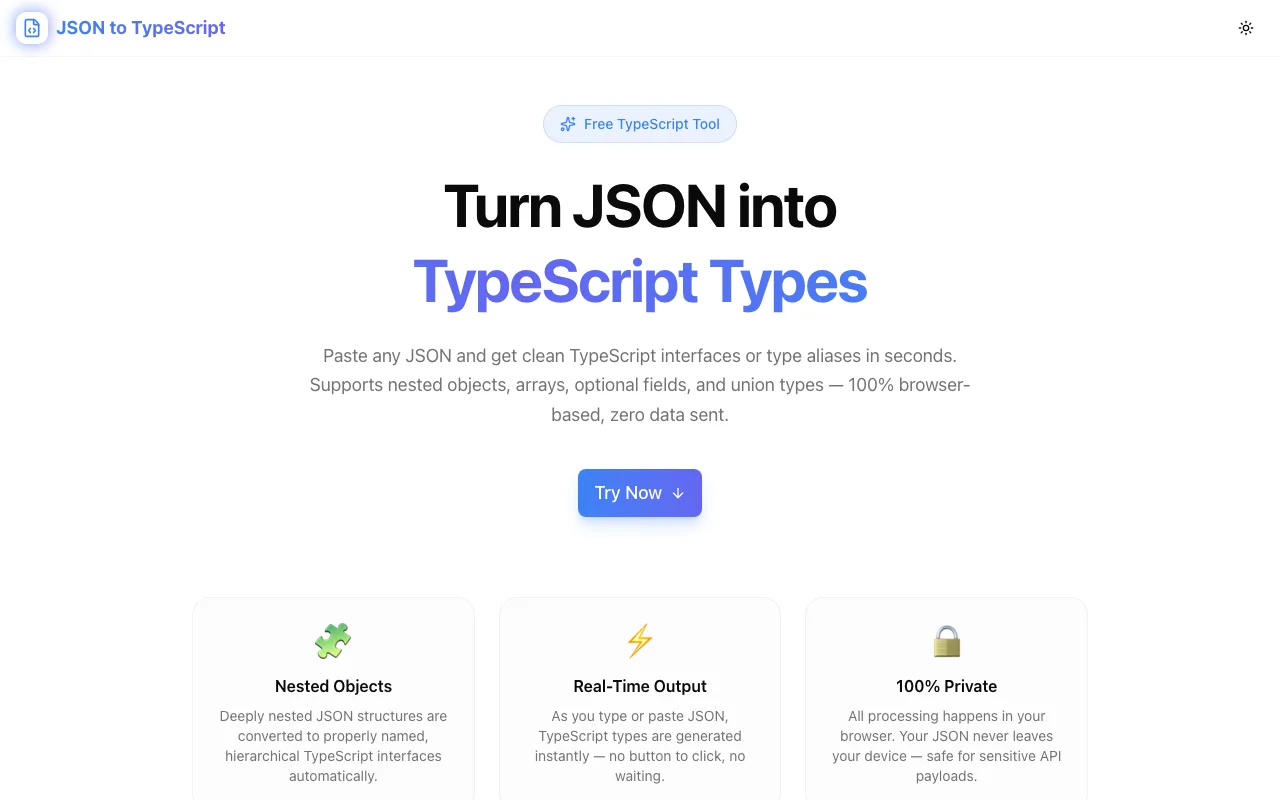
Stop writing TypeScript interfaces by hand. Paste any JSON object and get clean, export-ready TypeScript types in seconds — free, client-side, no signup required.
JSON to TypeScript: Instantly Generate TypeScript Interfaces from Any JSON
If you've written TypeScript for more than a week, you know the ritual. You call an API, inspect the response in the browser DevTools, and then manually transcribe it into a TypeScript interface. interface User { id: number; name: string; email: string; ... }. Field by field. Camel case. Nested objects need their own interfaces. Arrays need element types. Half an hour later you have something that works — until the API adds a new field and you have to update it again.
We built JSON to TypeScript to eliminate this entirely. Paste JSON, get TypeScript. Instantly, in your browser, for free.
The Problem with Hand-Written Interfaces
Writing TypeScript interfaces from JSON responses seems like a small problem. It isn't.
It's repetitive. Every new API endpoint, every webhook payload, every database record — they all need type definitions. The process is identical every time. You're not thinking; you're transcribing. That's a job for a computer.
It introduces errors. When you manually type isActive: string when you meant isActive: boolean, TypeScript will catch it — but only after you've wasted time debugging why your code doesn't work. Or worse, you copy-paste an old interface and miss that the new API uses user_id instead of id.
It doesn't scale. A JSON response with 5 keys is annoying. One with 50 keys across 4 nesting levels is genuinely painful. And when your team has 20 endpoints to type before shipping, manual interface writing becomes a real velocity killer.
It's boring. You chose TypeScript because it makes you a better developer. Writing boilerplate is the opposite of that.
How the JSON to TypeScript Tool Works
The tool is a split-panel interface: JSON on the left, TypeScript on the right. You paste, it converts. As you edit the JSON, the TypeScript updates in real time.
Step 1: Paste Your JSON
Drop in any valid JSON — API responses, webhook payloads, config files, database records. The tool validates your JSON live and shows errors inline if something is malformed.
{
  "user": {
    "id": "usr_01HX8K",
    "name": "Alice Johnson",
    "email": "alice@example.com",
    "plan": "pro",
    "createdAt": "2026-01-15T10:30:00Z",
    "billing": {
      "cardLast4": "4242",
      "nextBillingDate": "2026-05-15",
      "amount": 49.00
    }
  },
  "session": {
    "token": "eyJhbGci...",
    "expiresIn": 3600
  }
}
Step 2: Get TypeScript Instantly
The output panel immediately shows:
export interface Billing {
  cardLast4: string;
  nextBillingDate: string;
  amount: number;
}

export interface User {
  id: string;
  name: string;
  email: string;
  plan: string;
  createdAt: string;
  billing: Billing;
}

export interface Session {
  token: string;
  expiresIn: number;
}

export interface Root {
  user: User;
  session: Session;
}
Step 3: Copy and Use
Click the Copy TypeScript Types button and paste into your project. Done.
What Makes This Tool Different
Real-Time Conversion
There's no "Convert" button to click. The output updates instantly as you edit the input. This is important when you're working with messy JSON and cleaning it up as you go — you see the TypeScript evolve in real time.
Intelligent Nested Object Extraction
When a JSON property contains an object, the tool extracts it into a properly named, separate interface rather than inlining it. The name is derived from the property key using PascalCase:
billing→BillinguserProfile→UserProfileshippingAddress→ShippingAddress
This produces idiomatic TypeScript — not the deeply nested anonymous types you'd get from a naive implementation.
Array Type Handling
Arrays of objects get a typed element interface plus a typed array reference:
{ "orders": [{ "id": 1, "total": 49.99 }] }Becomes:
interface Order {
  id: number;
  total: number;
}

interface Root {
  orders: Order[];
}
Mixed-type arrays become union types: (string | number)[]. Empty arrays become unknown[] to avoid silently broken types.
Configurable Output
Four toggles give you control over the generated code:
| Option | What it does |
|--------|--------------|
| Interface | Uses interface Foo {} (default — works great for object shapes) |
| Type Alias | Uses type Foo = {} (useful when you need intersection types later) |
| Export | Adds export prefix — paste directly into a module file |
| Optional Props | Marks properties as key?: Type — useful for partial objects |
| Readonly | Adds readonly to all properties — great for config types |
You can also rename the root interface from the default "Root" to anything that fits your domain model.
Completely Private
Everything runs in your browser. Your JSON — including any sensitive user data, API keys embedded in responses, or internal system details — never leaves your machine. No server. No logs. No cookies.
This matters when you're working with real API responses from production systems. You should be able to paste a real Stripe webhook payload or a Salesforce record into your developer tools without worrying about where that data ends up.
Common Use Cases
Typing API Responses
The most common use. You're building a frontend that calls a REST API. The API doesn't have a TypeScript SDK. Paste a sample response, get your types.
curl https://api.example.com/users/me | pbcopyPaste into the tool → copy the interfaces → done.
Onboarding New APIs
Integrating an unfamiliar API? Grab the example responses from the documentation, paste them in, and you immediately have a typed model of the entire API surface. Great for building on top of OpenAI, Stripe, GitHub, Twilio, or any other platform API.
Generating Types for Configuration Files
JSON config files benefit from TypeScript types too. Paste your config.json, generate interface Config, and use it to validate your configuration at startup.
Documenting Data Shapes
TypeScript interfaces are a form of documentation. When you need to explain the shape of a webhook payload or an internal data transfer object to a teammate, a clean interface is clearer than raw JSON.
Code Review and Refactoring
Working on a codebase that has inline any types or undocumented JSON structures? Paste the actual data flowing through those types, generate proper interfaces, and replace the any types with something real.
TypeScript Type Inference: How It Works
The converter uses a set of inference rules to determine types:
| JSON value | TypeScript type |
|------------|-----------------|
| "hello" | string |
| 42, 3.14 | number |
| true, false | boolean |
| null | null |
| {} | Named interface |
| [] | unknown[] |
| ["a", "b"] | string[] |
| [1, "a"] | (number \| string)[] |
| [{}, {}] | NamedInterface[] |
This covers the vast majority of real-world JSON. There are edge cases — JSON doesn't distinguish between integers and floats (both are number), and string fields that contain dates or UUIDs could be string or a branded type — but for generating working interfaces, these rules produce correct output 99% of the time.
When to Use Interface vs Type Alias
Both interface Foo {} and type Foo = {} produce equivalent runtime behavior in TypeScript. The difference is in what you can do with them later:
Use interface when:
- You expect the type to be extended or implemented elsewhere
- You're defining the shape of a class
- You want declaration merging (rare, but sometimes useful in ambient declarations)
Use type when:
- You need to create a union or intersection type later (
type Result = Success | Error) - You're defining a primitive alias (
type UserId = string) - You prefer the explicit assignment syntax
For most API response types, either works. The tool defaults to interface but you can switch to type alias with one click.
JSON to TypeScript vs Alternatives
vs. Writing It By Hand
Obvious. The tool does it in under a second. You take minutes. The tool doesn't make typos.
vs. quicktype.io
quicktype is powerful but generates heavy, opinionated code with runtime validators and class-based models. Great for generated SDKs; overkill for typing a few API responses. JSON to TypeScript generates clean, minimal interfaces — exactly what you'd write by hand, but faster.
vs. json-schema-to-typescript
This npm package generates TypeScript from JSON Schema (not JSON). If you already have a schema, use it. If you have raw JSON, you'd need to first convert to schema (which adds a step). JSON to TypeScript skips the schema entirely.
vs. Your IDE's AI Autocomplete
Copilot and similar tools can sometimes generate interfaces from comments or context. But they hallucinate field names, get types wrong, and require a specific prompt format. The tool is deterministic — same JSON always produces the same TypeScript.
Building Better TypeScript Habits
Using a tool like this isn't just about saving time — it's about building the habit of typing your data.
When typing API responses is easy, you do it more. When you do it more, you catch more bugs at compile time instead of runtime. When you catch bugs at compile time, you ship fewer production issues. The ten seconds it takes to paste JSON and copy TypeScript pays back many times over in debugging time saved.
Start with your messiest, most untyped API integration. Paste the response. Generate the interface. Replace your any. Notice how much better IntelliSense becomes, how your editor starts catching real mistakes, how your code reviews get cleaner.
Then do it for the next one. And the next.
Generate your TypeScript interfaces now: json-to-typescript.tools.jagodana.com