Number Base Converter: Convert Binary, Hex, Octal, Decimal Instantly (Free Tool)
Free online number base converter — instantly convert any integer between binary (base 2), octal (base 8), decimal (base 10), hexadecimal (base 16), and custom bases up to 36. No signup, 100% client-side.
Number Base Converter: Convert Binary, Hex, Octal, Decimal Instantly
If you write code that touches memory addresses, network packets, bitmasks, or cryptographic values, you convert numbers between bases every day. The standard workflow — opening a Python REPL, typing bin(255), copying the result, forgetting the 0b prefix — works, but it's friction you shouldn't need.
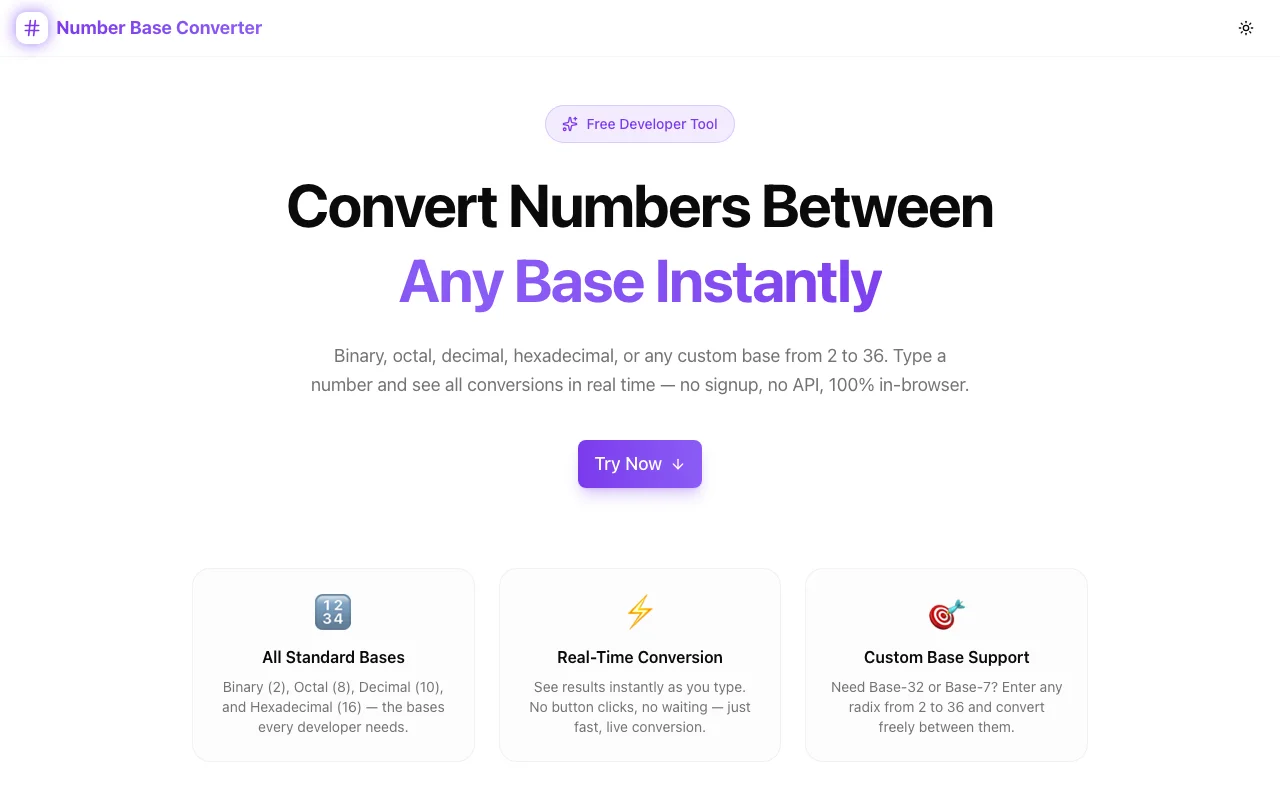
Number Base Converter shows all four standard bases simultaneously, updates in real time as you type, and lets you copy any result with one click. Plus custom bases up to 36 — because not every protocol uses hex.
Why Number Base Conversion Still Trips Developers Up
The four main numeral systems used in computing each have different valid characters, prefix conventions, and contexts:
| Base | Name | Digits | Common Use | |------|------|--------|------------| | 2 | Binary | 0–1 | Bitmasks, CPU instructions, boolean flags | | 8 | Octal | 0–7 | Unix file permissions (chmod 755) | | 10 | Decimal | 0–9 | Human-readable values, APIs | | 16 | Hexadecimal | 0–9, A–F | Memory addresses, colors, hashes |
The problem isn't that the math is hard — any calculator handles it. The problem is workflow friction: one tool at a time, one direction at a time, one base at a time.
Introducing Number Base Converter
Number Base Converter is a free browser tool by Jagodana that shows all four standard bases at once and updates every field the moment you type in any one of them.
Here's how it works:
- Type in any field — enter a value in binary, octal, decimal, or hex
- All others update instantly — real-time conversion, no submit button
- Add custom bases — need base 32 or base 36? Click "Add" and enter any base from 2 to 36
- Copy any result — one click copies the value you need
No server. No account. No rate limits.
Four Standard Bases, Always Visible
Most tools make you choose a source base, enter a value, choose a target, and click convert. This tool shows all four outputs simultaneously. You never have to repeat the conversion for a different format.
Enter 255 in the decimal field and immediately see:
- Binary:
11111111 - Octal:
377 - Decimal:
255 - Hex:
ff
Change any field and all others update to match.
Custom Base Support (2–36)
The four standard bases cover most cases, but some protocols and encoding schemes use others:
- Base 32 — used in RFC 4648 encoding (TOTP secrets, S3 keys)
- Base 36 — alphanumeric (0–9, a–z), common in URL shorteners and ID schemes
- Base 3 — ternary, used in some specialized computing systems
- Base 12 — duodecimal, occasionally used in academic contexts
Click "Add", enter the base number, and a new conversion field appears alongside the standard ones. Remove it when you're done.
BigInt Precision — No Floating-Point Surprises
Most online base converters use JavaScript's standard Number type, which loses precision for integers larger than 2^53 − 1 (9,007,199,254,740,991). That's fine for most everyday values, but it fails for:
- 64-bit memory addresses (
0xFFFFFFFFFFFFFFFF) - Full 256-bit cryptographic hashes
- Large bitmask combinations
This tool uses JavaScript's native BigInt for all arithmetic. No floating-point rounding. No silent precision loss.
Common Use Cases
Bitmask Debugging
You're reading a status register and need to check which bits are set. Enter the hex value — see the binary representation immediately. No mental arithmetic required.
hex: a3
binary: 10100011  ← bits 0, 1, 5, 7 are set
Unix File Permissions
chmod 755 makes sense in octal. But what exactly does it allow? Enter 755 in the octal field:
octal: 755
binary: 111 101 101  ← rwx r-x r-x
decimal: 493
Memory Address Conversion
Debugging a segfault? Your crash dump shows 0xdeadbeef. Enter it in hex:
hex: deadbeef
decimal: 3,735,928,559
binary: 11011110101011011011111011101111
IP Address Octets
Each octet in an IPv4 address is one byte (0–255). Enter 192 in decimal to see the binary representation used in subnet mask calculations:
decimal: 192
binary: 11000000  ← first two bits set → /2 block
Color Values
CSS hex colors are three bytes — one each for R, G, B. #FF8C00 is orange:
hex: ff → decimal: 255 → binary: 11111111 (full red)
hex: 8c → decimal: 140 → binary: 10001100 (medium green)
hex: 00 → decimal: 0   → binary: 00000000 (no blue)
Quick Reference: Number System Basics
Binary (Base 2) Uses only 0 and 1. Each digit represents one bit. 8 digits = 1 byte. Right to left, each position is a power of 2: 1, 2, 4, 8, 16, 32, 64, 128.
Octal (Base 8) Uses digits 0–7. Historically used in Unix systems. One octal digit represents exactly 3 binary digits — convenient for reading bitmasks in groups of three.
Decimal (Base 10) The standard human-readable number system. Most API documentation, user interfaces, and database values use decimal.
Hexadecimal (Base 16) Uses digits 0–9 and letters A–F. One hex digit = 4 bits. Two hex digits = 1 byte. This makes hex ideal for representing binary data in a compact, human-readable form.
How to Convert Between Bases Without a Tool
For completeness — here's the manual approach:
Decimal to Binary: Repeatedly divide by 2, record remainders bottom-to-top.
42 ÷ 2 = 21 R 0
21 ÷ 2 = 10 R 1
10 ÷ 2 = 5  R 0
5  ÷ 2 = 2  R 1
2  ÷ 2 = 1  R 0
1  ÷ 2 = 0  R 1
Result: 101010
Hex to Decimal: Multiply each digit by its positional power of 16.
0xFF = 15×16¹ + 15×16⁰ = 240 + 15 = 255
Doing this by hand works — once or twice. For the fifteenth time today, use the tool.
Try It Now
number-base-converter.tools.jagodana.com — free, instant, no account required.
Type a number in any field. All bases appear immediately. Add a custom base if you need it. Copy any result with one click.
Built by Jagodana as part of the 365 Tools Challenge — one useful developer tool every day.